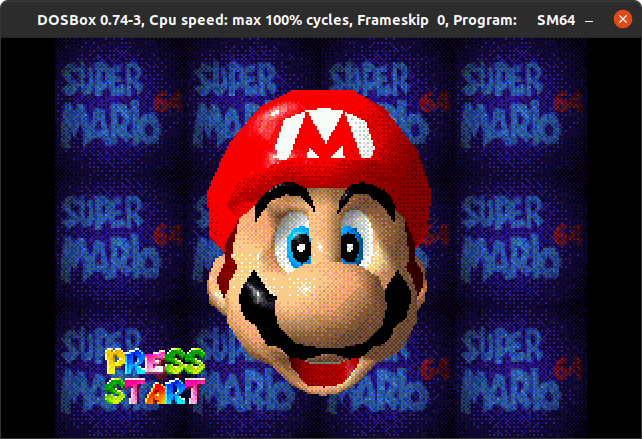
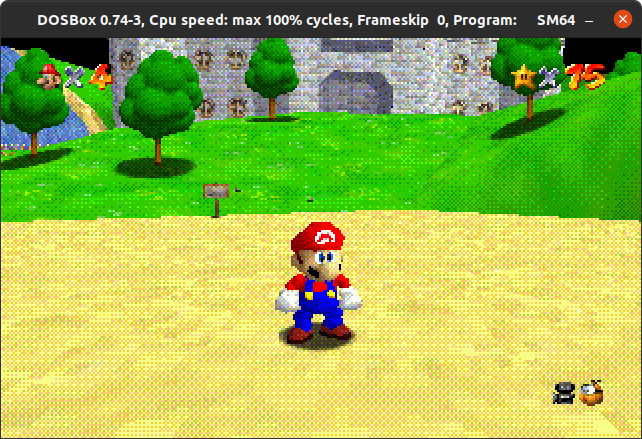
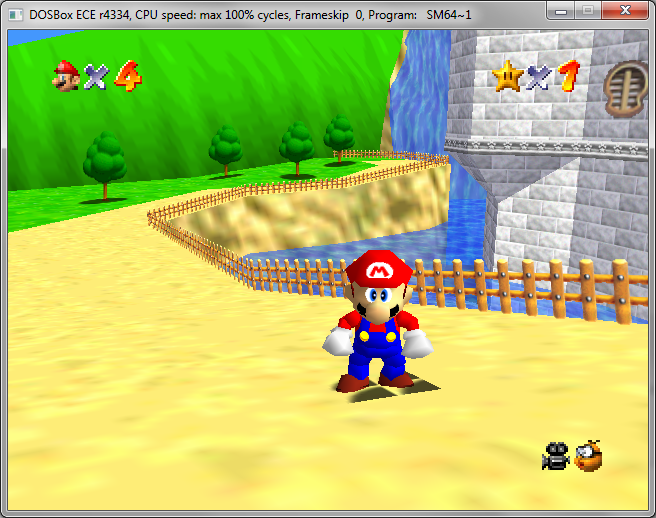
This is a novelty port of the sm64-port to DOS. Do not expect it to be playable.
Simply go on this webpage and follow the instructions: https://colab.research.google.com/drive/1VgF2-VJVLJ9UTT-Obo-bP5p_kpP4D49H?usp=sharing
- Install Docker
- Build image:
docker build . -t sm64_dos - Run build:
docker run --rm --mount type=bind,source="$(pwd)",destination=/sm64 -ti sm64_dos make -j4 ENABLE_OPENGL_LEGACY=1
Consult the Dockerfile for required libraries and steps.
For best performance:
- Use
ENABLE_OPENGL_LEGACY=1to enable the legacy OpenGL renderer - Use
DOS_GL=dmesato enable 3Dfx-backed OpenGL instead of software-backed (this only works with legacy OpenGL!) - Set
draw_skytofalseinSM64CONF.TXTto avoid drawing the skybox (saves a lot of cycles in software mode) - Set
texture_filteringtofalseinSM64CONF.TXTto disable linear filtering (saves a lot of cycles in software mode) - Set
enable_soundtofalseinSM64CONF.TXTto disable sound (saves your ears from an untimely death and some cycles too) - Set
enable_fogtofalseto disable fog (saves a tiny bit)
You can change the maximum amount of skipped frames by changing frameskip in SM64CONF.TXT.
You can change the resolution by changing screen_width, screen_height.
In software mode the only resolutions that will work are 320x200 (mode 13h) and 320x240 (mode X). In 3DFX mode the list of supported resolutions depends on the card, 640x480 is a safe value.
Use ENABLE_SOFTRAST=1 to enable the experimental custom software renderer. It can be faster than DOS_GL=osmesa in some cases, but might be much more buggy.
When DOS_GL is set to dmesa, the game will render using FXMesa, which uses 3Dfx Glide for rendering.
That means you will need a 3Dfx card (Voodoo II and above recommended, but will run on a Voodoo I probably) and appropriate
drivers to run it.
The drivers can be obtained from this repository (see this file). Put the appropriate
glide3x.dxe file next to the EXE.
When running Windows 9x, you will have to reboot into DOS mode before running the game for this to work.
dosbox-x and PCem can emulate Voodoo cards for testing purposes.
- You'll need a copy of CWSDPMI.EXE alongside the executable.
- Either
cp build/us_dos/sm64.us.f3dex2e.exe .or symlinkln -s build/us_dos/sm64.us.f3dex2e.exe sm64.exe - Run with
dosbox sm64.exeor try on some real hardware.
Controls can be edited as per the PC port, tweak the SM64CONF.TXT which is created with defaults upon first run.
sm64
├── actors: object behaviors, geo layout, and display lists
├── asm: handwritten assembly code, rom header
│   └── non_matchings: asm for non-matching sections
├── assets: animation and demo data
│   ├── anims: animation data
│   └── demos: demo data
├── bin: C files for ordering display lists and textures
├── build: output directory
├── data: behavior scripts, misc. data
├── doxygen: documentation infrastructure
├── enhancements: example source modifications
├── include: header files
├── levels: level scripts, geo layout, and display lists
├── lib: SDK library code and third party libraries
├── rsp: audio and Fast3D RSP assembly code
├── sound: sequences, sound samples, and sound banks
├── src: C source code for game
│   ├── audio: audio code
│   ├── buffers: stacks, heaps, and task buffers
│   ├── engine: script processing engines and utils
│   ├── game: behaviors and rest of game source
│   ├── goddard: Mario intro screen
│   ├── menu: title screen and file, act, and debug level selection menus
│   └── pc: port code, audio and video renderer
├── text: dialog, level names, act names
├── textures: skybox and generic texture data
└── tools: build tools
- mkst: initial DOS port
- Bisqwit: DJGPP OSMesa binaries, dithering code
- Q2DOS project: FXMesa/DMesa binaries and code
Pull requests are welcome. For major changes, please open an issue first to discuss what you would like to change.
Official Discord: https://discord.gg/7bcNTPK