This is Day 3 of my 30-Day React Relearning Journey. The focus of this project is to:
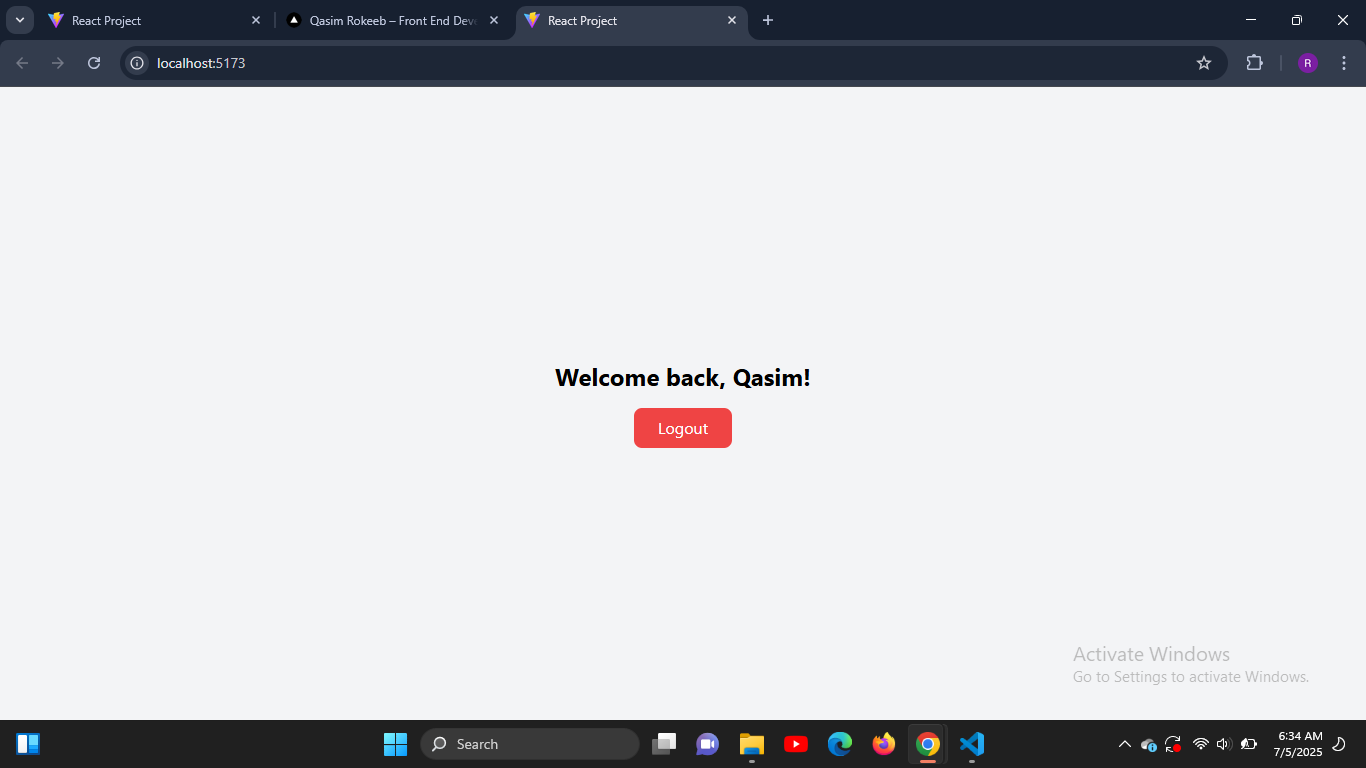
- Practice conditional rendering in React
- Use
useStateto toggle login status - Build a UI that changes based on the component state
- Style dynamic states using Tailwind CSS
✅ How to use useState to track login state
✅ How to apply conditional rendering using ternary operators
✅ How to change component output and styling dynamically
✅ Importance of managing simple boolean state in UI
✅ Better understanding of real-world login flows
- React (JavaScript)
- Vite
- Tailwind CSS
- Github
- Vscode
git clone https://github.com/Qasim-Rokeeb/login-toggle-app.git
cd login-toggle-app
npm install
npm run devThis project is deployed on Vercel — Live Link
Tomorrow (Day 4), I’ll learn about lifting state up by building a Two-Way Binding Form with shared parent-child communication.
Stay tuned!
- 🔗 Portfolio: qasimrokeeb.vercel.app
- 🐦 Twitter: @qasimrokeeb
- 💻 GitHub: Qasim-Rokeeb
Made with 💻 by Qasim Rokeeb