One of the biggest hurdles that teams face when collaborating on projects together is ensuring everyone is synced up in terms of a common development environment. More specifically, ensuring the team is using the required software versions, packages and library dependencies. Manually managing these requirements can be a time sink, a valuable commodity that we all never have enough of, can feel a bit like the following xkcd comic:
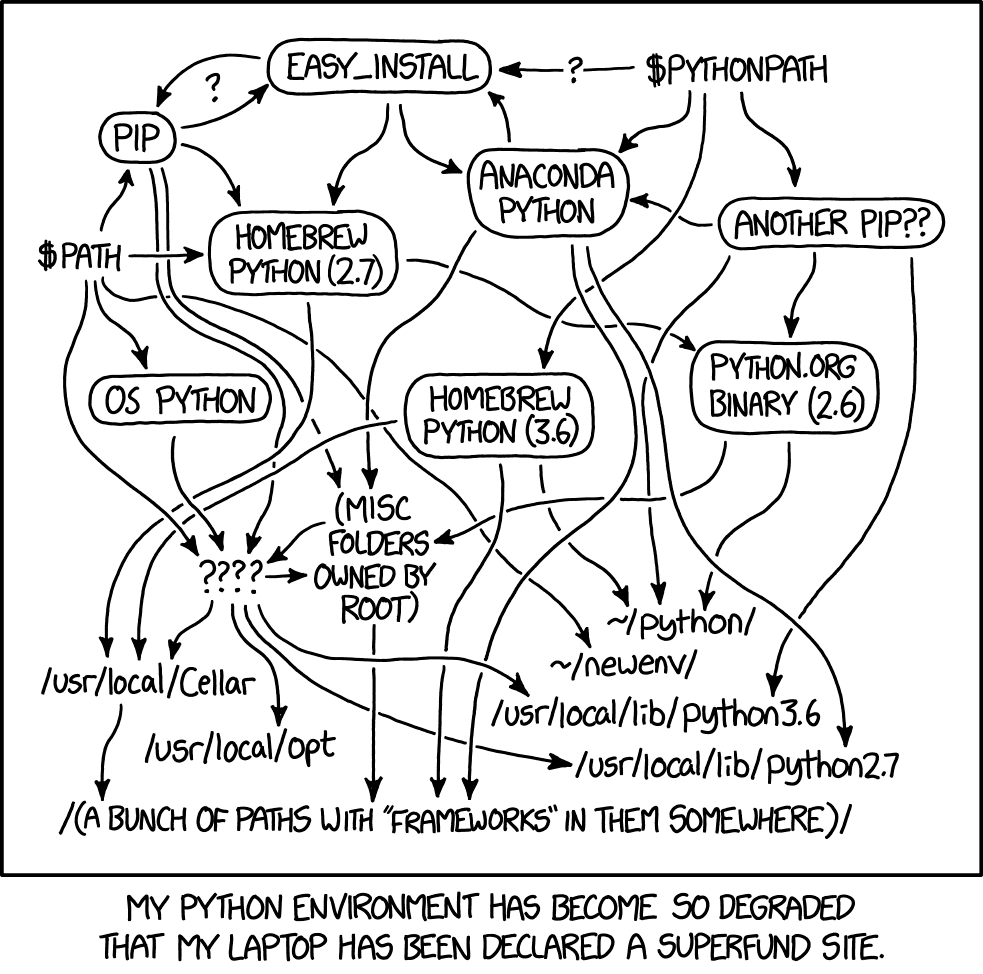
Two tools, pyenv-win and Poetry, can help manage a python codebase for more streamlined collaborative development.
pyenv-win is a Python version management tool for Windows, that enables the end user to install, set, and switch between multiple versions of Python. Since it is not reliant on Python, there is no need to worry about which version of python is install on your machine.
Poetry helps you declare, manage and install dependencies of Python projects, ensuring you have the right stack everywhere. Instead of installing packages through the typical pip command, Poetry manages the dependencies for us at a project level with a simple pyproject.toml based project format.
Note: For more info on how the backend implementation for Poetry was proposed, see PEP 517.
The overall goal of the install_python_development_env PowerShell script is to automate the installation of these dependency management tools. See the guide below for more info on how to run the script on Windows.
-
Clone dev.env repo down to your local machine if it hasn't already.
-
Open PowerShell and change the Current Working Directory (CWD) to Python\Installing Python folder.
👀 ProTip: You can open PowerShell directly from the Installing Python folder in File Explorer by typing PowerShell in the address bar or
Shift + Right Clickin File Explorer. -
Running the following command starts the installation process, beginning with pyenv-win.
.\install_python_development_env.ps1Note: If pyenv-win has already been installed, the installer will check for updates.
- Following the installation of pyenv-win, you'll be prompted to optionally specify a version of Python to install. Otherwise, press
Enter.
After Poetry is installed, you'll find a printout out containing details about the current python environment as well as a list of commands that each tool can run through CLI (command line interface).
Note: If Poetry has already been installed, the installer will check for updates.
-
Visit the documentation for more information on using Poetry, how it manages project library dependencies and much more.
-
Visit the pyenv-win documentation for additional details about the commands and its usage.