Update 2022/12/24: Heroku stopped offering a free tier since November, so I changed to deploying my app using cyclic.
- Project link: https://strange-pink-zebra.cyclic.app/
- This is a personal blog project developed by node.js, ejs and connected with mongodb and deployed at Heroku to run applications entirely in the cloud.
- It implement the function add article, delete article and store the article in the mongodb.
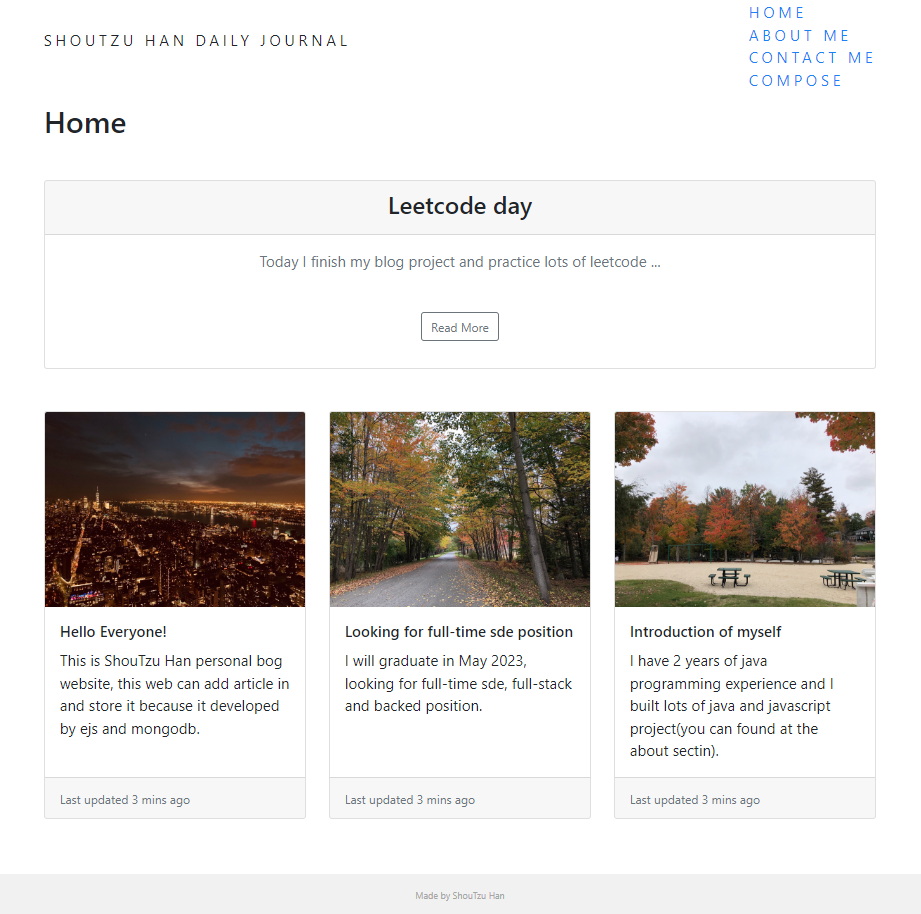
- template(every node.js project need it to connect to database)
const express = require("express");
const bodyParser = require("body-parser");
const ejs = require("ejs");
const mongoose = require('mongoose');

// for render ejs page
const homeStartingContent = "";
const aboutContent = "";
const contactContent = "";

const app = express();

app.set('view engine', 'ejs');

app.use(bodyParser.urlencoded({
  extended: true
}));
app.use(express.static("public"));

// connect with mongoose MongoDB
mongoose.connect("mongodb+srv://123:123@cluster0.jnxzx3s.mongodb.net/blogDB", {
  useNewUrlParser: true
});


const postSchema = {
  title: String,
  content: String
};

const Post = mongoose.model("Post", postSchema);

// add some get, post request here


// list on local host 3000(website) for connection
app.listen(process.env.PORT || 3000, function () {

  console.log("Server started on port 3000");

});- This project has function below
- (get request)render home page(root page)
- (get request)render about page
- (get request)render contact page
- (get request)render compose page
- (get request)render every differnt post by use their id
- (post request)save the post in the compose page and render back to the home page
- (post request)delete the post in the compose page and redirect back to home page
- (listen request)call back function from the port 3000 to check connection is successfully
- Use ejs to decrease the same html code
- we can use ejs to seperate header and footer because they are the same in every page
- In ejs, we need to add <%= xxx %> for javascript code
- and <%- include("partials/header"); -%> to include the same page
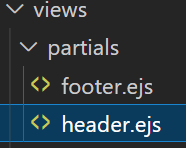
- Building the css framework is the part I most like because use bootstrap it's so easy to get the beautiful layout.
- One problem is that because the footer position is absoulte
- so if I make the class card has the margin-left:10% and margin-right:10%
- the footer will move to right and left side has lots of white space
- so the class can not have the margin-left and margin-right if the footer position is absoulte
-
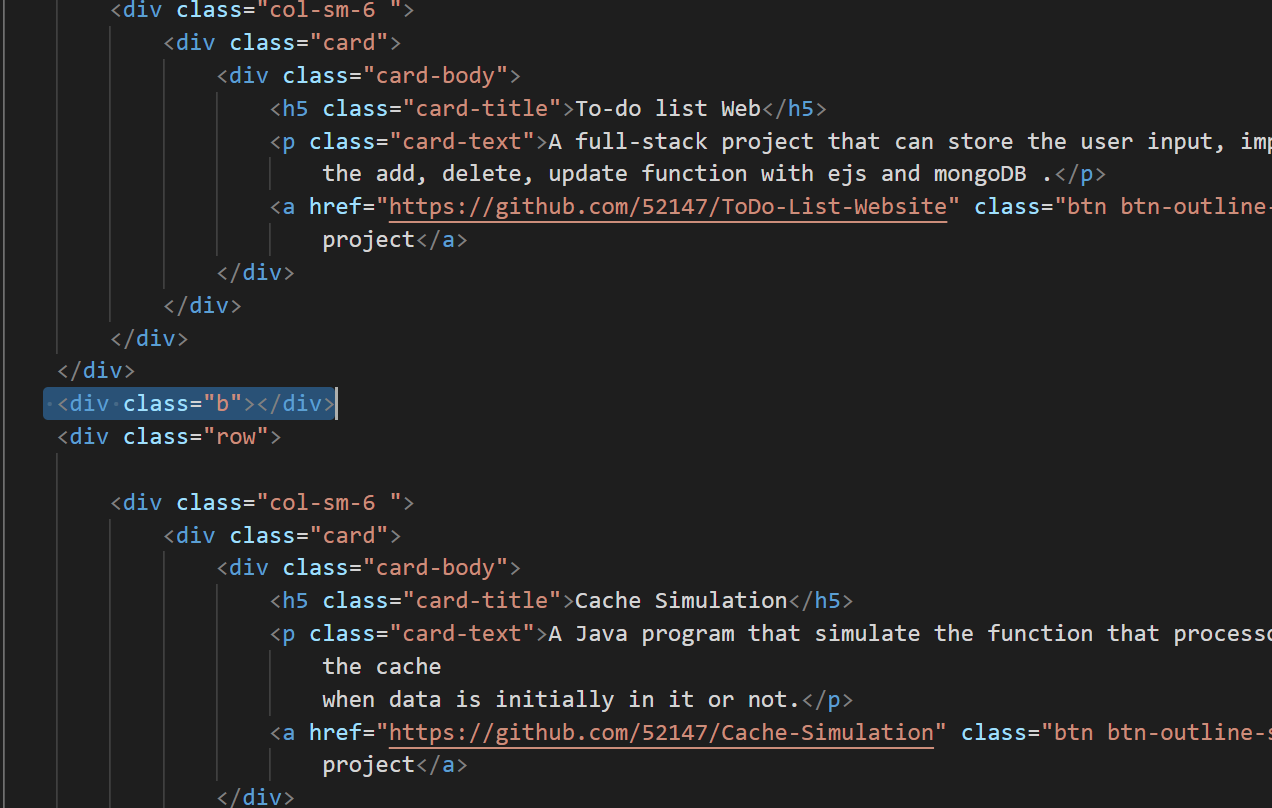
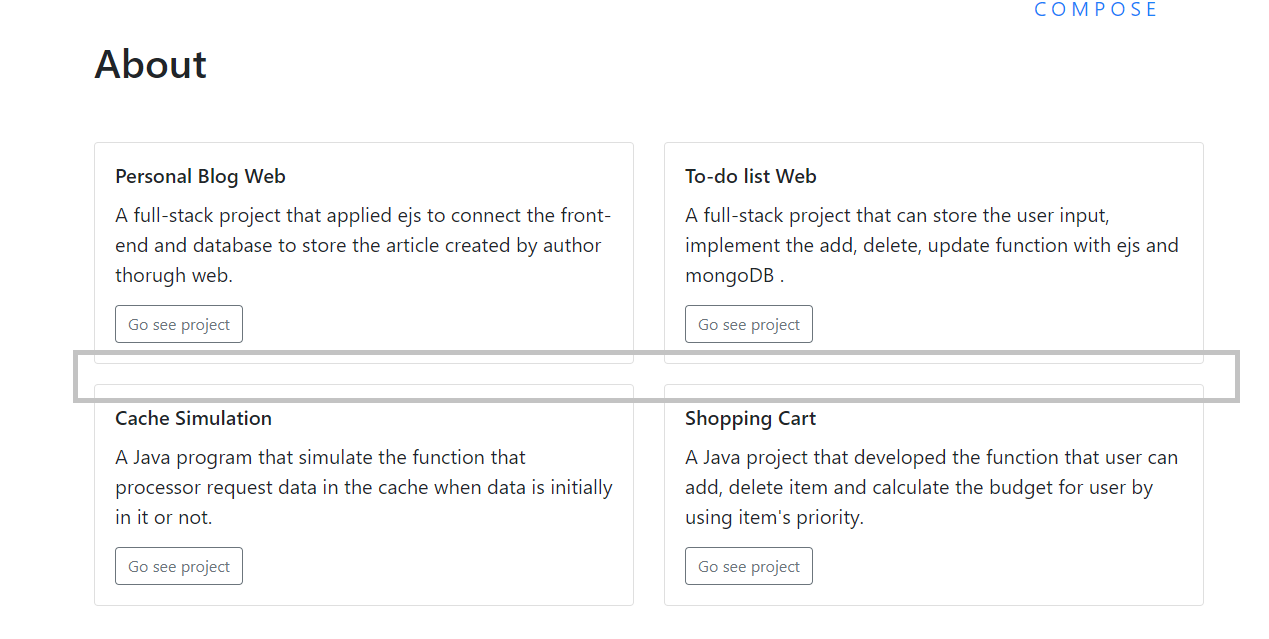
One tip I found out is if we want a space between the two class
-
We can add one class that has property like padding-top: 20px or margin top: 5 % and we can reuse this div class in lots of place.
-
such as give some white space between 2 col so add div class b that padding-top: 20px
-
-
- And about the font awesome, first my font awesome is like the square can not appear correctly.
- But after I update the import link from font awesome, it appear right.
-
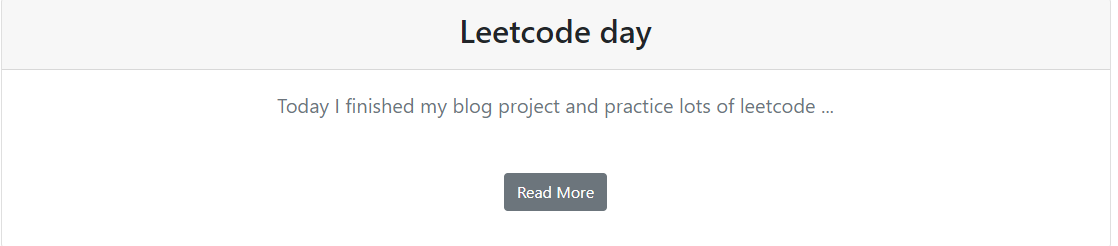
And the a tag is for the url link but we can use as a button we link by using the boostrap btn class.
-
such as this read more button has the url link to compose page
-
-
 but it need to add in the first position of the a tag.
-
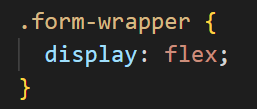
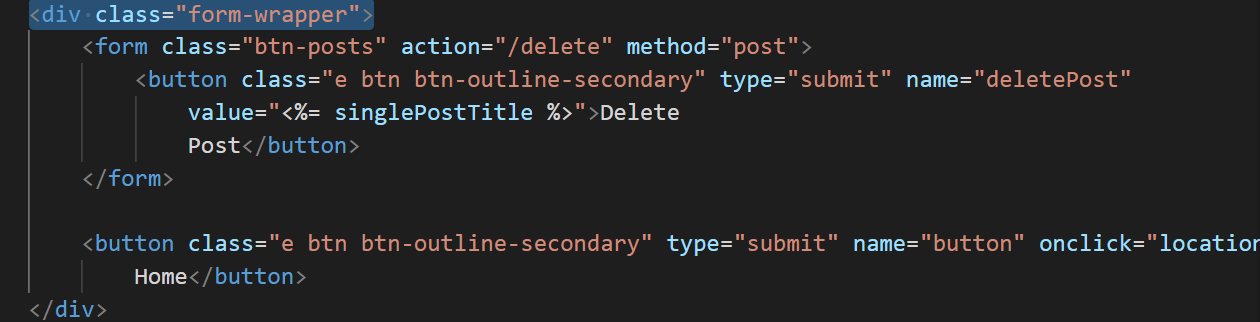
And if we want 2 button order horizontally
-
we can add a div class with property display: flex;
-
-
-
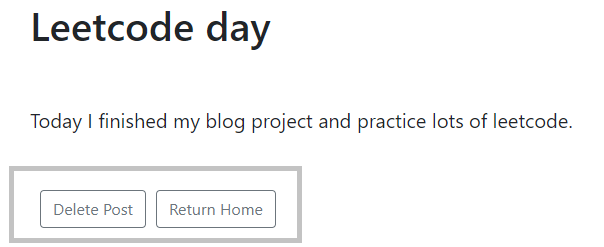
- About the picture on the card
- the path of the picure need to add upper path, otherwise the picture would not show.
- And the picture file need to at the same file(public) with css.

go to the project file and run
mongo "mongodb+srv://cluster0.jnxzx3s.mongodb.net/blogDB" --apiVersion 1 --username 123
-
It show error that say mongo shell has been superseded by mongosh.
-
But I am confused mongo shall and mongsoh isn't they are the same thing?
-
And the solution told me that they are not the same thing and mogo will be replaced by mongosh.
-

- So the solution of this problem is
- downolad the mongosh from mongodb web
- move the mongosh to mongodb bin file
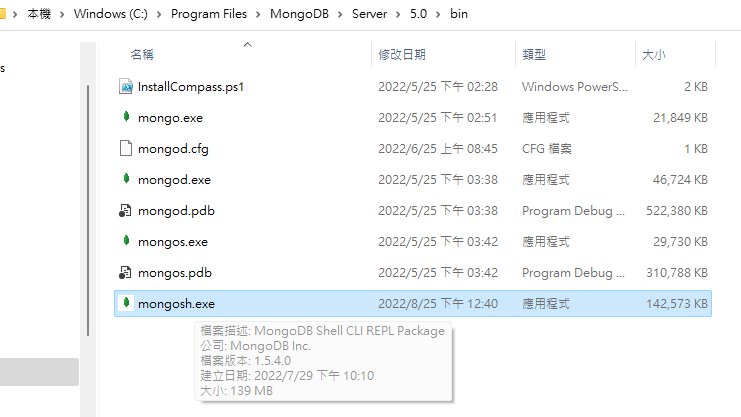
- enter the connection string : 27017

- Then use the same command in the blog file
-
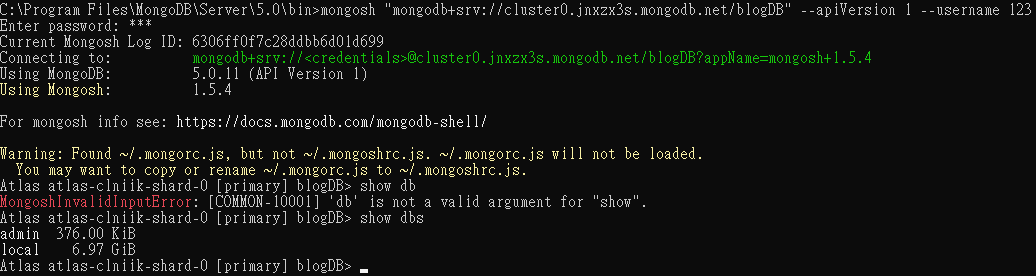 mongosh "mongodb+srv://cluster0.jnxzx3s.mongodb.net/blogDB" --apiVersion 1 --username 123
 -
Then we can successfully connected with mongodb!
- After that, we can start connect with heroku application to let the website release at the internet.
- At the project file
- git init
- git add * (start add numerous node module files)
- git commit -m "first initial"
- heroku login (the login web pop out)
- heroku create
- touch Procfile
- modify Procfile by vs code

- node --version(check node version and modify json file node version)
- git add *
- git commit -m "update"

- git push heroku master
- Then web be deployed on the heroku app
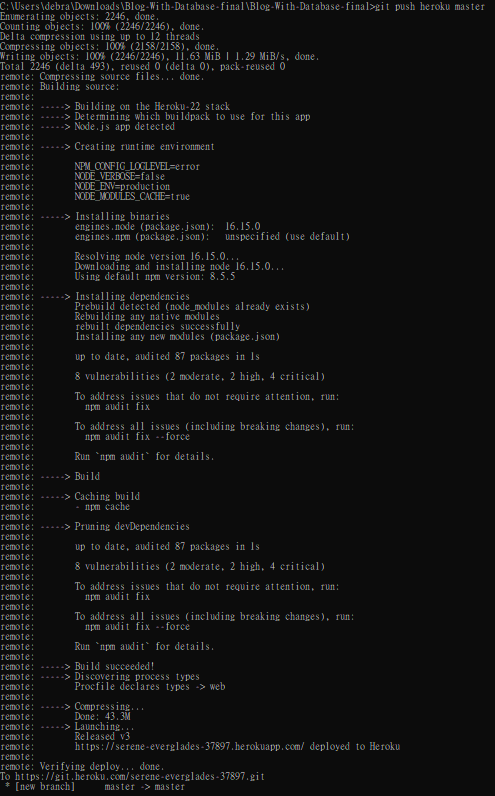
- If we modify the code, we need to update the heroku, and the process be like
- git add *
- git commit -m "update"
- git push heroku
- done update
- And because I add my blog progect in the github respositary
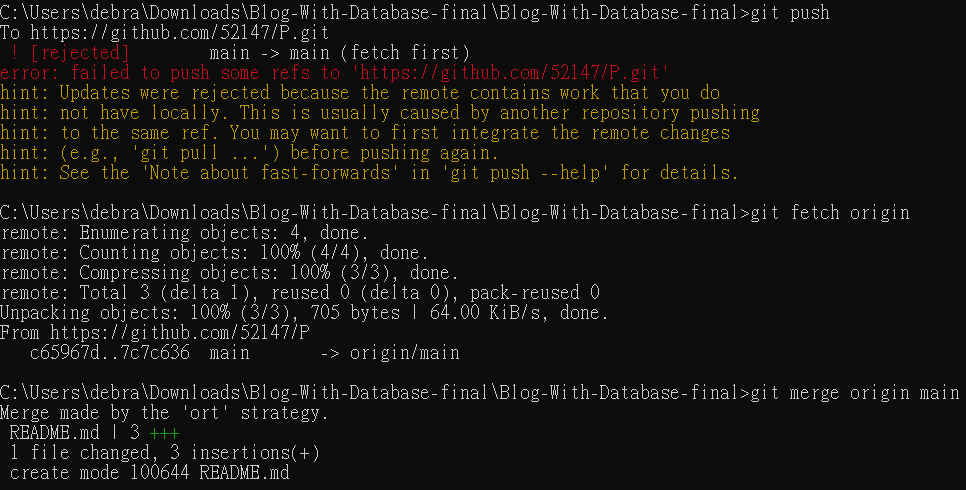
- So I need to update the repositary, but I encounter some probelem that first I push the project to master but now I want project been push to main
- so I need to
- git fetch orign
- git merge origin main
- git push
- otherwise it will appear error said fail to push some refer to https://github.com/52147//git.
2023-04-23 19:48:26.047: (node:45) Warning: Accessing non-existent property 'count' of module exports inside circular dependency
(Use `node --trace-warnings ...` to show where the warning was created)
(node:45) Warning: Accessing non-existent property 'findOne' of module exports inside circular dependency
(node:45) Warning: Accessing non-existent property 'remove' of module exports inside circular dependency
(node:45) Warning: Accessing non-existent property 'updateOne' of module exports inside circular dependency
2023-04-23 19:48:26.047: Server started on port 3000
2023-04-23 19:48:54.380: [ERROR] Process timed out after 30 seconds.
當多個module以循環的方式相互依賴時,node.js程式中就會出現循環依賴。這會導致module加載和執行順序出現問題。
解決方式:
使用依賴注入,將module的依賴做為參數,傳遞給module的構造函數或函數。這樣module間不會互相依賴,而是依賴於傳遞給他們的依賴。
首先,創建一個PostRepository,負責處理數據庫交互,與一個Post類,負責業務邏輯並使用PostRepository進行數據庫交互。
PostRepository是獨立於Post,所以可以在創建PostRepository的實例時,將其注入到Post中。這樣可以不直接依賴PostRepository而使用PostRepository。