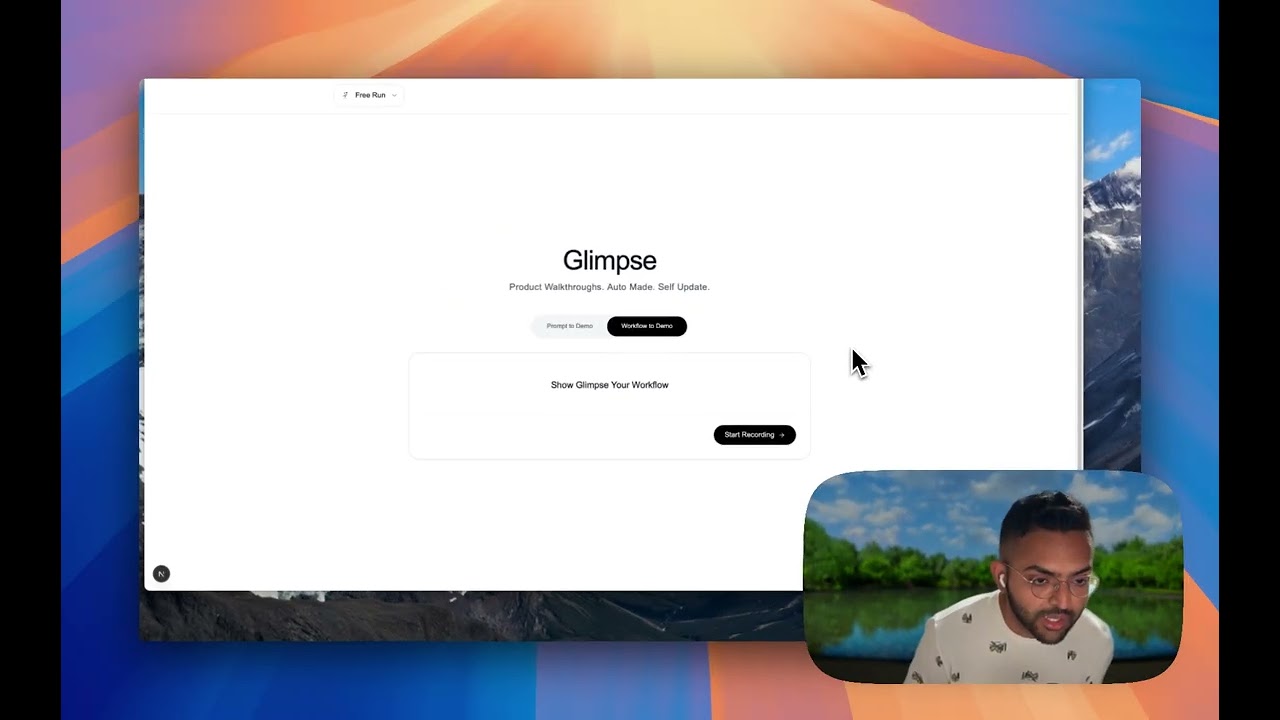
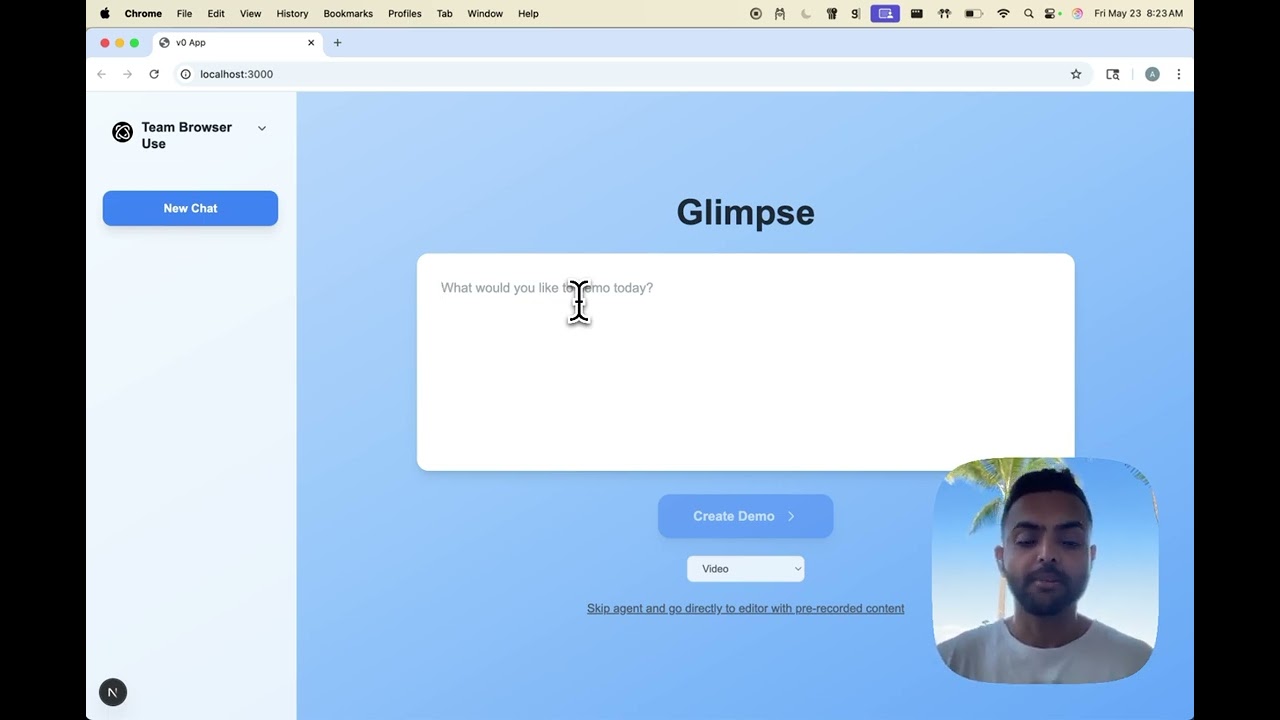
Show or tell Glimpse what you want to demo and watch it create that end to end. It remembers everything so it can automatically update the videos when your UI changes.
This project uses Poetry for dependency management. Make sure you have Python 3.11 installed.
- Install Poetry (if not already installed):
curl -sSL https://install.python-poetry.org | python3 -- Clone the repository and navigate to the project directory:
git clone <repository-url>
cd glimpse- Install dependencies:
poetry install-
Set up environment variables:
- Copy the example environment file:
cp .env.example .env
- Open the
.envfile and fill in your API keys and any other required configuration values.
- Copy the example environment file:
-
Set up Workflow-Use integration (optional):
python setup_workflow_use.py
This adds deterministic browser workflow automation capabilities. See WORKFLOW_USE.md for detailed features and usage.
If you want the agent to have access to your login sessions (e.g., GitHub, Google, etc.), you can set up authentication:
-
Run the authentication setup script:
poetry run python setup_auth.py
-
Login to your services:
- The script will launch Chrome and guide you through the authentication process
- Login to any services you want the agent to have access to (GitHub, Google, etc.)
- Your authentication data will be automatically saved
-
Authentication is ready:
- The agent will automatically use your saved authentication for all demo generation
- You only need to do this setup once
What this does:
- Creates an
auth_storage/directory in the project root (ignored by git) - Saves your browser authentication state in a secure format
- The agent will automatically use this authentication for all browser sessions
Note: The authentication data is automatically added to .gitignore so your login sessions won't be committed to version control.
To run the server in normal mode:
poetry run python glimpse/run.pyThe API will be available at http://localhost:8000 API documentation can be accessed at http://localhost:8000/docs
To run the server in mock mode (returns predefined responses):
MOCK_MODE=true poetry run python glimpse/run.pyIn mock mode, the server will:
- Ignore actual demo request from the user
- Simulate the demo generation process
- Endpoint: POST /generate-demo
- Payload:
{
    "nl_task": "Your natural language task description",
    "root_url": "https://example.com"
}- Endpoint: GET /demo-status/{job_id}
- Response: Returns the current status and progress of the demo generation
The mock responses are stored in glimpse/mocks/:
generate_demo.json: Mock response for demo generationdemo_status.json: Mock response for status checking
To modify mock responses, edit the corresponding JSON files in the mocks directory.