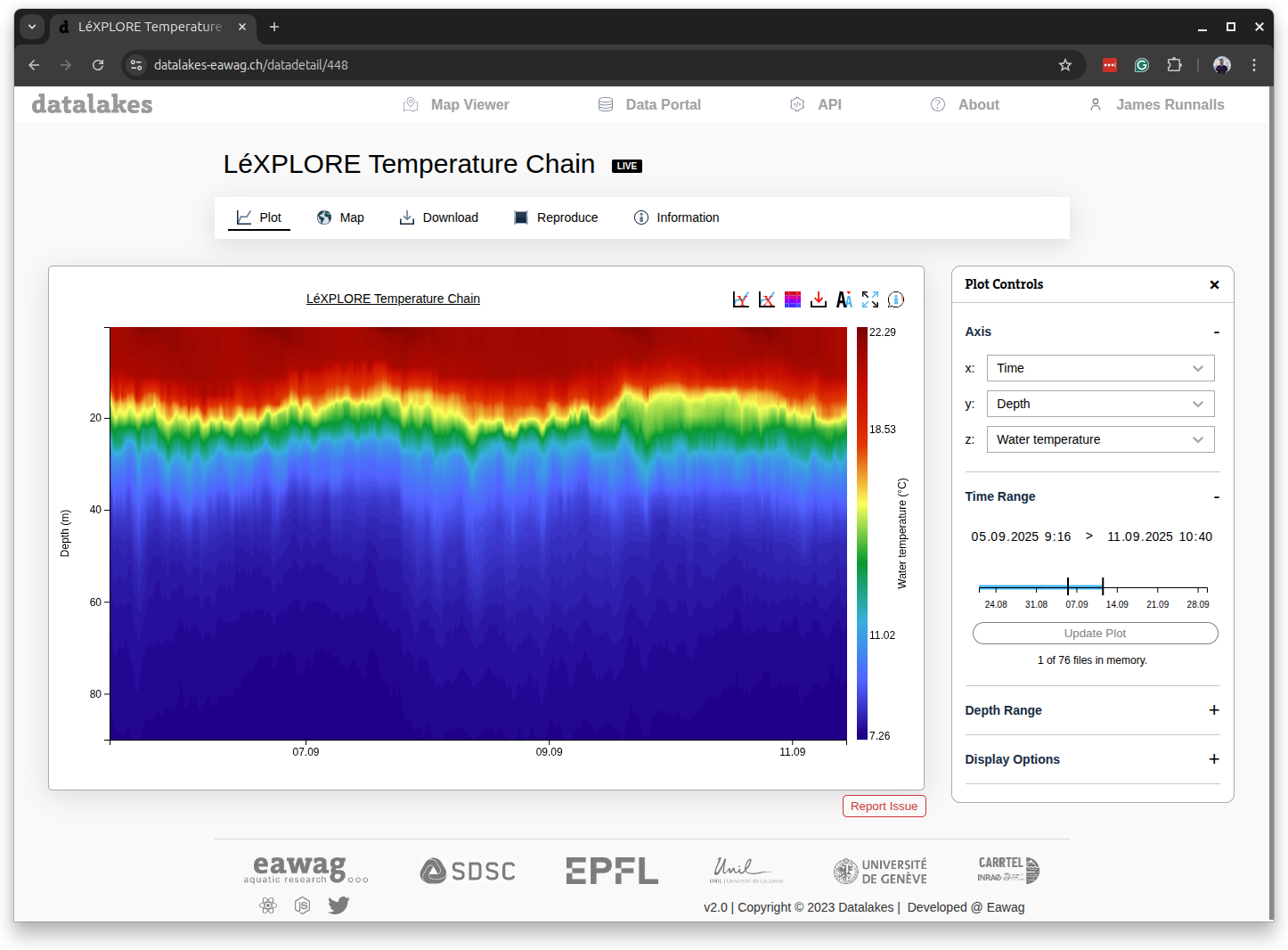
React-App for searching, visualising and downloading data on Swiss lakes.
Datalakes is a collaboration between a number of Swiss institutions to facilitate the visualisation and dissemination of reproducable datasets for Swiss lakes.
Install node.js according to the official instructions https://nodejs.org/en/download
git clone git@github.com:eawag-surface-waters-research/datalakes-react.gitcd datalakes-react
npm installnpm startRuns the app in the development mode. Open http://localhost:3000 to view it in your browser.
The page will reload when you make changes. You may also see any lint errors in the console.
npm run buildBuilds the app for production to the build folder. It correctly bundles React in production mode and optimizes the build for the best performance.
The build is minified and the filenames include the hashes.
The application is deployed using AWS Amplify. The GitHub repositority is connected to a CI/CD pipeline which rebuilds and redeploys the application on any commits to the master branch.
Login using credentials from Gitlab, Github etc has been implemented as part of the FLAKE project.
This requires the configuration of "applications" to use gitlab as an oauth provider.
- Gitlab offers a PKCE authentication mechanism. See Gitlab: Oauth provider documentation
- Github offers classic OAuth2 mechanism: see Github: Creating an OAuth app documentation
The redirect url will be something like http://localhost:3000/gitlab for local testing and https://www.datalakes-eawag.ch/gitlab for production.
The client app IDs are to be added to the .env file. A key is also to be specified to encrypt the user's git access tokens in the web local storage.
See the example example.env for producing your own .env file.
For deployment on AWS Amplify you need to add the envrionment variables individually according to the documentation here.
The datalakes front-end is all completely open-source and available for deployment for other data projects.
Developers will need to adjust the config file to point to their own backend. The backend for the Datalakes website can be found here.