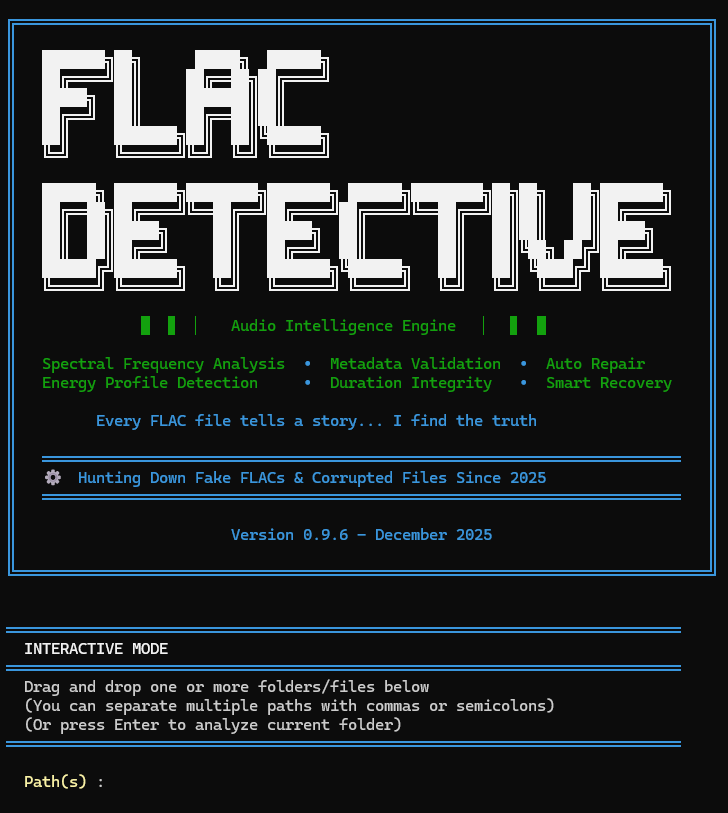






Advanced FLAC Authenticity Analyzer for Detecting MP3-to-FLAC Transcodes
FLAC Detective is a professional-grade command-line tool that analyzes FLAC audio files to detect MP3-to-FLAC transcodes with high precision. Using advanced spectral analysis and an 11-rule scoring system, it helps you maintain an authentic lossless music collection.
- 🎯 High Precision Detection: 11-rule scoring system with intelligent protection mechanisms
- 📊 4-Level Verdict System: Clear confidence ratings from AUTHENTIC to FAKE_CERTAIN
- ⚡ Performance Optimized: 80% faster than baseline through smart caching and parallel processing
- 🔍 Advanced Analysis: Spectral analysis, compression artifact detection, and multi-segment validation
- 🛡️ Protection Layers: Prevents false positives for vinyl rips, cassette transfers, and high-quality MP3s
- 📝 Flexible Output: Console reports with Rich formatting, JSON export, and detailed logging
- 🔧 Robust Error Handling: Automatic retries, partial file reading, and comprehensive diagnostic tracking
- 🔨 Automatic Repair: Corrupted FLAC files are automatically repaired with full metadata preservation
# Install via pip (Recommended)
pip install flac-detective

# OR run with Docker
docker pull ghcr.io/guillainm/flac-detective:latest
📦 See Getting Started for complete installation instructions.
# Analyze current directory
flac-detective .

# Analyze specific directory
flac-detective /path/to/music
📖 See User Guide for detailed usage examples and command line options.
Option 1: Docker with Sample File
# Download a sample FLAC file (public domain)
curl -O https://archive.org/download/test_flac/sample.flac

# Run analysis with Docker (mount current directory)
docker run --rm -v "$(pwd)":/data ghcr.io/guillainm/flac-detective:latest /data/sample.flac
Option 2: Quick Python Test
# Using Python (if you have pip installed)
pip install flac-detective
flac-detective --version
flac-detective --help
Option 3: Interactive Demo Script ⭐ (Best for Quick Test)
# Clone and run demo with synthetic test files
git clone https://github.com/GuillainM/FLAC_Detective.git
cd FLAC_Detective
pip install -e .
python examples/quick_test.py
This creates test files and shows FLAC Detective in action in 30 seconds!
Option 4: GitHub Codespaces (Fully Interactive Online)
- Click the "Code" button → "Codespaces" → "Create codespace"
- Wait for environment setup (~30 seconds)
- Run:
pip install -e . && python examples/quick_test.py
No sample files? The tool works with any FLAC file from your music collection!

Watch FLAC Detective analyze files with real-time progress bars and colored output!
======================================================================
  FLAC AUTHENTICITY ANALYZER
  Detection of MP3s transcoded to FLAC
======================================================================

⠋ Analyzing audio files... ━━━━━━━━━━━━━━━━━━━━━━━━━━━━━━━━━━━━━━━━  15% 0:02:34

======================================================================
  ANALYSIS COMPLETE
======================================================================
  FLAC files analyzed: 245
  Authentic files: 215 (87.8%)
  Fake/Suspicious files: 12 (4.9%)
  Text report: flac_report_20251220_143022.txt
======================================================================
FLAC Detective is optimized for both speed and accuracy:
- Speed: 2-5 seconds per file (30s sample, default)
- Throughput: 700-1,800 files/hour on modern hardware
- Memory: ~150-300 MB peak usage
- Optimization: 80% faster than baseline through intelligent caching and parallel processing
- Scalability: Handles libraries with 10,000+ files efficiently
Customizable Performance:
# Faster analysis (15s per file) - good for quick scans
flac-detective /music --sample-duration 15

# Balanced (30s per file) - default, recommended
flac-detective /music

# More thorough (60s per file) - maximum accuracy
flac-detective /music --sample-duration 60Yes! FLAC Detective is cross-platform and works on:
- ✅ Windows (7, 10, 11)
- ✅ macOS (10.14+)
- ✅ Linux (all major distributions)
FLAC Detective uses an 11-rule scoring system with protection layers:
- High confidence: >95% accuracy for AUTHENTIC and FAKE_CERTAIN verdicts
- Protection mechanisms: Prevents false positives for vinyl rips, cassette transfers, and high-quality sources
- 4-level system: AUTHENTIC, WARNING, SUSPICIOUS, FAKE_CERTAIN for nuanced results
No! FLAC Detective is read-only by default:
- ✅ Only analyzes files, never modifies them
- ✅ Safe for your entire music collection
- ✅ Optional
--repairflag for corrupted files (preserves all metadata)
Yes, but use common sense:
- ✅ AUTHENTIC (score ≤30): Very high confidence, keep the file
- ⚡ WARNING (31-60): Borderline case, manual verification recommended
⚠️ SUSPICIOUS (61-85): High confidence transcode, consider replacing- ❌ FAKE_CERTAIN (≥86): Multiple indicators, definitely a transcode
For critical decisions, use complementary tools (e.g., Spek for visual spectral analysis) to confirm.
Currently:
- ✅ FLAC files (.flac)
- 🔜 Future: WAV, ALAC, APE (planned for v1.0)
- Single file: 2-5 seconds (30s sample)
- 100 files: ~5-10 minutes
- 1,000 files: ~50-90 minutes
- 10,000 files: ~8-15 hours
Use --sample-duration 15 for faster scans of large libraries.
Yes! FLAC Detective provides a Python API:
from flac_detective import FLACAnalyzer

analyzer = FLACAnalyzer()
result = analyzer.analyze_file("song.flac")
print(result['verdict'])  # AUTHENTIC, WARNING, SUSPICIOUS, or FAKE_CERTAIN
See examples/ directory for integration examples.
Yes! MIT License:
- ✅ Free for personal and commercial use
- ✅ Open source on GitHub
- ✅ Contributions welcome
See CONTRIBUTING.md for:
- Bug reports and feature requests
- Code contributions
- Documentation improvements
- Testing and feedback
Detailed documentation is available in the docs/ directory:
- Documentation Index - Overview and navigation
- Getting Started - Installation and first analysis
- User Guide - Complete usage guide with examples
- Technical Details - Deep dive into detection rules and algorithms
- API Reference - Python API documentation
- Contributing - Development guide
- Library Maintenance: Clean your music collection of fake lossless files
- Quality Verification: Validate FLAC authenticity before archiving
- Batch Processing: Analyze large music libraries efficiently
- Format Validation: Ensure genuine lossless quality for critical listening
See the examples/ directory for ready-to-run scripts:
- basic_usage.py - Simple file and directory analysis
- batch_processing.py - Process multiple directories with statistics
- json_export.py - Export results to JSON for further processing
- api_integration.py - Advanced API usage and integration patterns
Contributions are welcome! Please read our CONTRIBUTING.md for detailed guidelines and CODE_OF_CONDUCT.md for community standards.
For security policy and vulnerability reporting, please see SECURITY.md.
This project is licensed under the MIT License - see the LICENSE file for details.
- Issues: GitHub Issues
- Discussions: GitHub Discussions
FLAC Detective - Maintaining authentic lossless audio collections