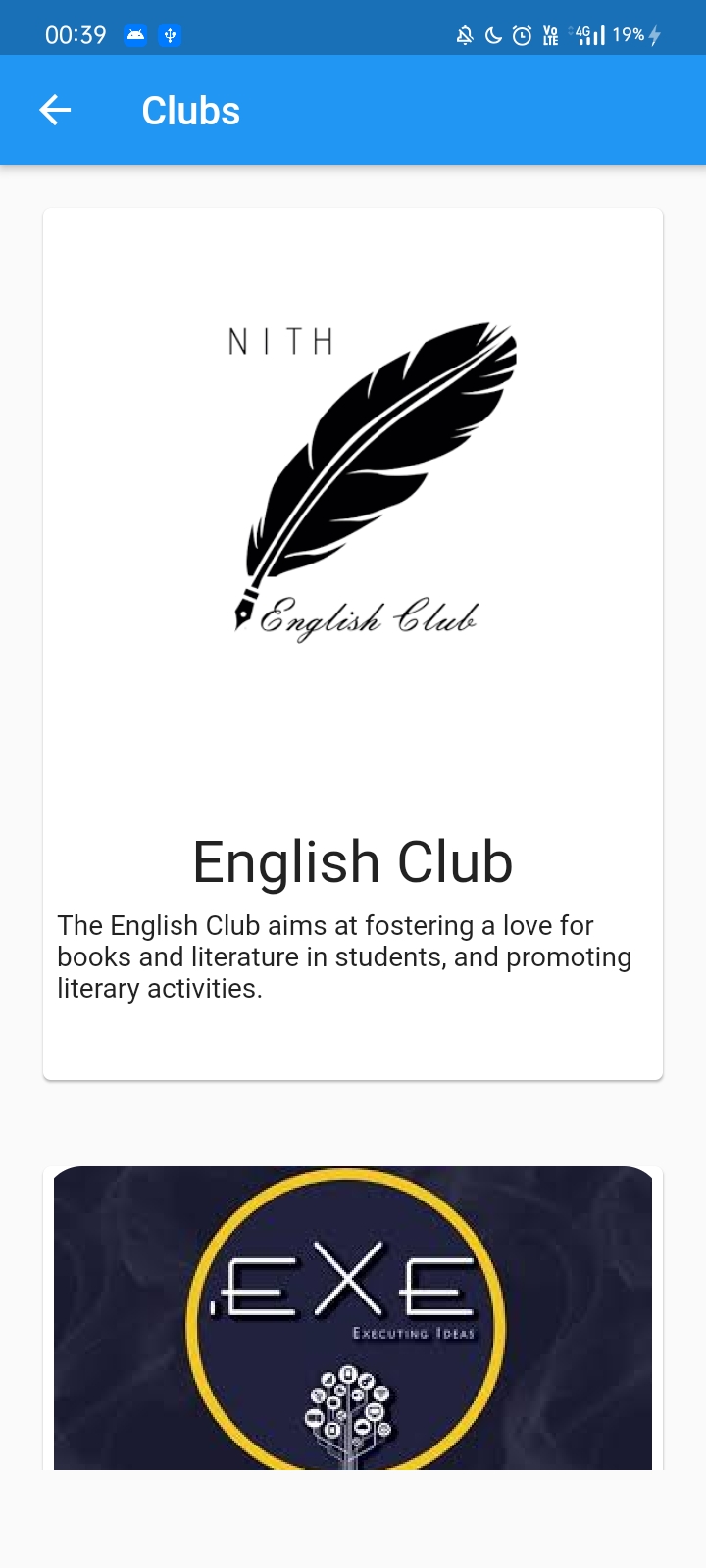
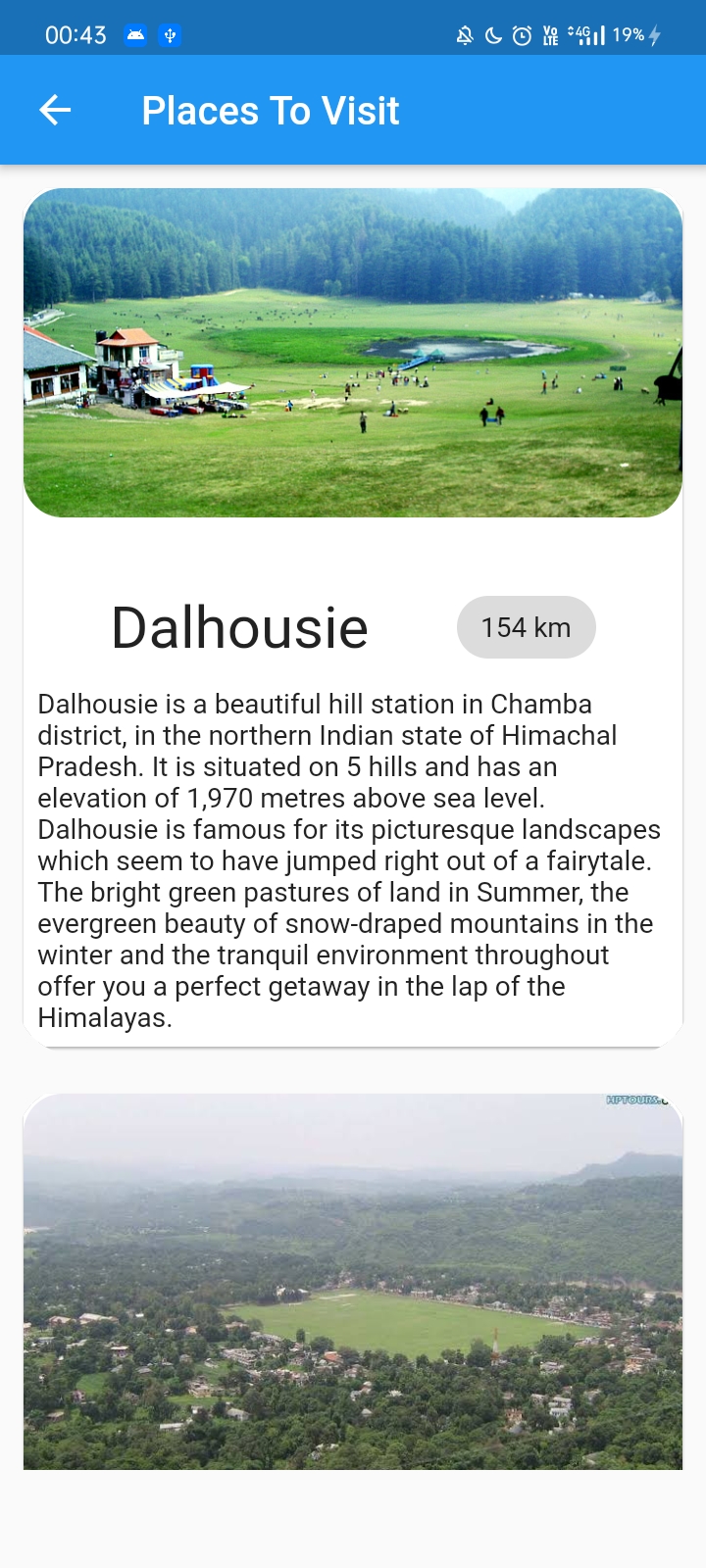
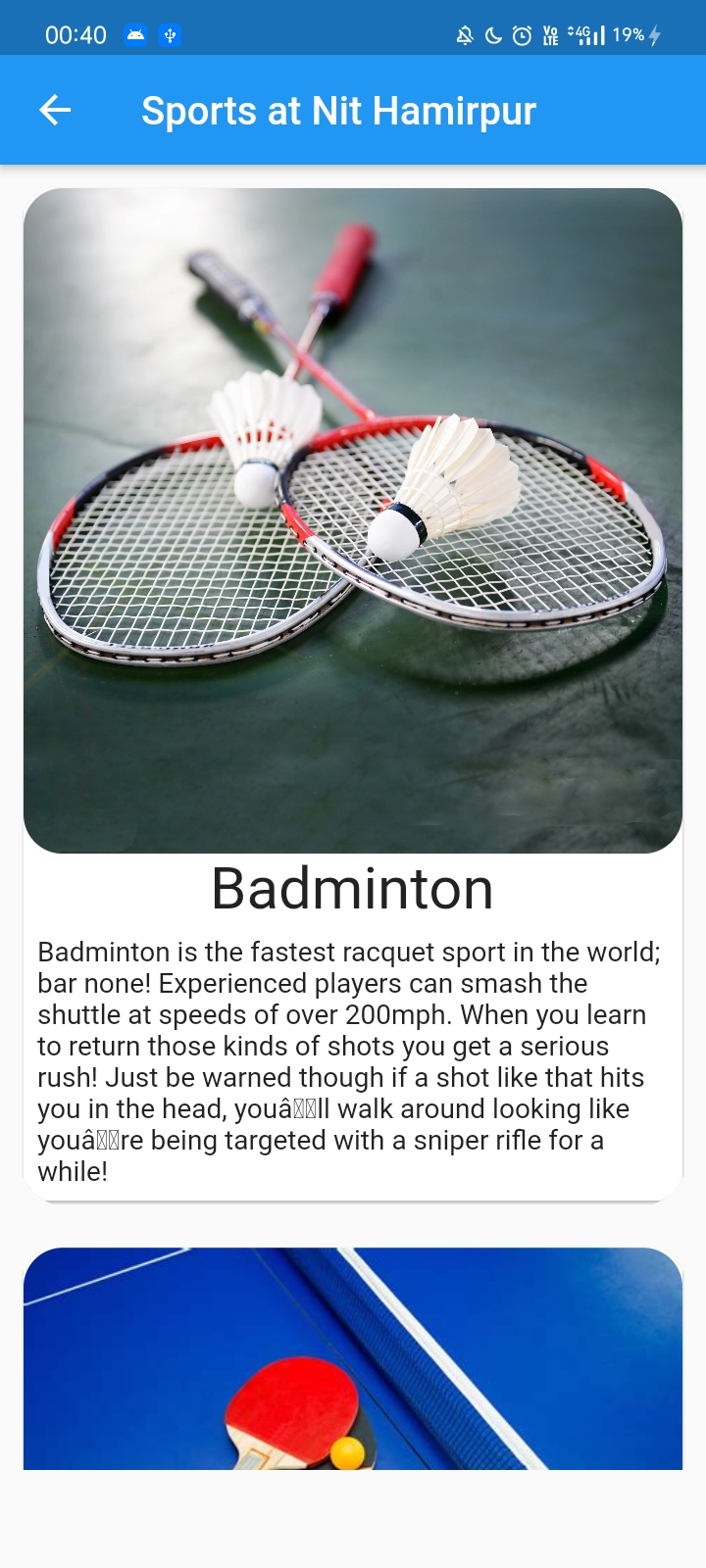
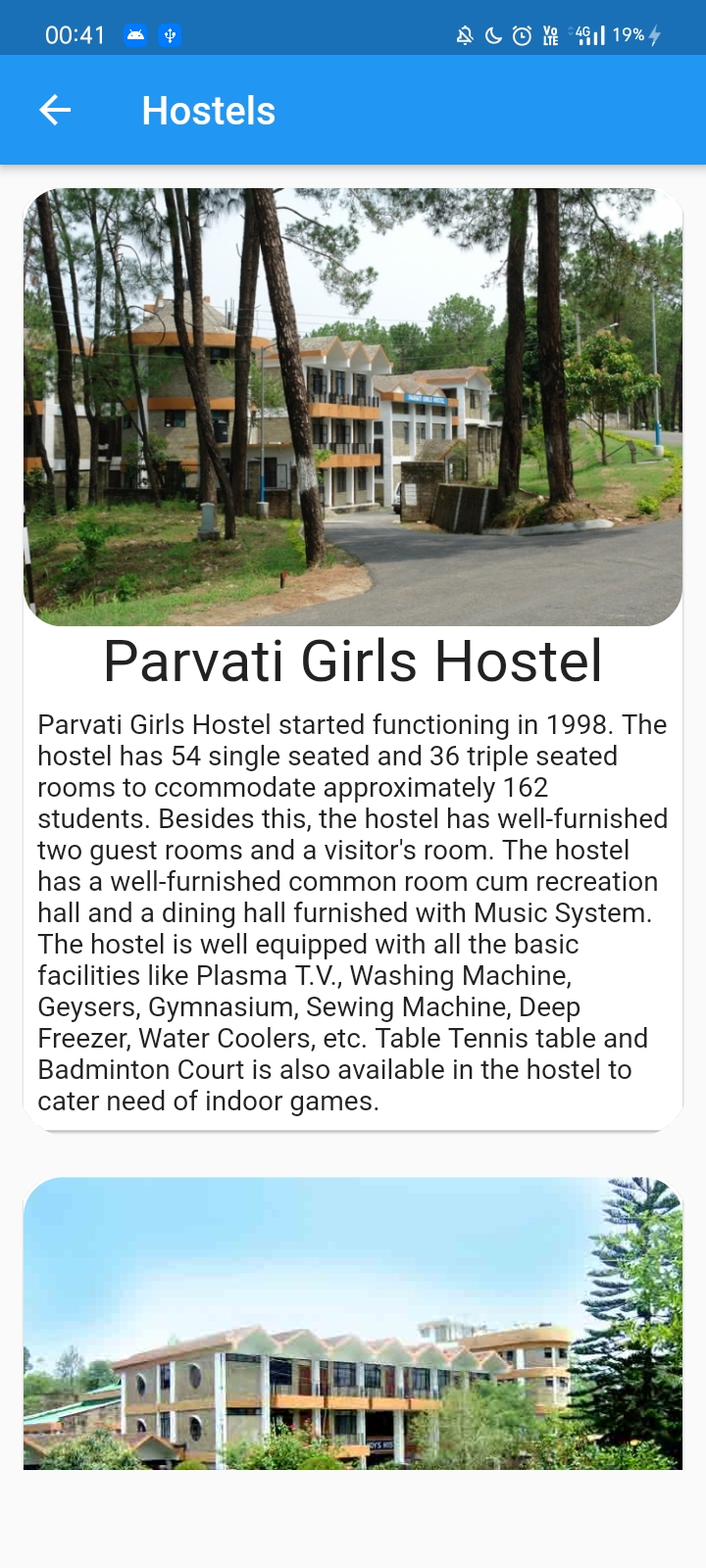
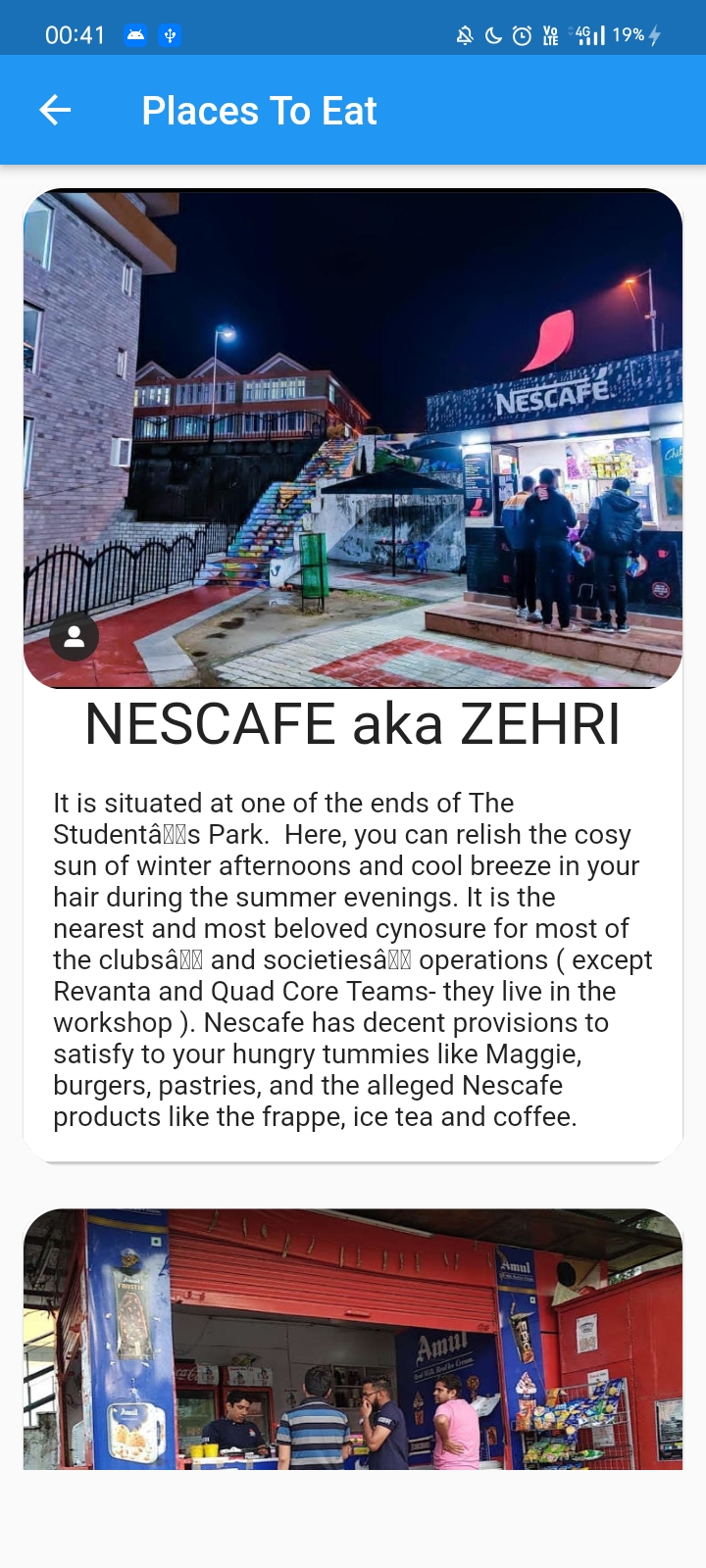
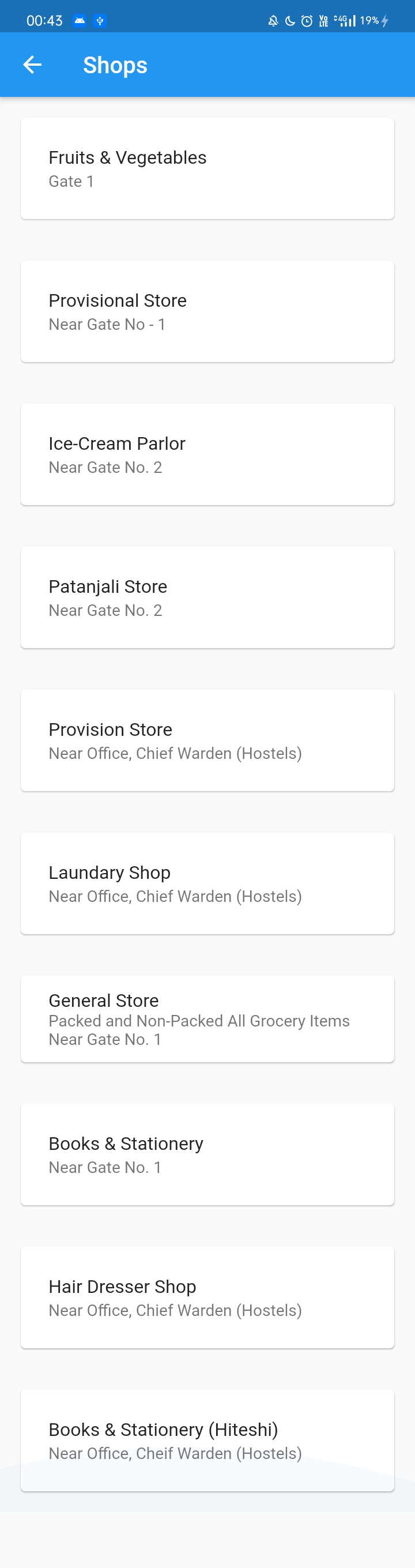
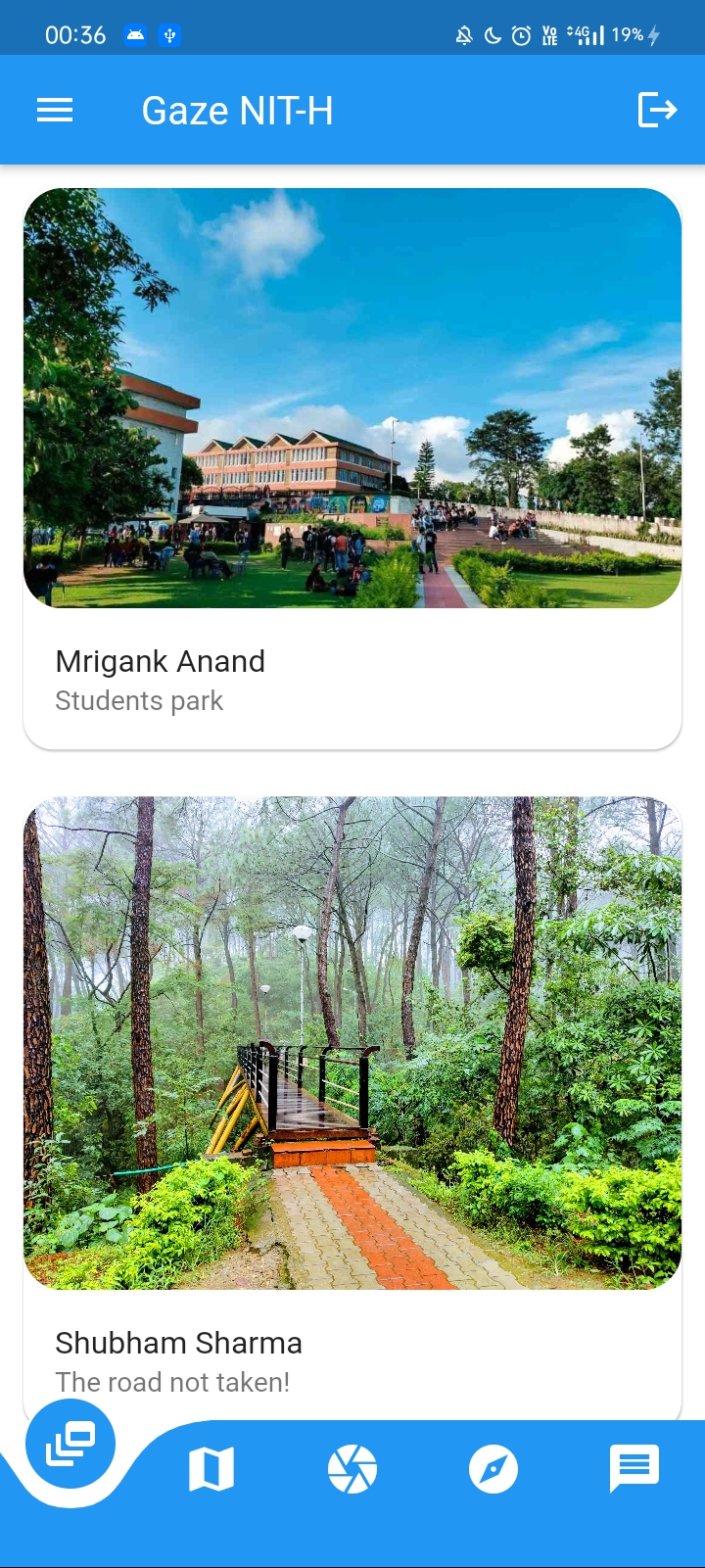
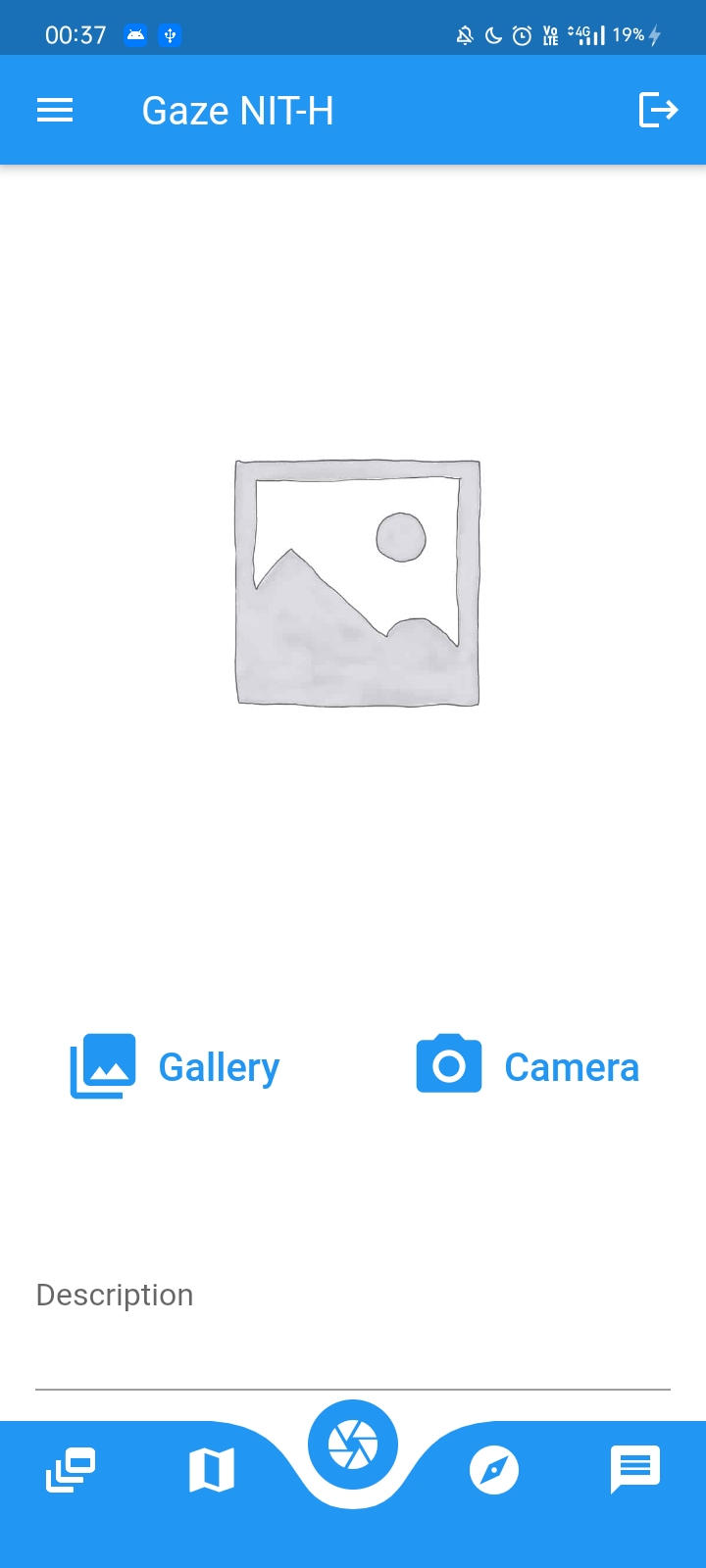
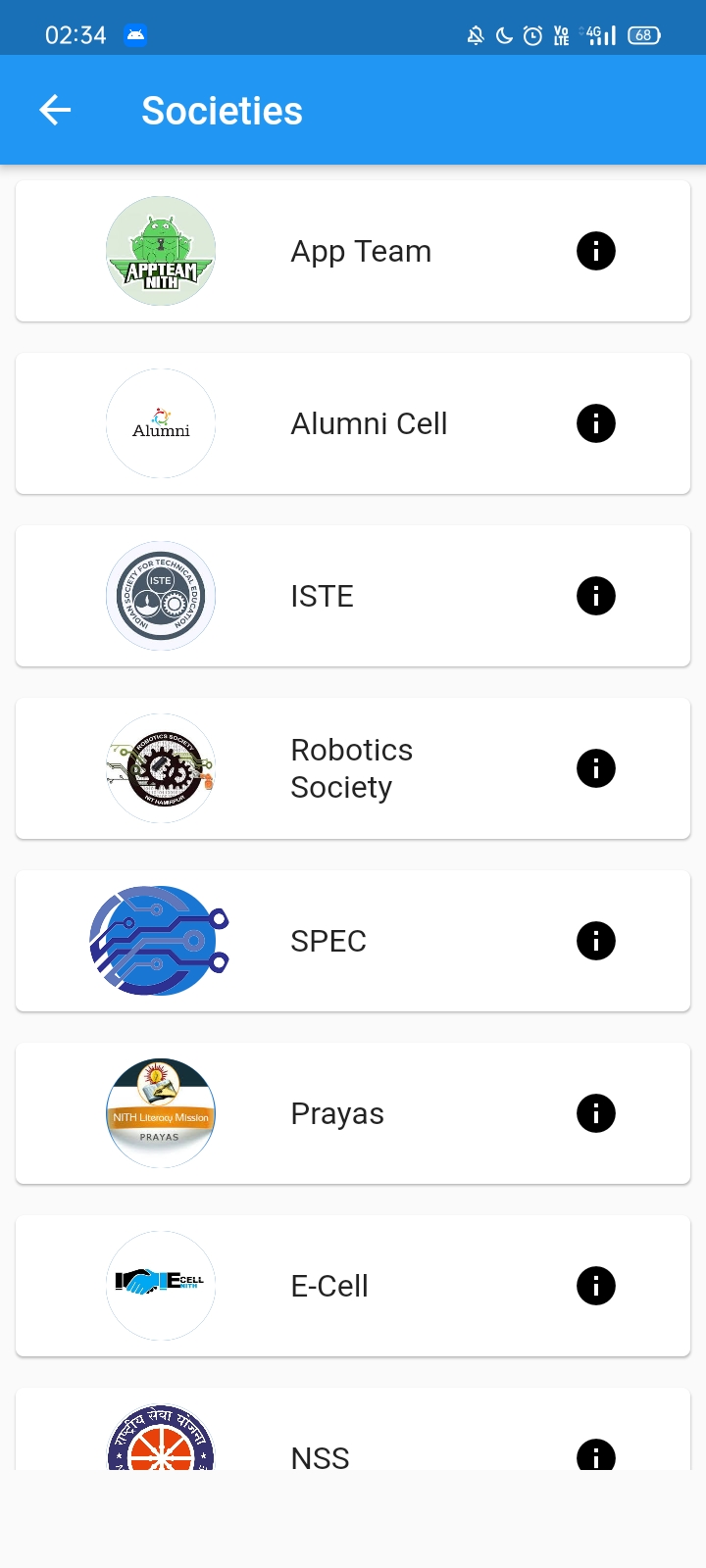
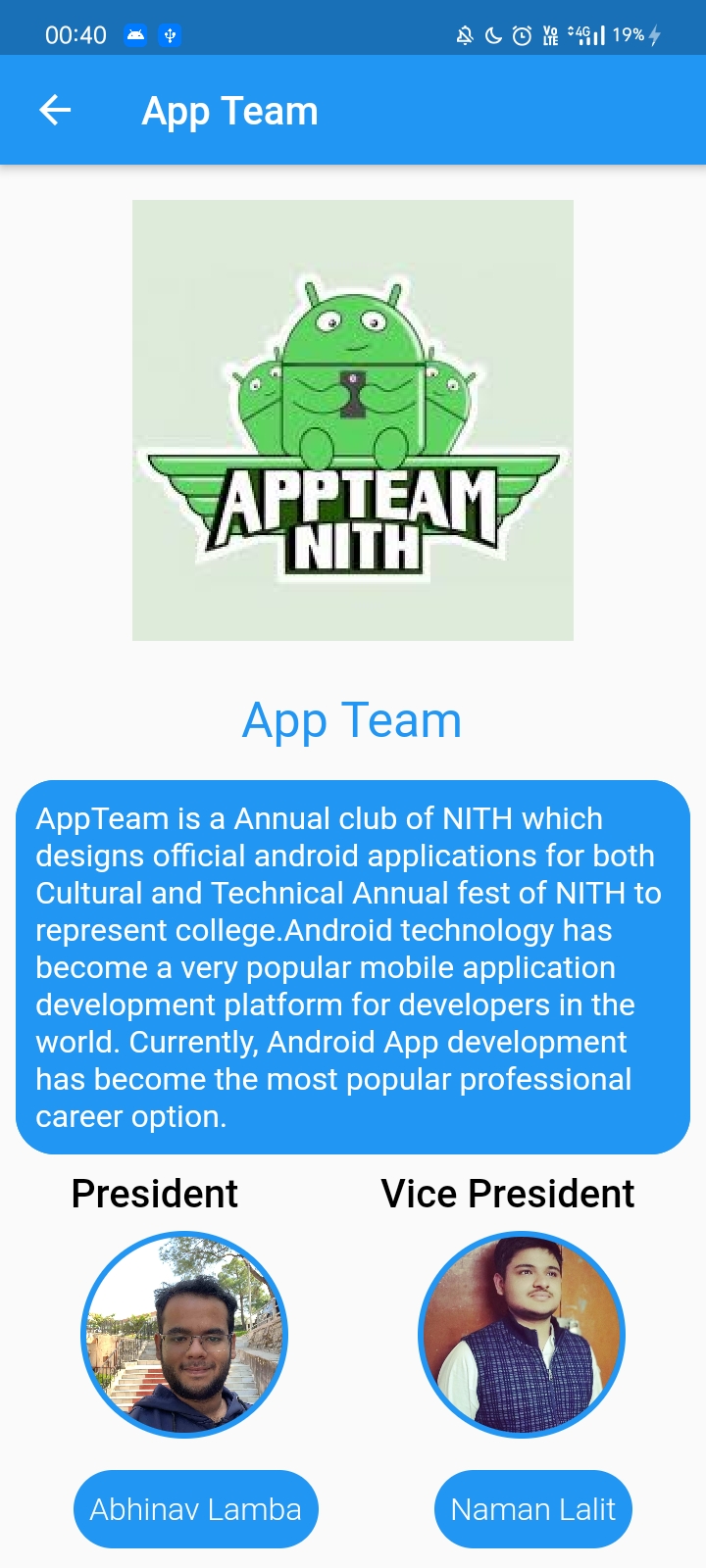
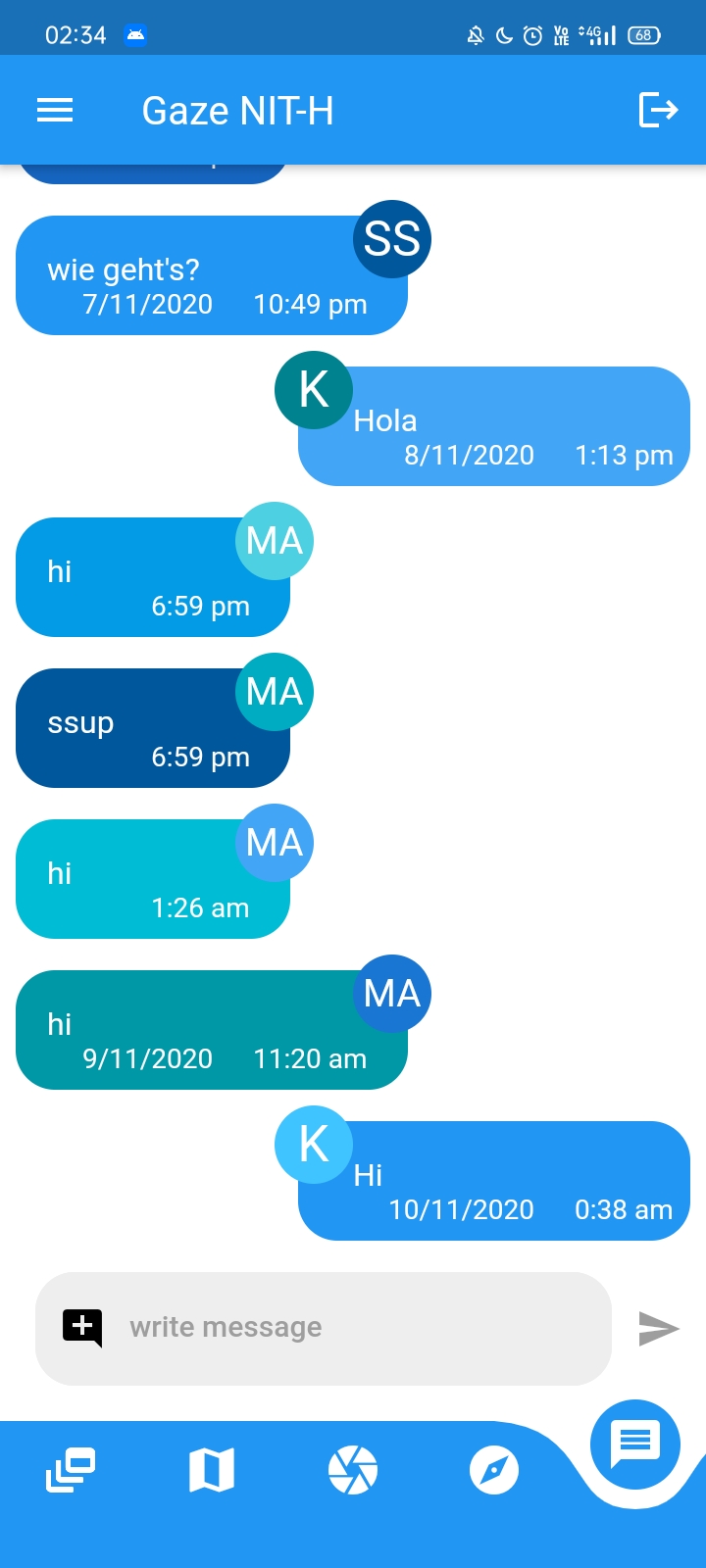
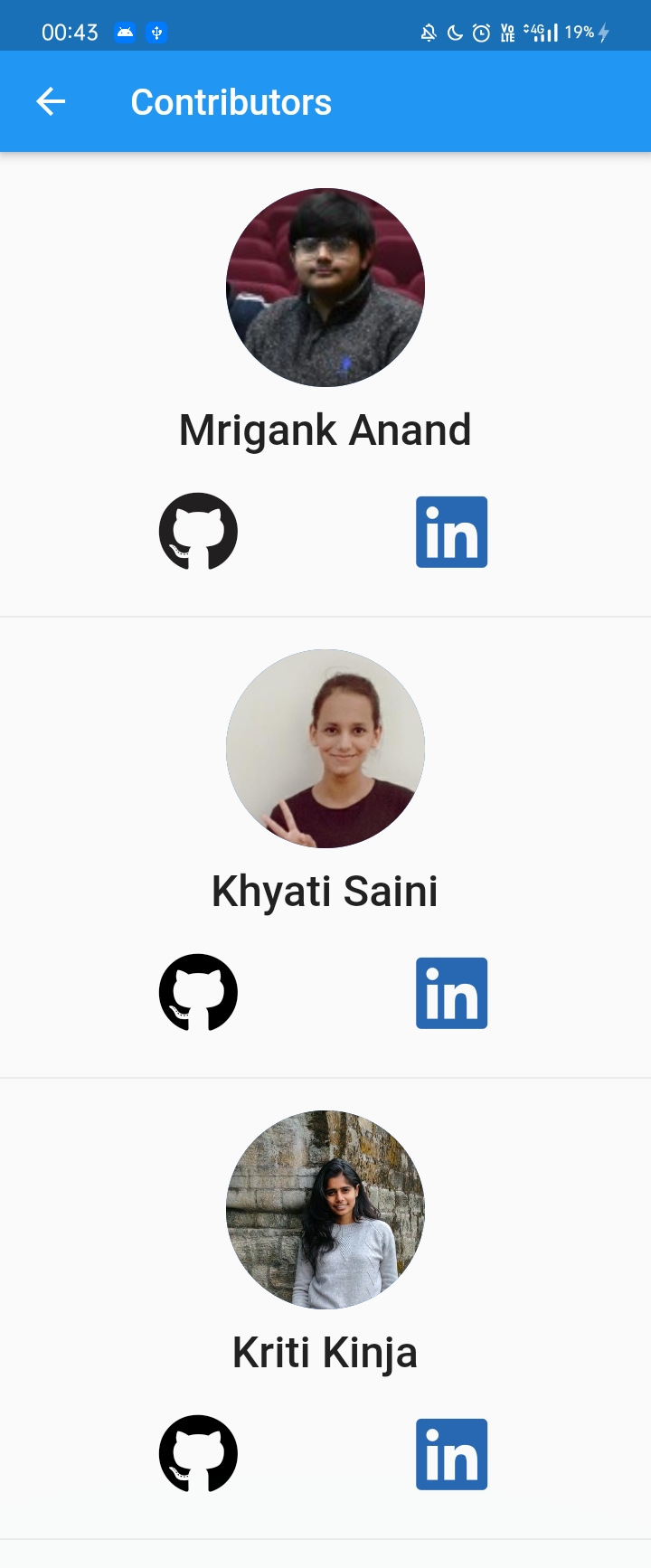
A flutter application that will be like a companion for the freshers to get to know about the college, different clubs and societies here and many more things, and connect with batchmates and seniors via this app.
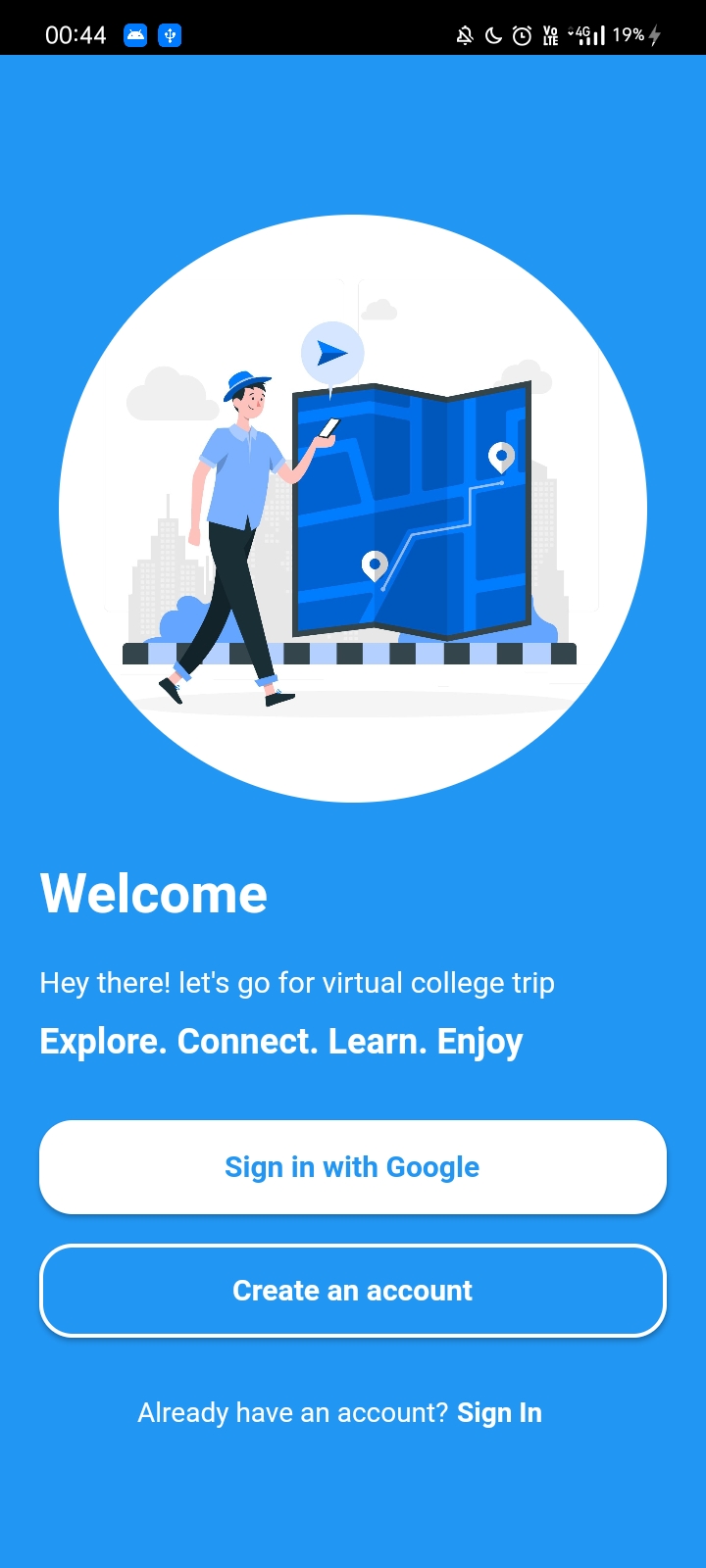
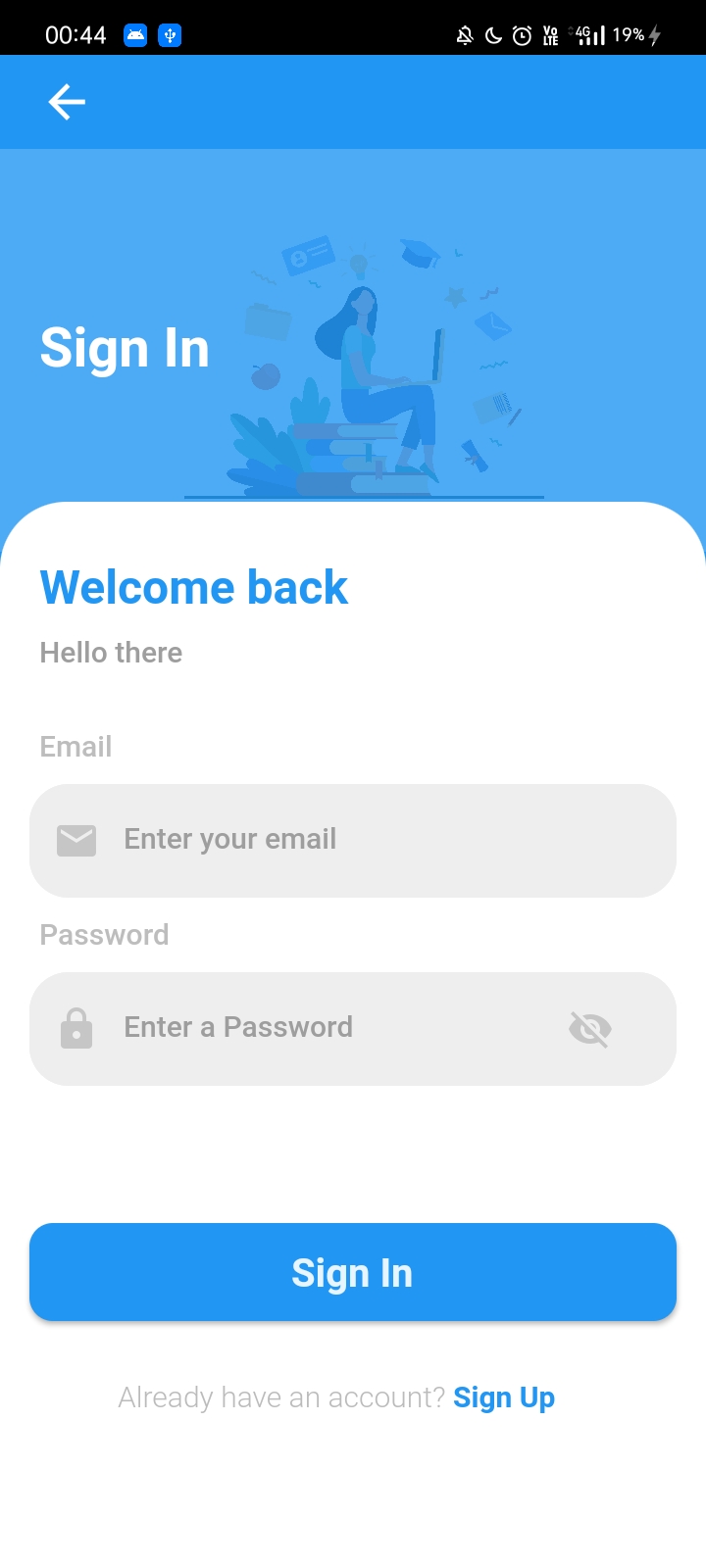
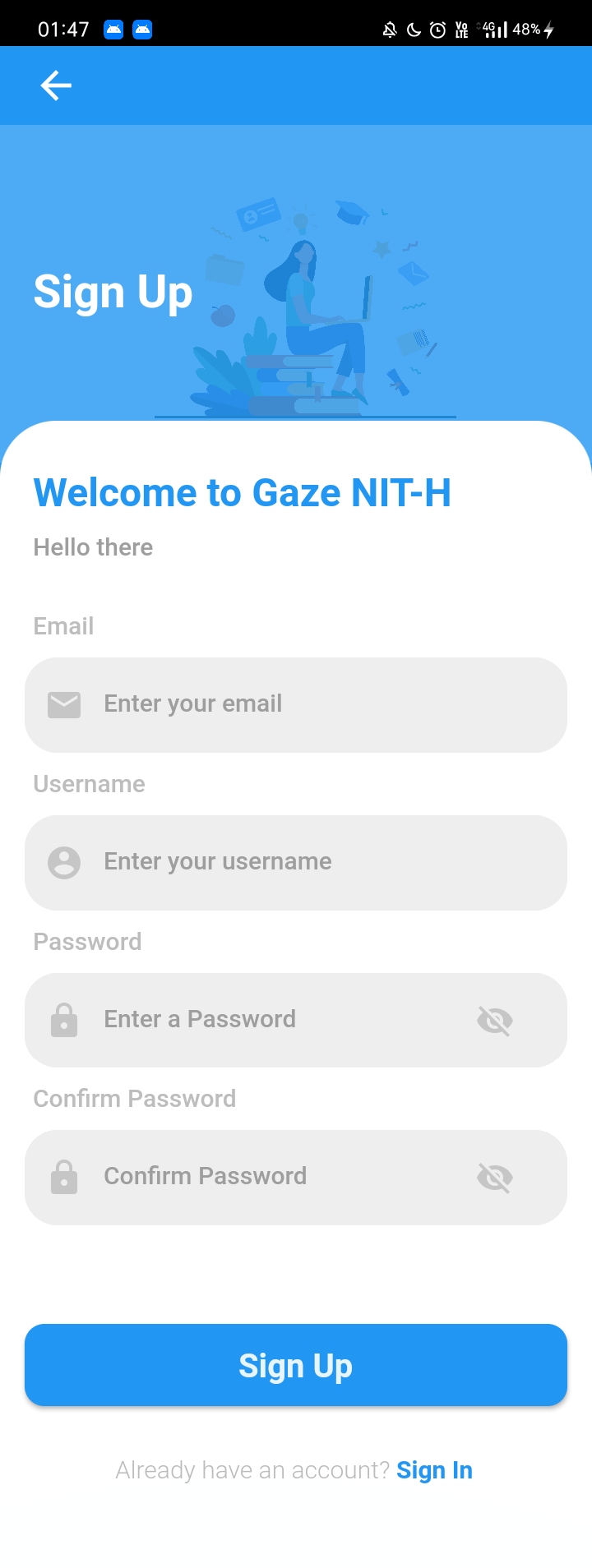
Firebase is used for user authenication. The user can either create an account or sign-in with google to continue with the app.
Firestore and Django application is used as backend for this application.
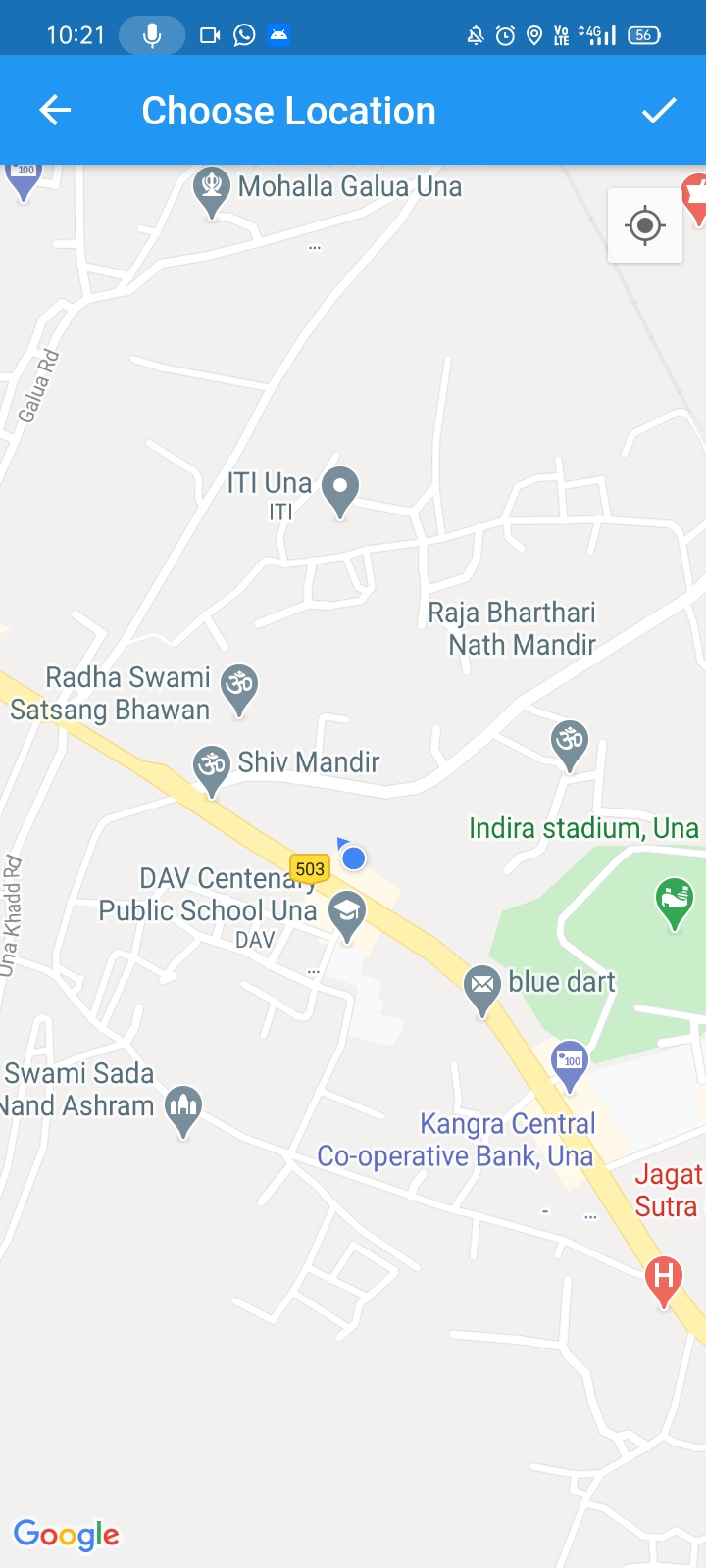
The google maps are used in these sections, markers are added at important places in the campus in a screen and in the other screen there are navigation options.
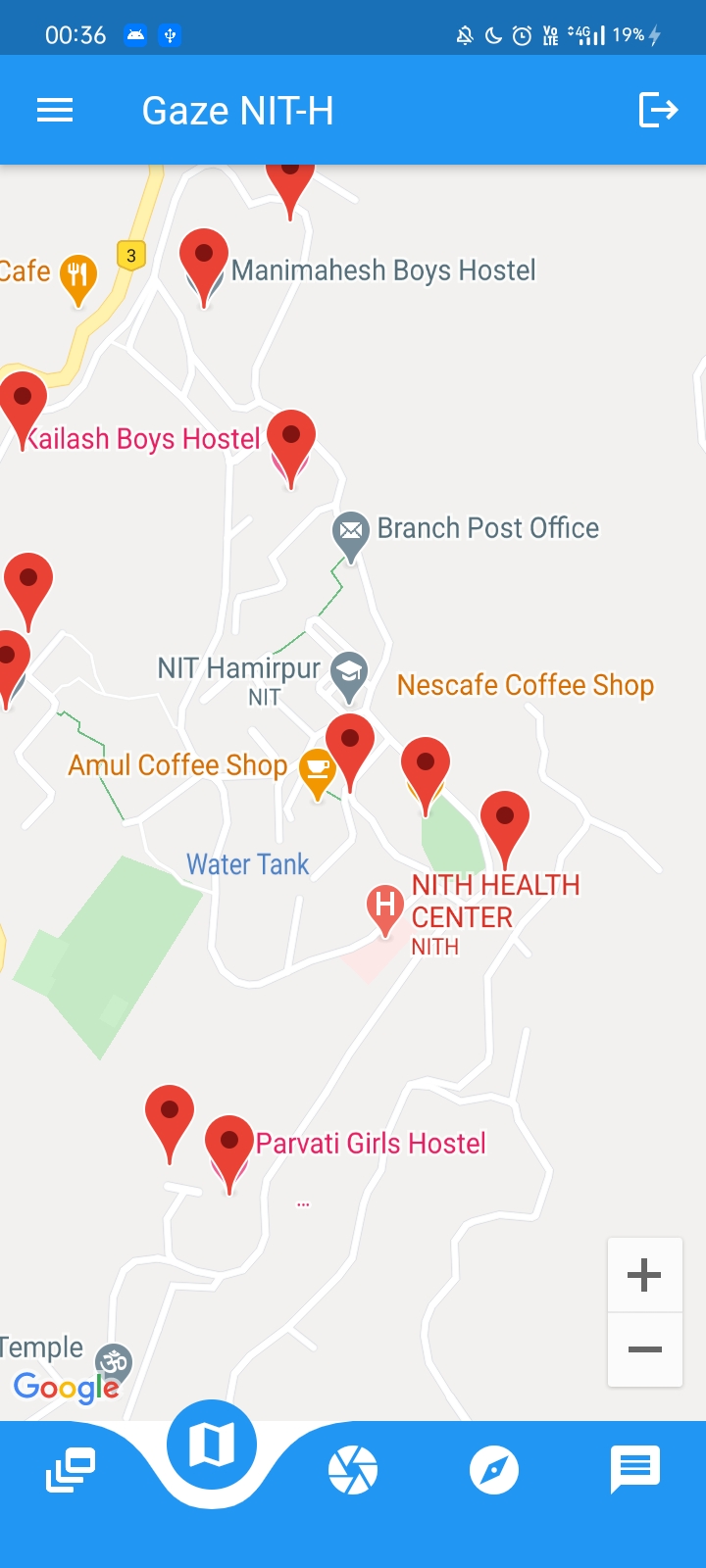
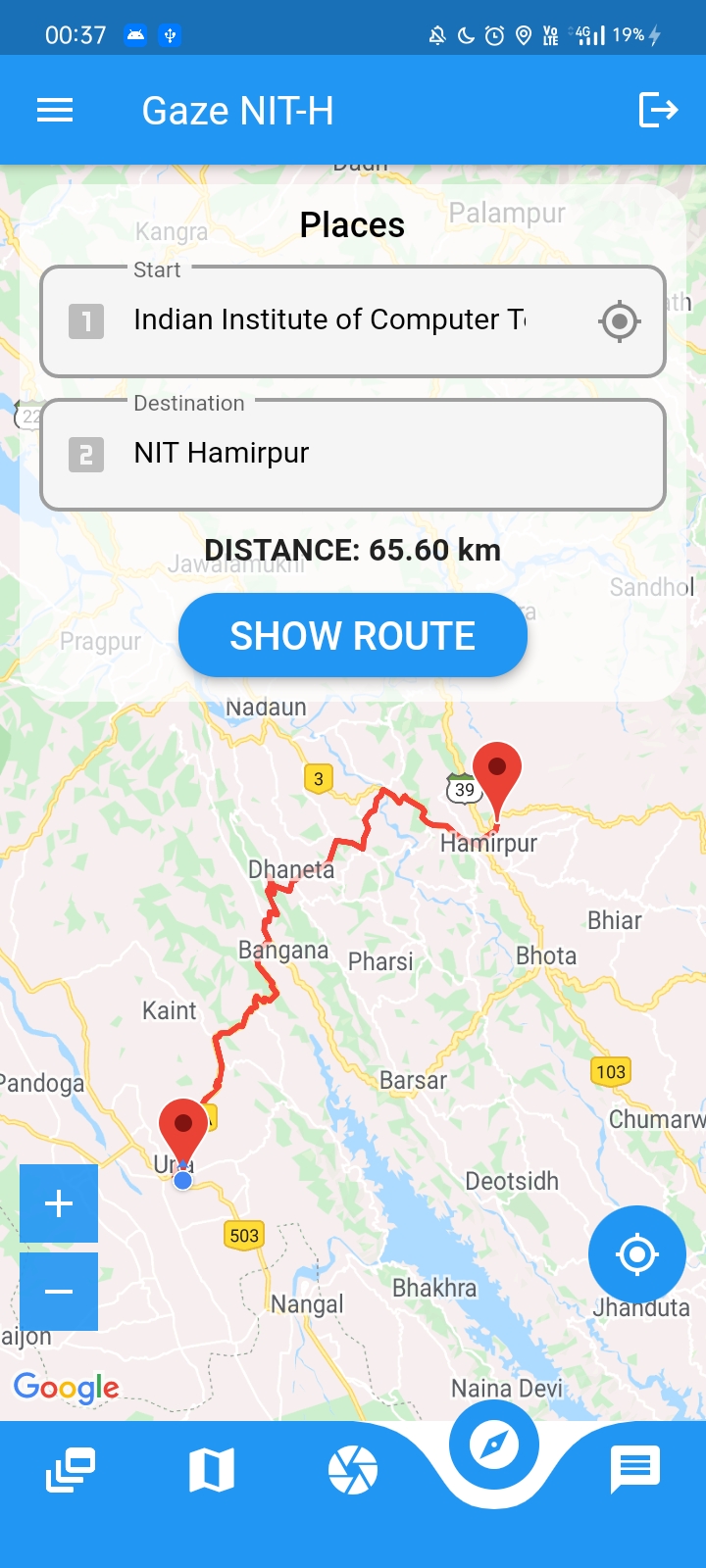
- To use Google Maps, a flutter plugin needs to be added as dependency in the
pubspec.yamlfile.
  dependencies:
    google_maps_flutter: ^0.5.27+3
- Get an API key at https://cloud.google.com/maps-platform/
- For Android, Specify the API key in the android manifest
android/app/src/main/AndroidManifest.xml
  <manifest ...
    <application ...
        <meta-data
            android:name="com.google.android.geo.API_KEY"
            android:value="YOUR_API_KEY" />
- For iOS, Specify the API key in the application delegate
ios/Runner/AppDelegate.m
  #include "AppDelegate.h"
  #include "GeneratedPluginRegistrant.h"
  #import "GoogleMaps/GoogleMaps.h"

  @implementation AppDelegate

  - (BOOL)application:(UIApplication *)application
      didFinishLaunchingWithOptions:(NSDictionary *)launchOptions {
    [GMSServices provideAPIKey:@"YOUR KEY HERE"];
    [GeneratedPluginRegistrant registerWithRegistry:self];
    return [super application:application didFinishLaunchingWithOptions:launchOptions];
  }
  @end
- Usage
 GoogleMap(
     mapType: MapType.normal,
     initialCameraPosition: _kGooglePlex,
     onMapCreated: (GoogleMapController controller) {
     _controller.complete(controller);
   },
 ),
For more information refer https://pub.dev/packages/google_maps_flutter