8 days
- JavaScript (ES6)
- HTML5
- CSS
- Clone or download the repo
- Open the
index.htmlin your browser of choice
The landing page:
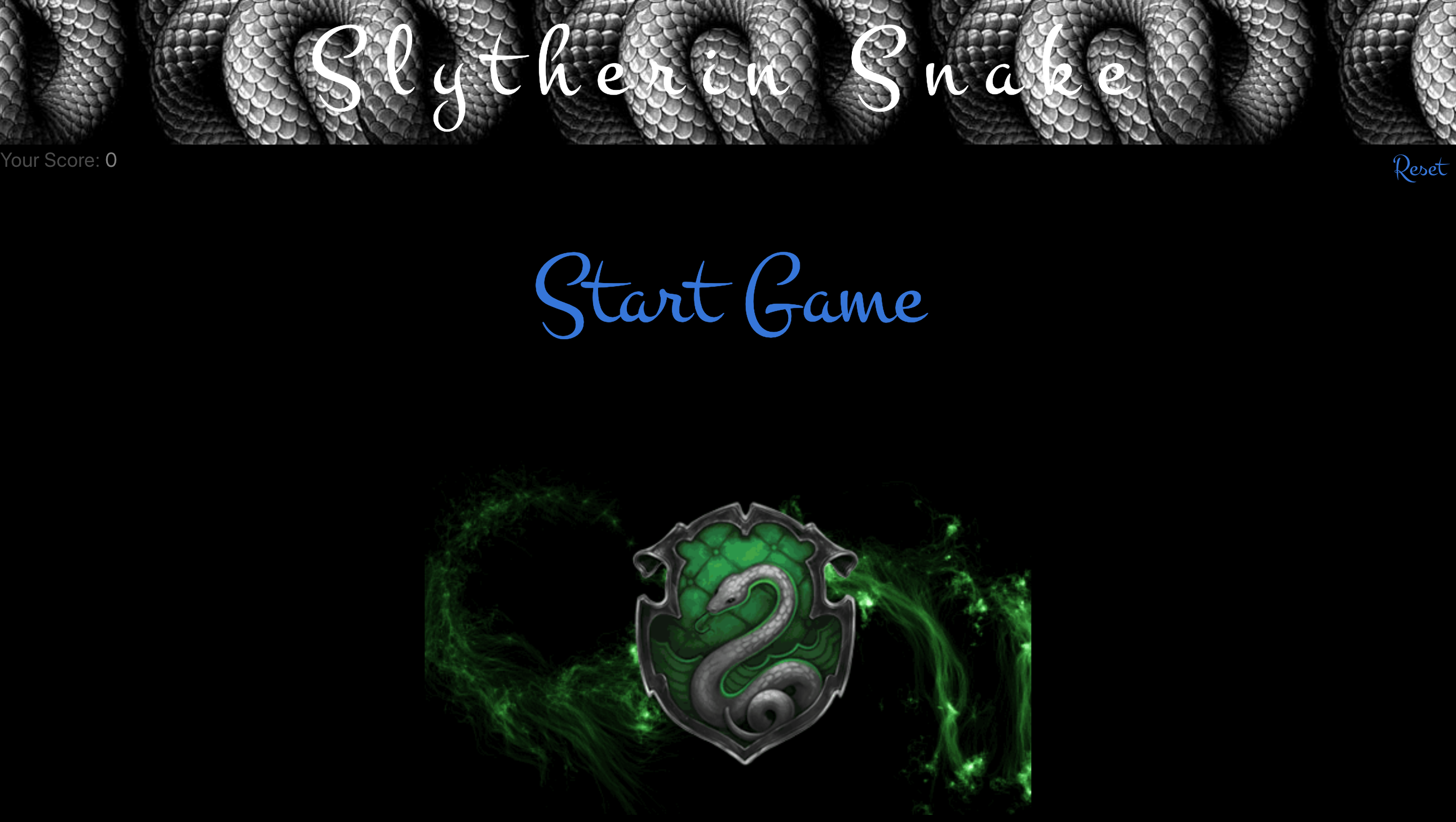
Creating the well-known snake game with a twist of Harry Potter.
View my hosted game Click here
To navigate the snake, you have to use the arrow keys on a computer.
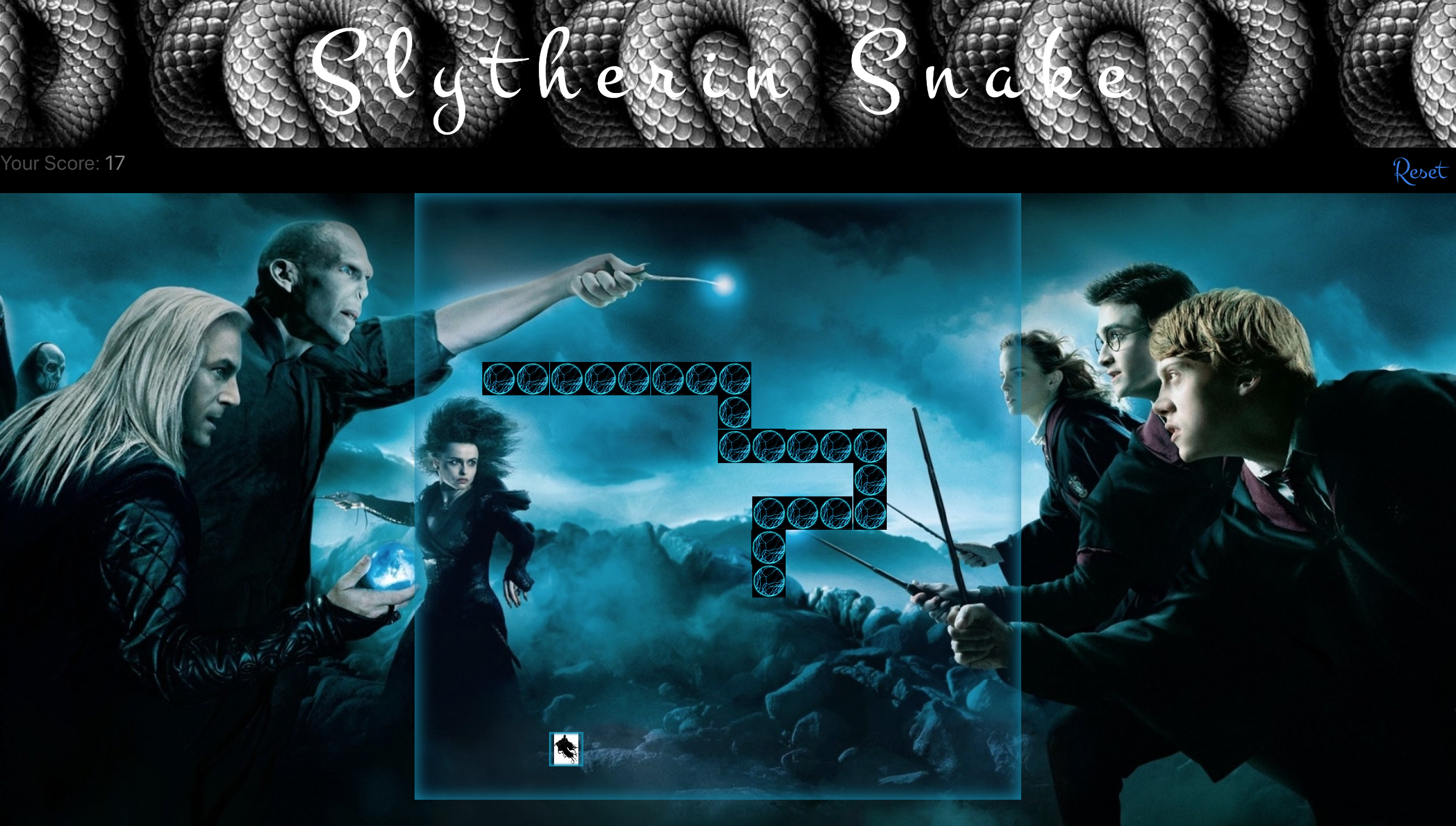
The aim of the game is to move the snake around the board and eat the food (dementors), you can not bump into the walls or yourself otherwise the game is over. The snake will increment with speed the more food you eat.
Start the Game.
The snake will start moving. Use the arrow keys to direct it to the food. Make sure you do not hit the walls or the snakes tail.
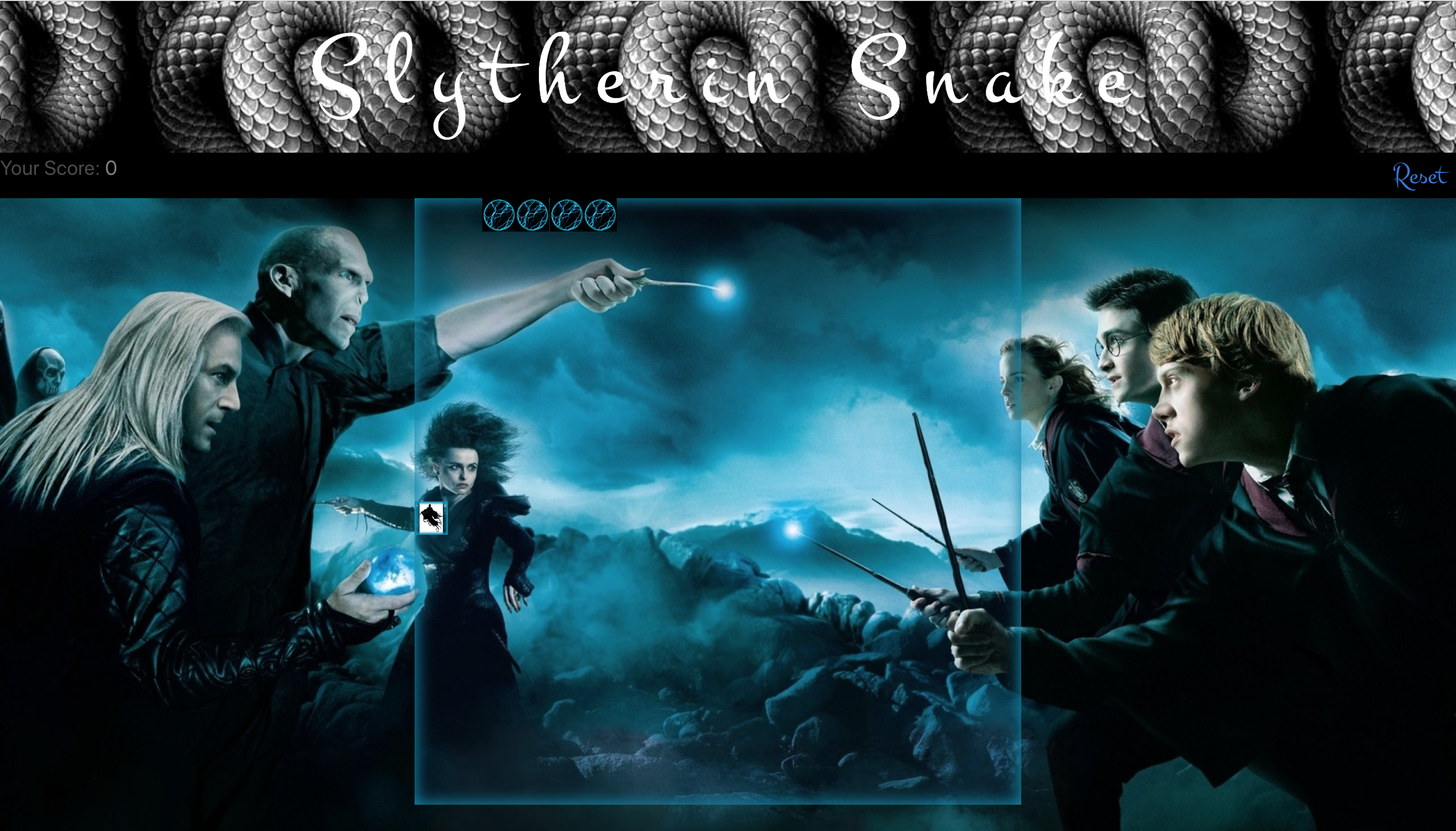
See how long you can survive for
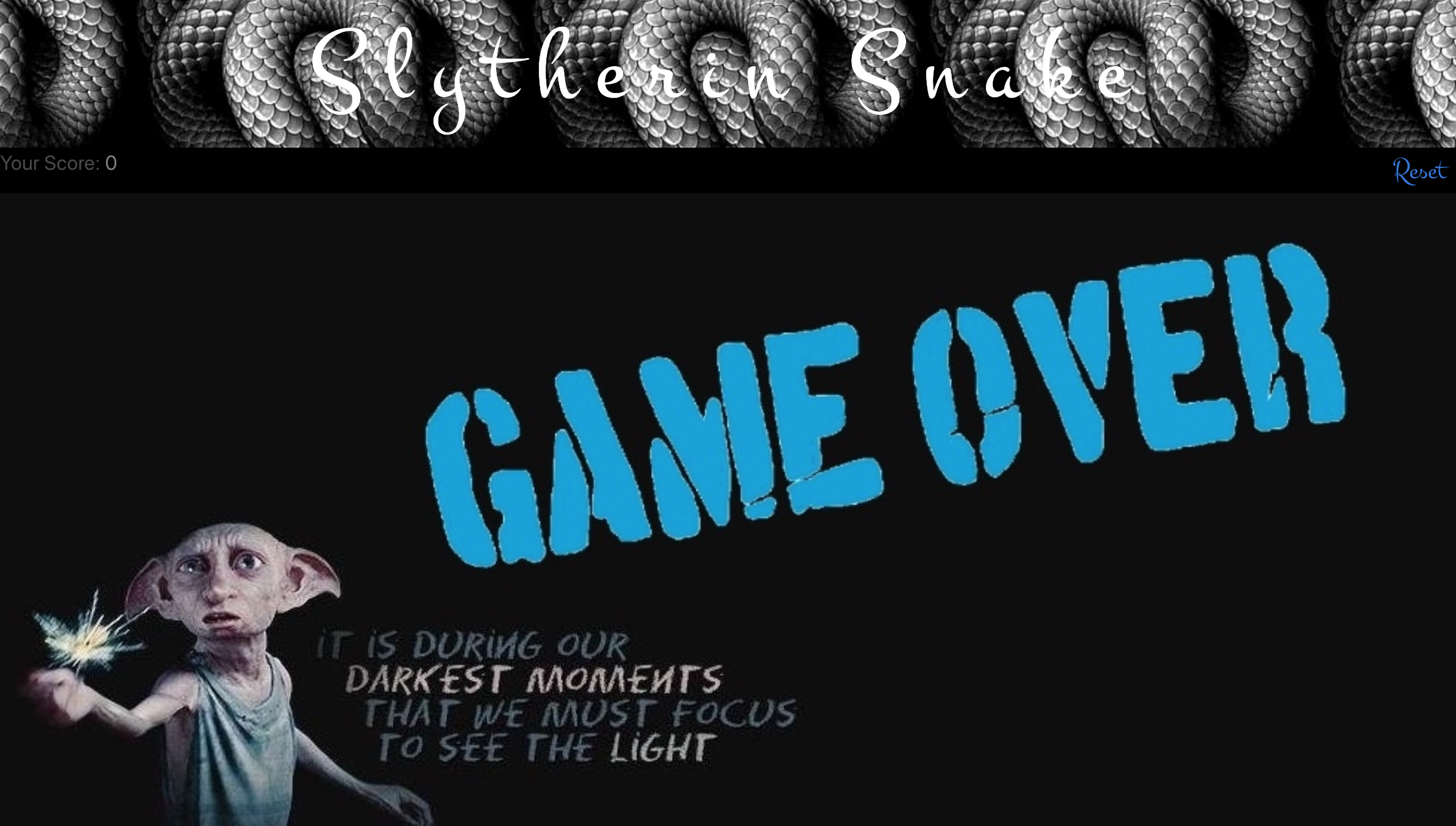
Game over if you bump in to yourself or the walls
After getting the project brief, I starting by creating a Trello board to plan each step.
To get the basic structure of my grid, I used a for loop to generate 18 x 18 individual divs.
One of the main issues I was facing at the start is that the food was being produced in the snake’s body. This meant that I have to do a function to produce another random div that the snake was not in :
function food(){

let randomIndex = Math.floor(Math.random() * squares.length)

while(squares[randomIndex].classList.contains('snake')) {

randomIndex = Math.floor(Math.random() * squares.length)

}

squares[randomIndex].classList.add('food')

}
I also managed to get my game over background popping up when the snake had died. For this I had to remove the grid and add the background image when the gameInPlay was false.
function gameOver() {

gameInPlay = false

grid.classList.remove('grid')

main.classList.add('endOfGame')

}
I enjoyed making Snake my own game by implementing my style designs in there, as I was following a snake theme with Harry Potter.
I used programs like google images to get my images and gifs and edited them with ezgif.com.
The most challenging part was to make sure the game cleared once the reset button was clicked.
This produced a lot of issues from the score count not clearing to the snake starting too fast. I overcame this by adding an event listener which reset everything.
Having a game that works and looks good was a big win. I enjoyed doing this solo project and learnt a lot through functions, switch statements and event listeners
- Responsive design
- Leaderboard