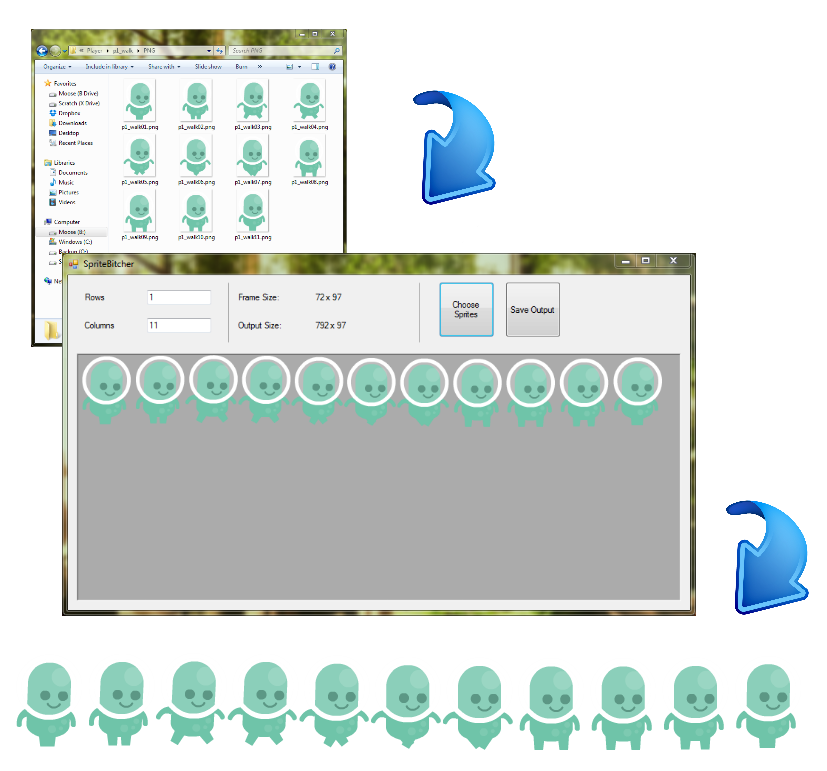
A quick 'n dirty winforms app for stitching together a spritesheet from individual images. Now with additoinal RPG Maker usefulness!
Using SpriteStitcher is as straightforward as possible:
. (Or compile it from the source!)
- Enter the number of sprite rows and columns the final spritesheet will have (usually 4 rows and 3 columns unless its RPG Maker XP, then use 4 rows and 4 columns).
- Hit "Choose Sprites" and select the sprites you want.
- Check the preview box to make sure everything looks okay!
- Notice things don't look okay and drag the frames into their proper spot.
- Then just hit "Save Output"