

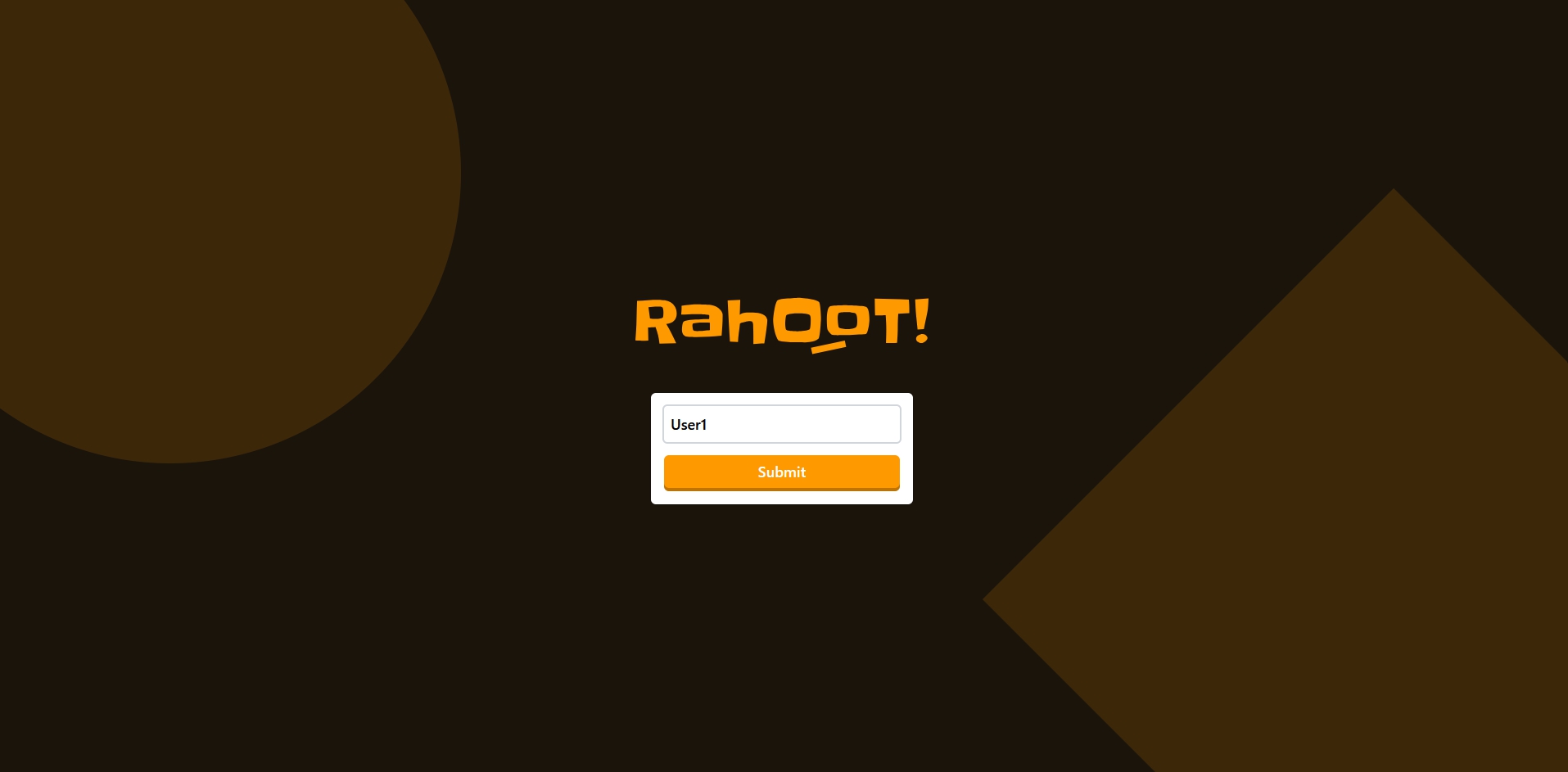
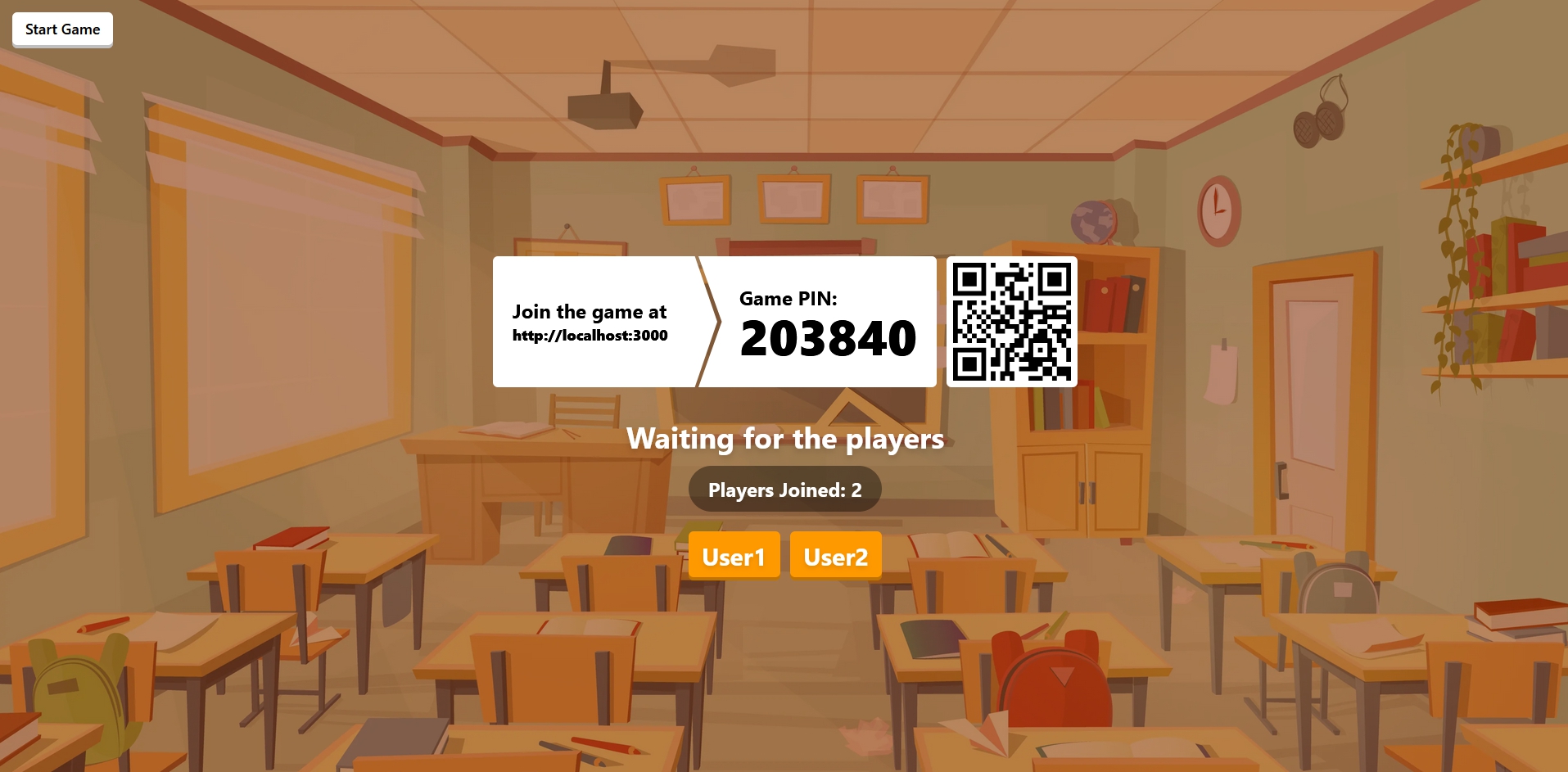
Rahoot is a straightforward and open-source clone of the Kahoot! platform, allowing users to host it on their own server for smaller events.
⚠️ This project is still under development, please report any bugs or suggestions in the issues
Choose one of the following deployment methods:
- Node.js : version 22 or higher
- PNPM : Learn more about here
- Docker and Docker Compose
Choose your deployment method:
Using Docker Compose (recommended): You can find the docker compose configuration in the repository: docker-compose.yml
docker compose up -dOr using Docker directly:
docker run -d \
  -p 3000:3000 \
  -v ./config:/app/config \
  ralex91/rahoot:latest
Configuration Volume:
The -v ./config:/app/config option mounts a local config folder to persist your game settings and quizzes. This allows you to:
- Edit your configuration files directly on your host machine
- Keep your settings when updating the container
- Easily backup your quizzes and game configuration
The folder will be created automatically on first run with an example quiz to get you started.
The application will be available at http://localhost:3000
- Clone the repository:
git clone https://github.com/Ralex91/Rahoot.git
cd ./Rahoot- Install dependencies:
pnpm install- Build and start the application:
# Development mode
pnpm run dev

# Production mode
pnpm run build
pnpm startThe configuration is split into two main parts:
Main game settings:
{
  "managerPassword": "PASSWORD"
}
Options:
managerPassword: The master password for accessing the manager interface. Must be changed from the default"PASSWORD"value, otherwise manager access is blocked.
Create your quiz files in the config/quizz/ directory. You can have multiple quiz files and select which one to use when starting a game.
Example quiz configuration (config/quizz/example.json):
{
  "subject": "Example Quiz",
  "questions": [
    {
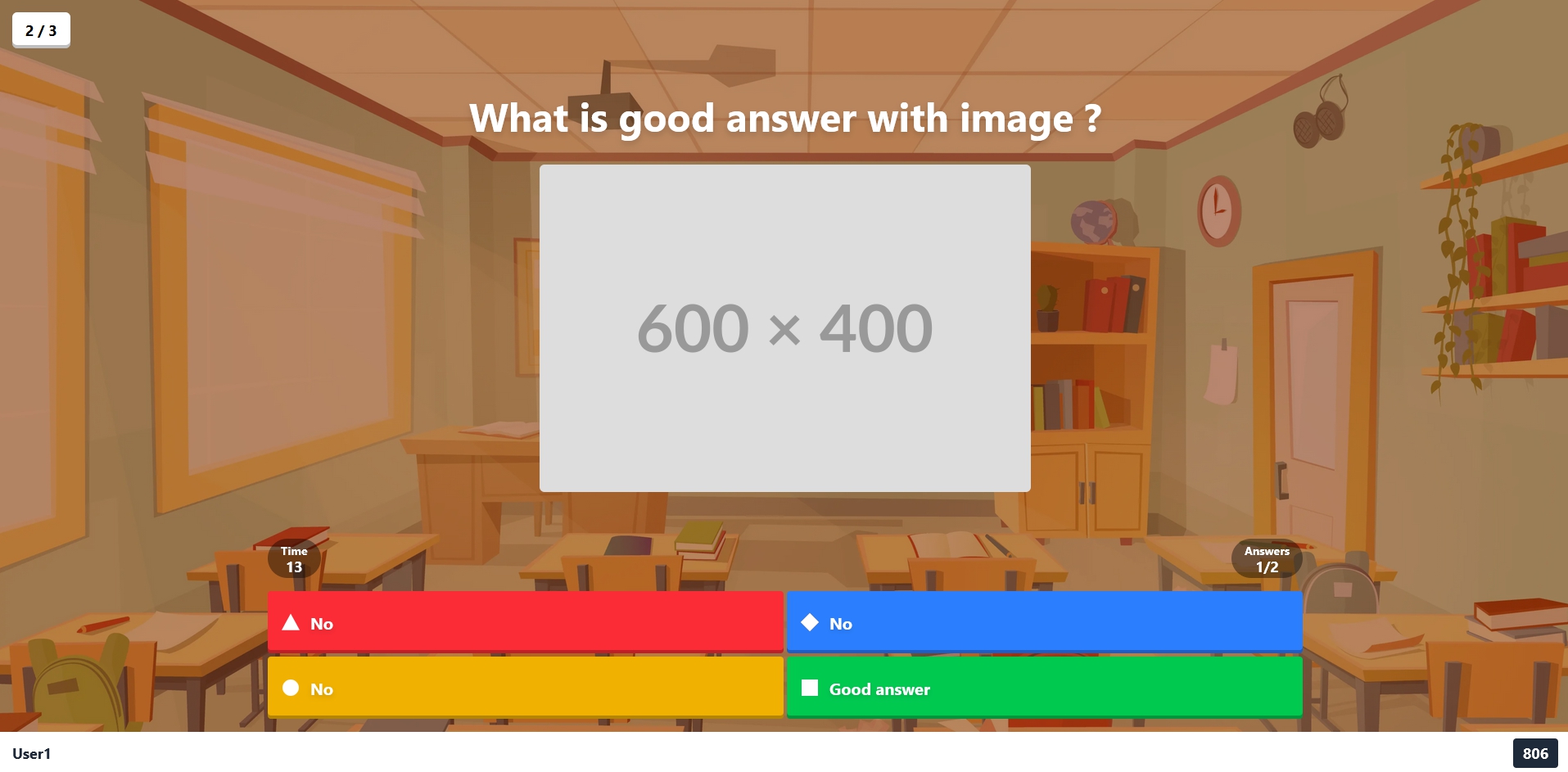
      "question": "What is the correct answer?",
      "answers": ["No", "Yes", "No", "No"],
      "image": "https://images.unsplash.com/....",
      "solution": 1,
      "cooldown": 5,
      "time": 15
    }
  ]
}
Quiz Options:
subject: Title/topic of the quizquestions: Array of question objects containing:question: The question textanswers: Array of possible answers (2-4 options)image: Optional URL for an image displayed with the questionvideo: Optional URL for a video displayed with the questionaudio: Optional URL for an audio played during the questionsolution: Index of correct answer (0-based)cooldown: Time in seconds before showing the questiontime: Time in seconds allowed to answer
- Access the manager interface at http://localhost:3000/manager
- Enter the manager password (defined in
config/game.json) - Share the game URL (http://localhost:3000) and room code with participants
- Wait for players to join
- Click the start button to begin the game
- Fork the repository
- Create a new branch (e.g.,
feat/my-feature) - Make your changes
- Create a pull request
- Wait for review and merge
For bug reports or feature requests, please create an issue.
