This package has not been tested on mobile browsers or React Native. SORRY!


npm install --save react-list-drag-and-drop
You must have an Array of items to render in your list.
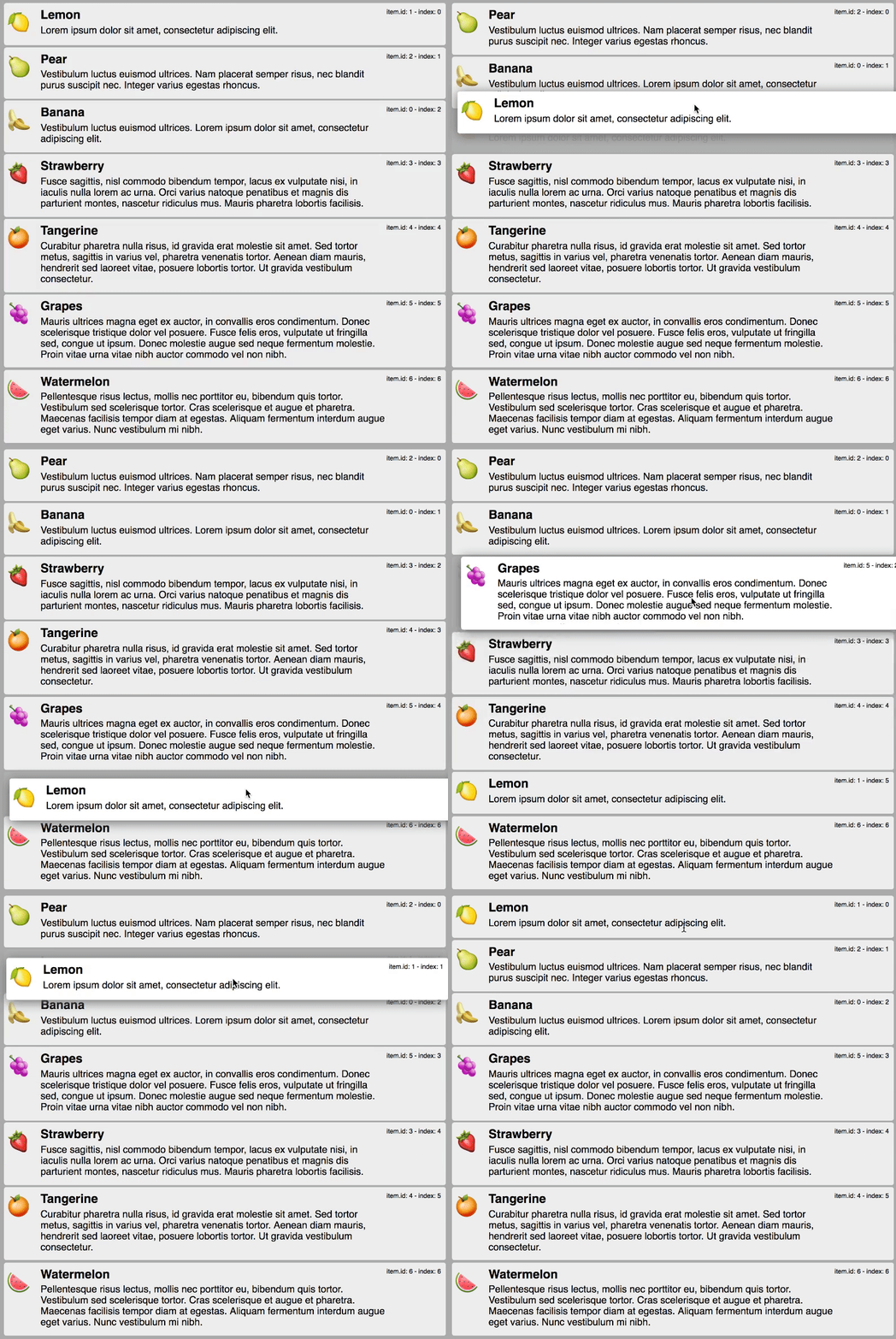
Instead of rendering it inside a <div> you render it inside a <RLDD> component using a render prop.
import RLDD from 'react-list-drag-and-drop/lib/RLDD';<RLDD
items={items}
itemRenderer={(item) => {
return (
<div className="item">{item.title}</div>
);
}}
onChange={this.handleRLDDChange}
/>Then you need to handle the onChange callback and call setState with the new list. Like this:
  private handleRLDDChange(newItems) {
    this.setState({ items: newItems });
  }
Each item must be of type Object and have an id property. Number and String work and display correctly. An 'id' property of any other type may not render correctly to the page - be warned.
You can play around with the examples
