-
Add this alias to your preferred shell startup script (
zshin my case)echo "alias humble=\"source /opt/ros/humble/setup.zsh\"" >> ~/.zshrc
-
Source
ROS2installationhumble
-
Check that the environment is properly set up
printenv | grep -i rosYou should get an output as follows, along with other environment variables:
ROS_DISTRO=humble
ROS_PYTHON_VERSION=3
ROS_VERSION=2
The official and detailed documentation is accessible through this link.
-
Build the package using
colcontoolcolcon build --symlink-install
-
Source the local setup file
source install/local_setup.zsh -
Launch the
launchfileros2 launch rover_ctrl rover.launch.py
-
The launch file
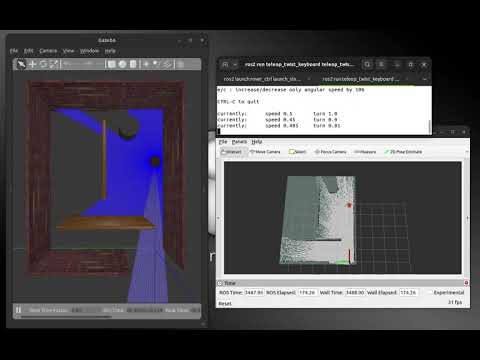
launch_sim.launch.pydisplays the robot ingazeboand publishes the/robot_descriptionand/scantopics torvizros2 launch rover_ctrl launch_sim.launch.py
-
Mapping using SLAM toolbox
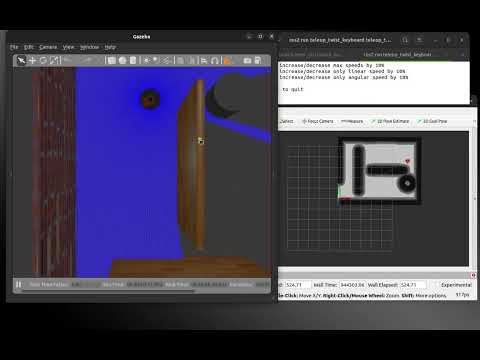
ros2 launch rover_ctrl launch_slam.launch.py
-
Localization and navigation
ros2 launch rover_ctrl launch_nav.launch.py