Update: Updated the visuals and added a "drill down" effect. Now each planet can be clicked. When clicked, the planet scales and a panel with information that is fetched from the "The Solar System OpenData" appears, in addition to some static data. When Earth is clicked again, a world map by: https://simplemaps.com/resources/svg-world appears and users can drill-down to continents and countries.
Before visual update:

After visual update:

Scaling & Information Panel:

World Map:

Continent Clicked:

Country Clicked:

Images:
-Earth: https://pngimg.com/uploads/earth/earth_PNG39.png
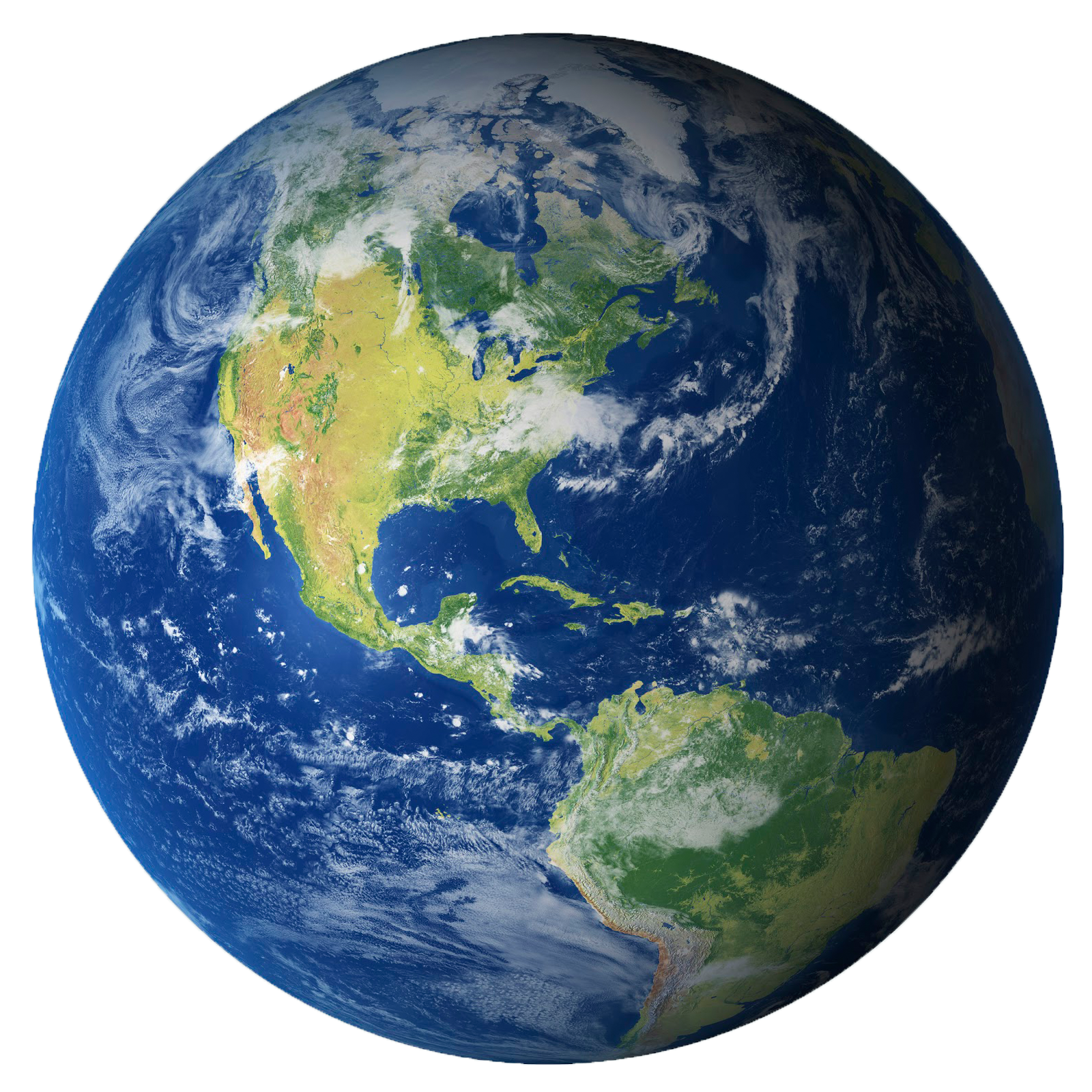
-Saturn: https://wallpapers.com/images/hd/realistic-saturn-image-png-saj-pyweaoxxuw630fcx.jpg

-Jupiter: https://www.solarsystemscope.com/spacepedia/images/handbook/renders/jupiter.png

-Venus: https://www.pngall.com/wp-content/uploads/11/Venus-PNG-Background.png
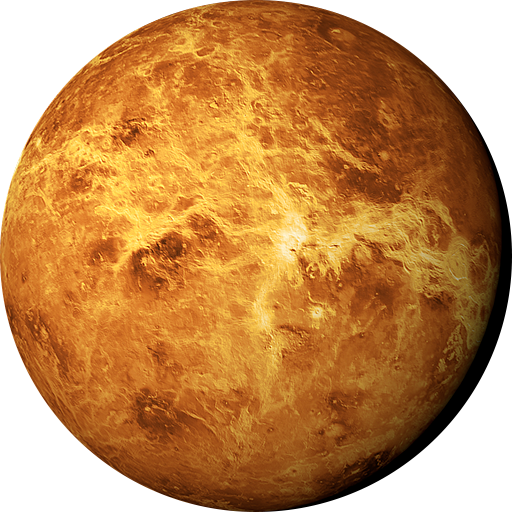
-Uranus: https://wallpapers.com/images/hd/uranus-southern-hemisphere-png-98-5njxvfq1ofdr5lkx.png
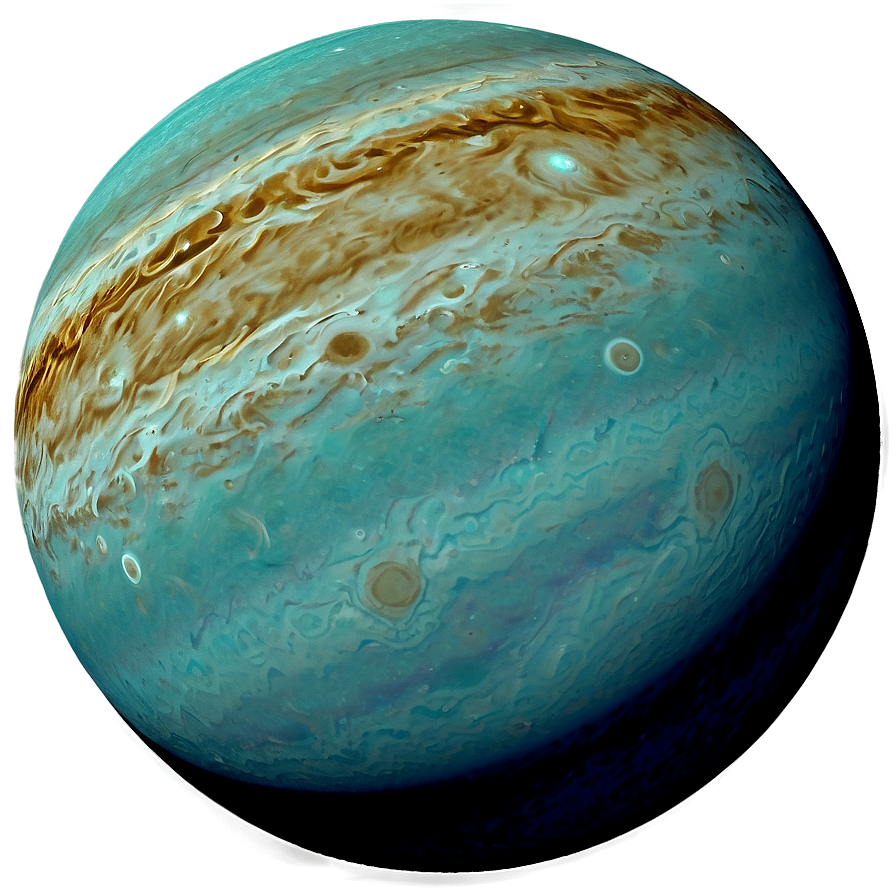
-Neptune: https://upload.wikimedia.org/wikipedia/commons/2/20/Neptune_cutout.png

-Mars: https://pngimg.com/d/mars_planet_PNG38.png
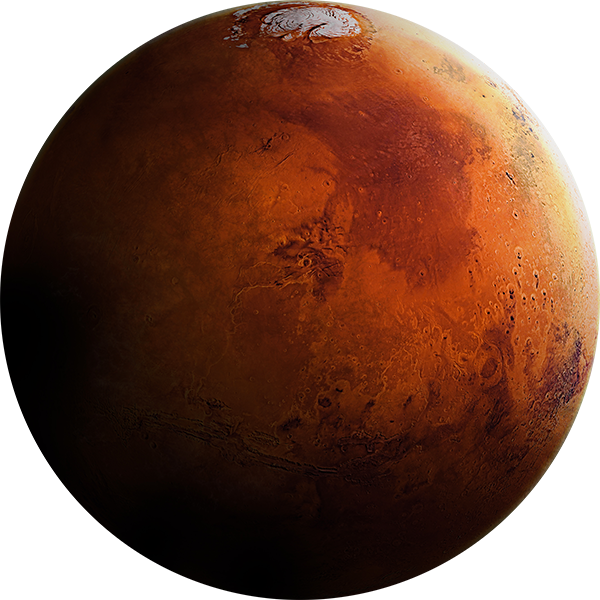
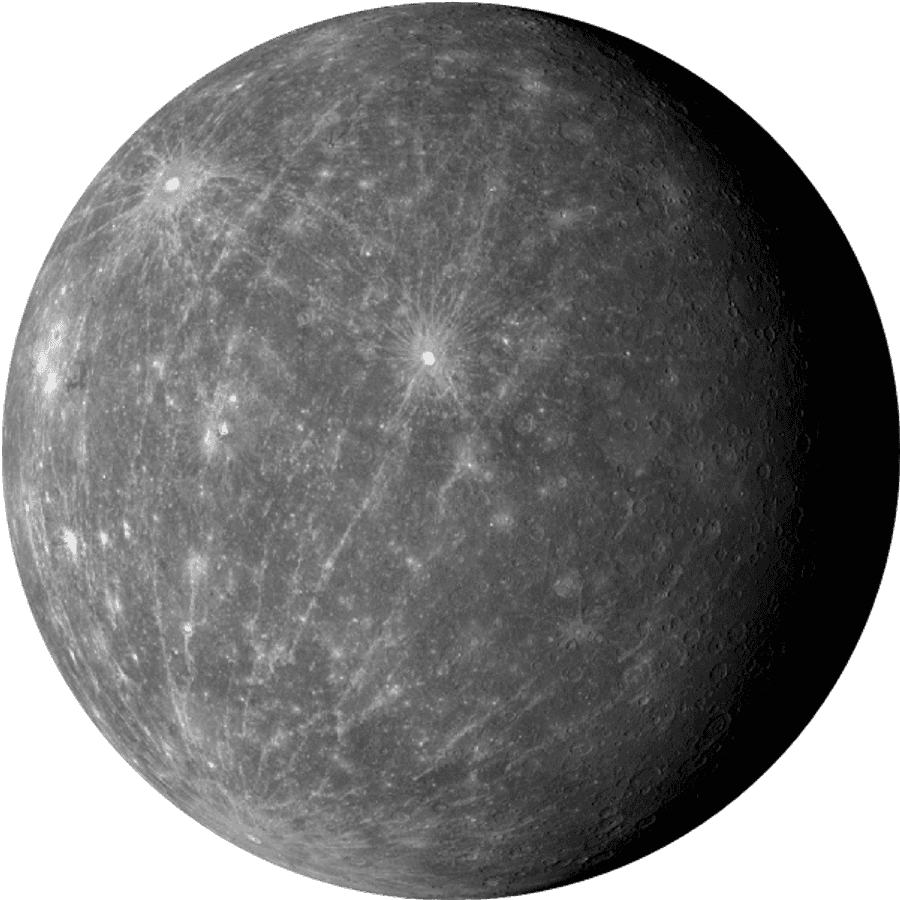
-Sun: https://cdn.pixabay.com/photo/2018/01/26/13/04/sun-3108640_1280.png -Mercury: https://wallpapers.com/images/high/mercury-planet-surface-texture-b14c57xc5tcrfa6w.png

Initial README: Solar System data visualisation done in HTML/CSS and a bit of Javascript.
See it in action : http://codepen.io/juliangarnier/full/idhuG