
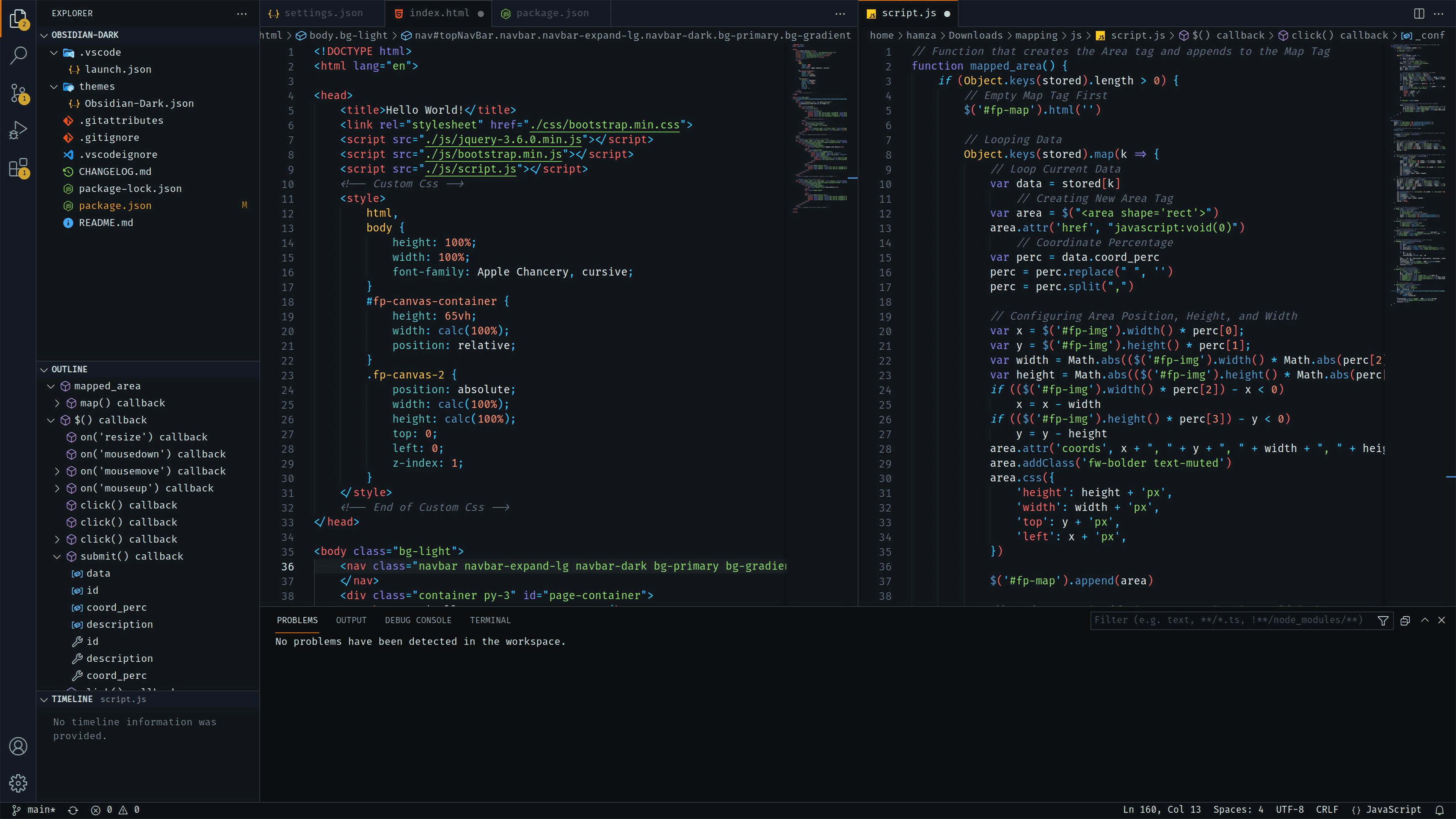
- Open Extensions sidebar panel in VS Code.
View → Extensions - Search for
Obsidian Dark- find the one by Hamza Aziane - there maybe other ones with the same name so make sure you have the right one! - Click Install to install it.
- Click Reload to reload the your editor
- Code > Preferences > Color Theme > Obsidian Dark