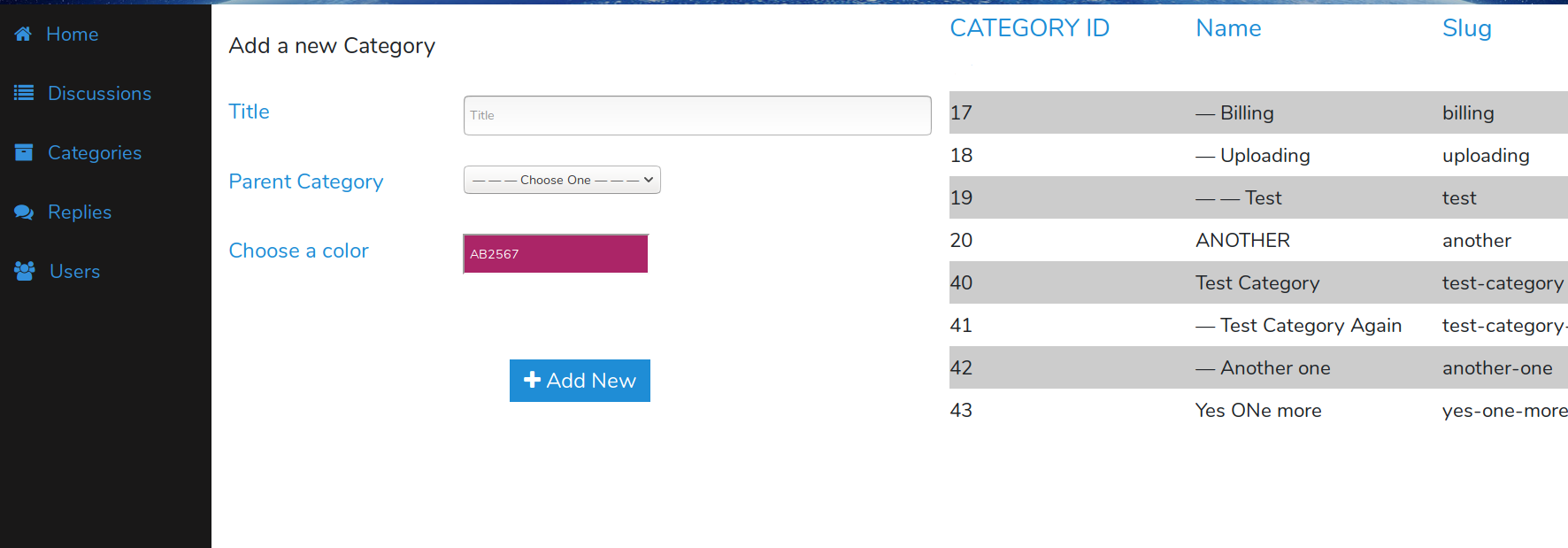
Quick Note: This is package builds upon the thedevdojo/chatter Laravel forum package. Therefore, make sure you install it and configure it as needed. https://github.com/thedevdojo/chatter#installation
Also, this package is tested on Laravel 5.7 so far. It could work with 5.6 and 5.5, but I haven't done the necessary tests
-
Include the package in your project
composer require "codiiv/chatteradmin" -
Add the service provider to your
config/app.phpproviders array:If you're installing on Laravel 5.5+ skip this step
'providers' = [ // ... Codiiv\Chatter\ChatterServiceProvider::class, // ... ] -
Publish the Vendor Assets files by running:
php artisan vendor:publish --provider="Codiiv\Chatter\ChatterServiceProvider" -
Now that we have published a few new files to our application we need to reload them with the following command:
composer dump-autoload -
Run Your migrations:
NB: It is important to run the migrations so that you can set the super admin and other future features. This migration will create two additional tables on top of the ones created by the main
thedevdojo/chatterphp artisan migrateQuick tip: Make sure that you've created a database and added your database credentials in your
.envfile. -
Lastly, CONFIGURE SUPER ADMIN account.
You can do this two ways
A) Run this command
php artisan chatter:superadmin someemail@somedomain.tldreplacing someemail@somedomain.tld by the email of the user you want to set as super admin. Note that you can only have one super admin.IN a future version, we will add ability to have multiple admins, but the
super adminrole will remain one userOR
B) - Once you have run
php artisan migrate, look for the table*chatter_optionsand add a row with the following column values:option_name >> master_admin option_value >> USER ID for the super admin autoload >> 1 created_at >> 2018-11-13 00:50:12 (or whatever) updated_at >> 2018-11-13 00:50:12 (or whatever)

Now, visit your site.com/chatteradmin and you should see your new forum admin once logged in!
Coming soon