



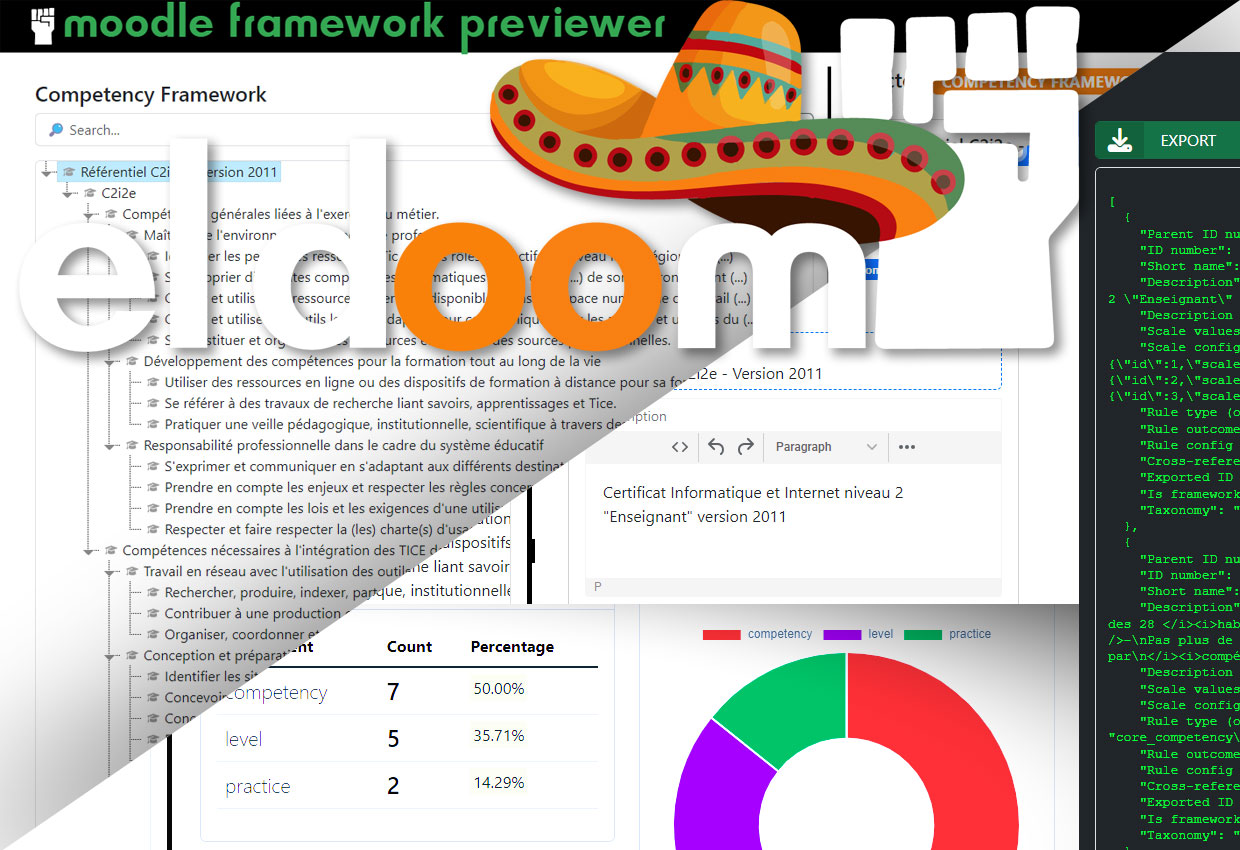
eldoomCBE is a (standalone) web-based tool designed to manage and visualize competency frameworks in the Moodle Learning Management System. It allows users to import, edit, visualize, and export competency frameworks, offering comprehensive features like statistics, charts, and tag clouds for better understanding and analysis.



| Import & Export | |
|---|---|
 |
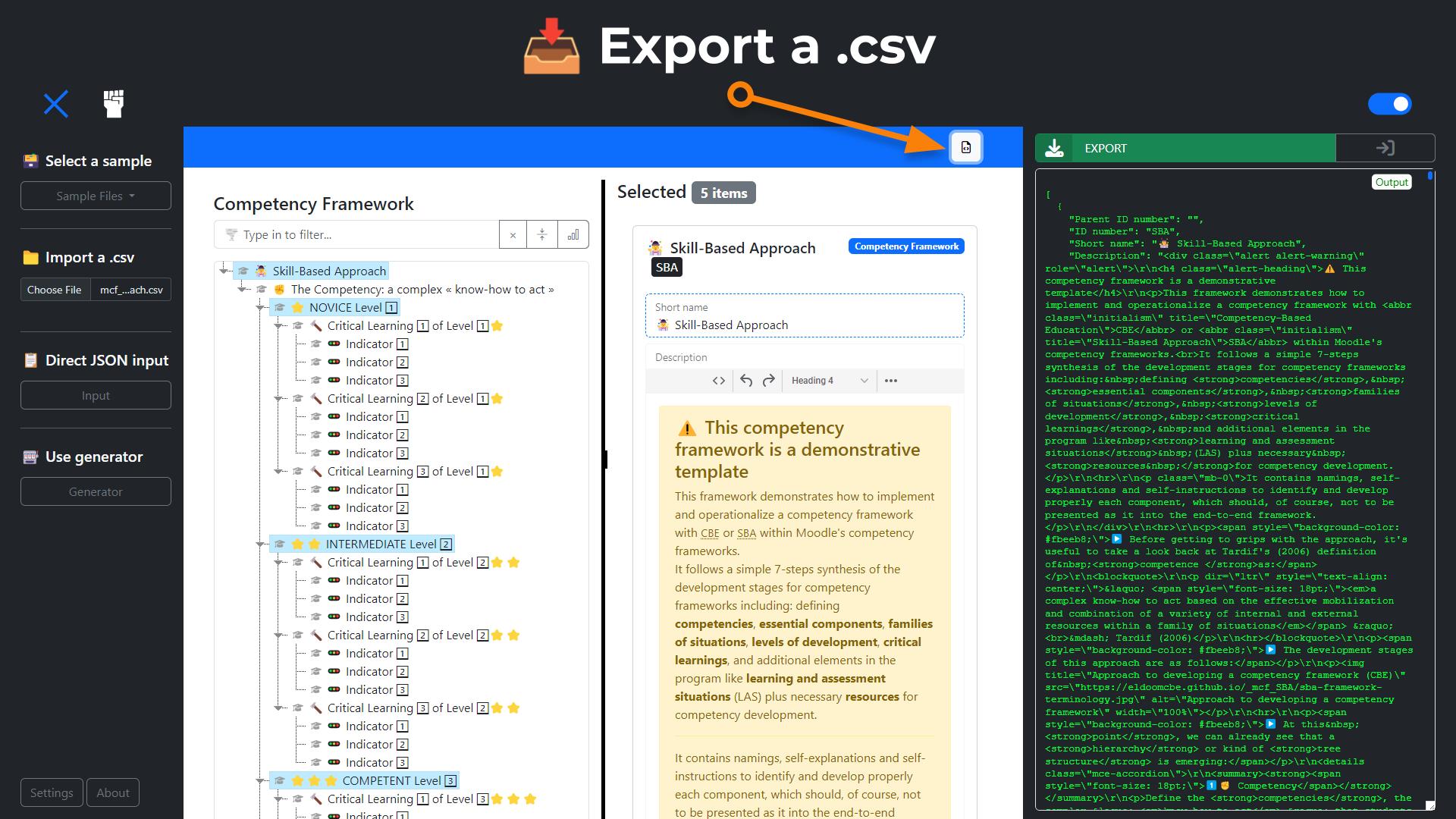 |
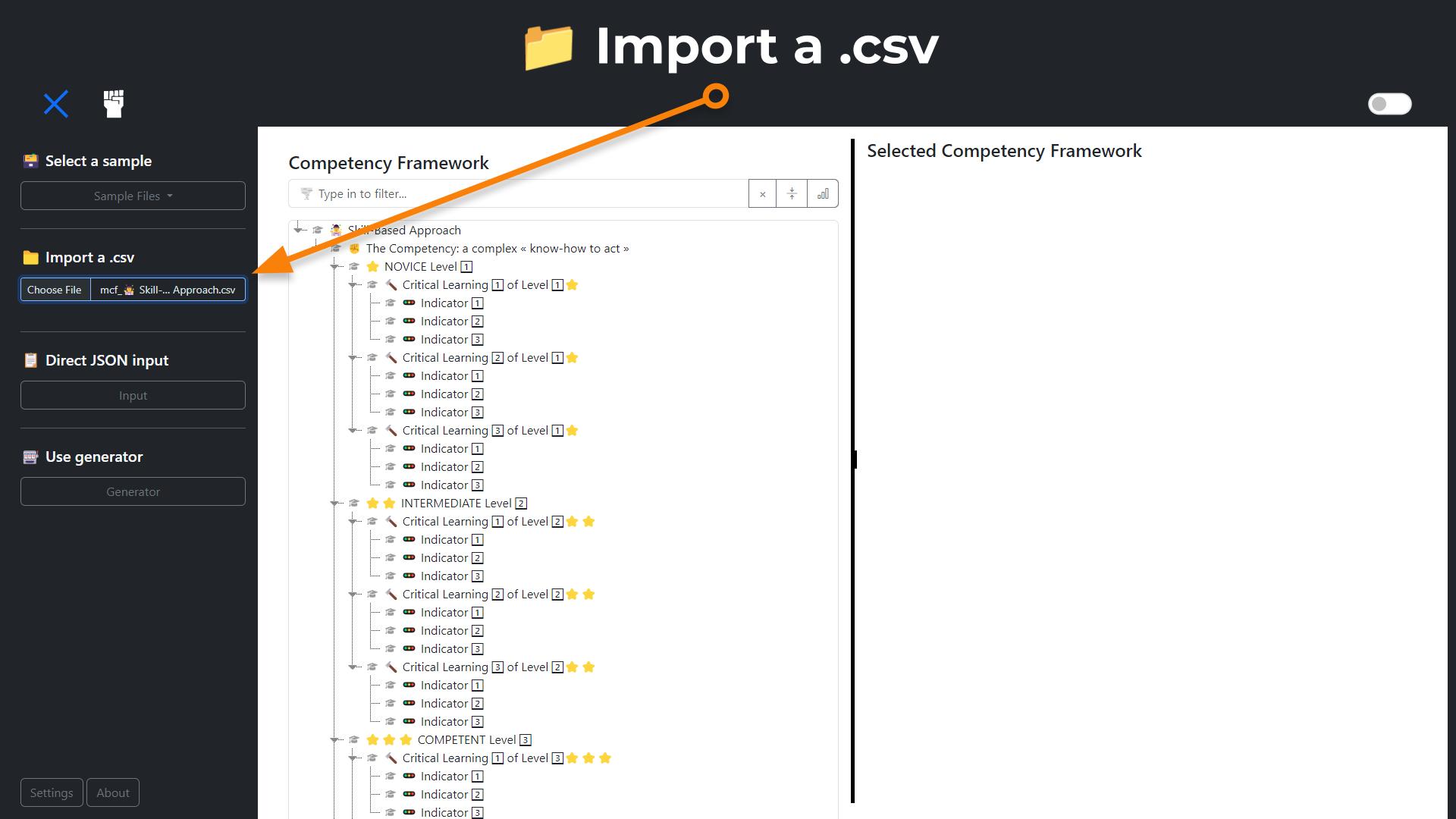
| Import competency frameworks from CSV files and export them after editing |
| Preview mode | |
|---|---|
 |
|
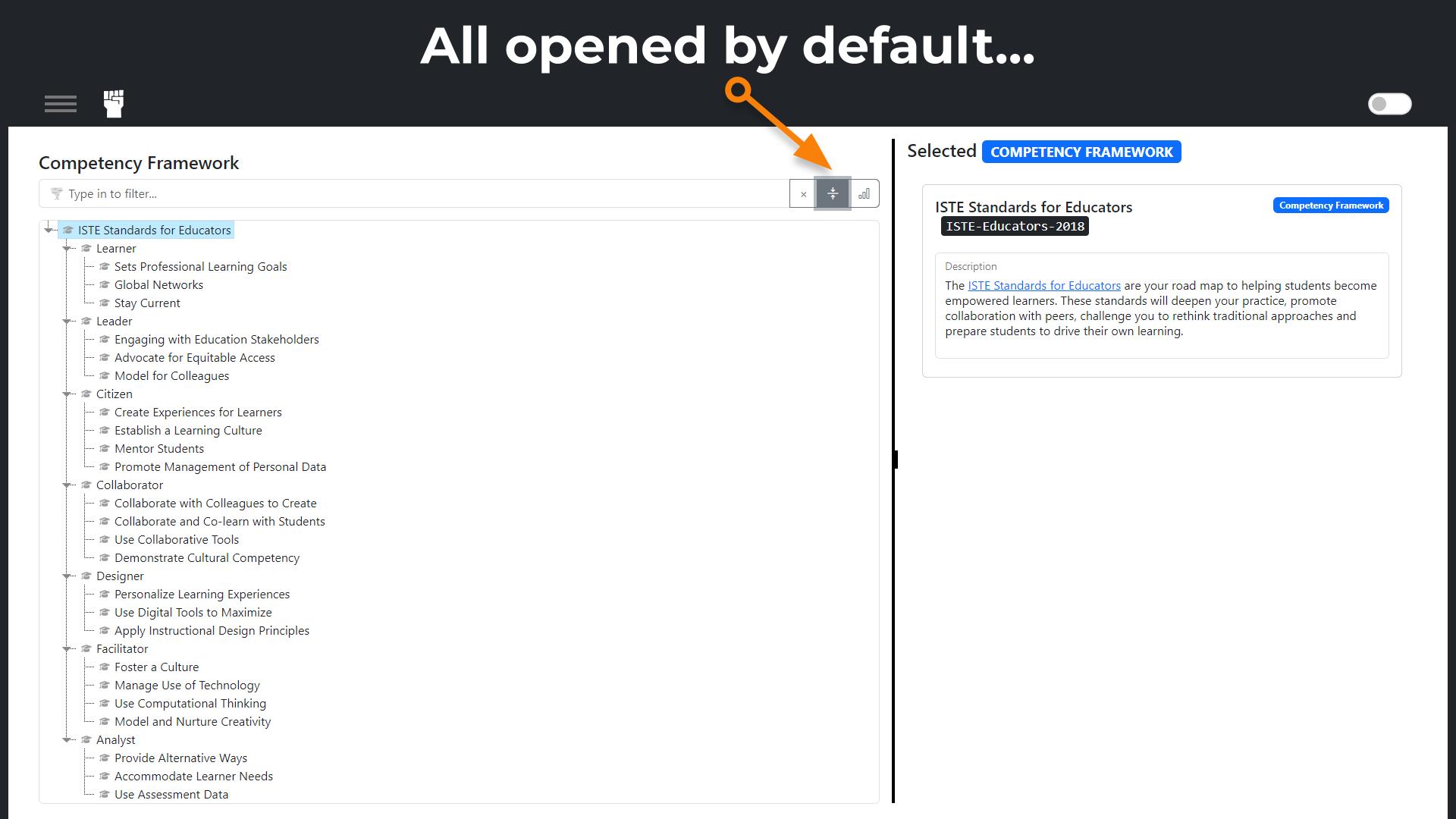 |
|
| yeah... you know what we mean there... hundred of clicks that has never been made... |
| Edit mode | |
|---|---|
 |
|
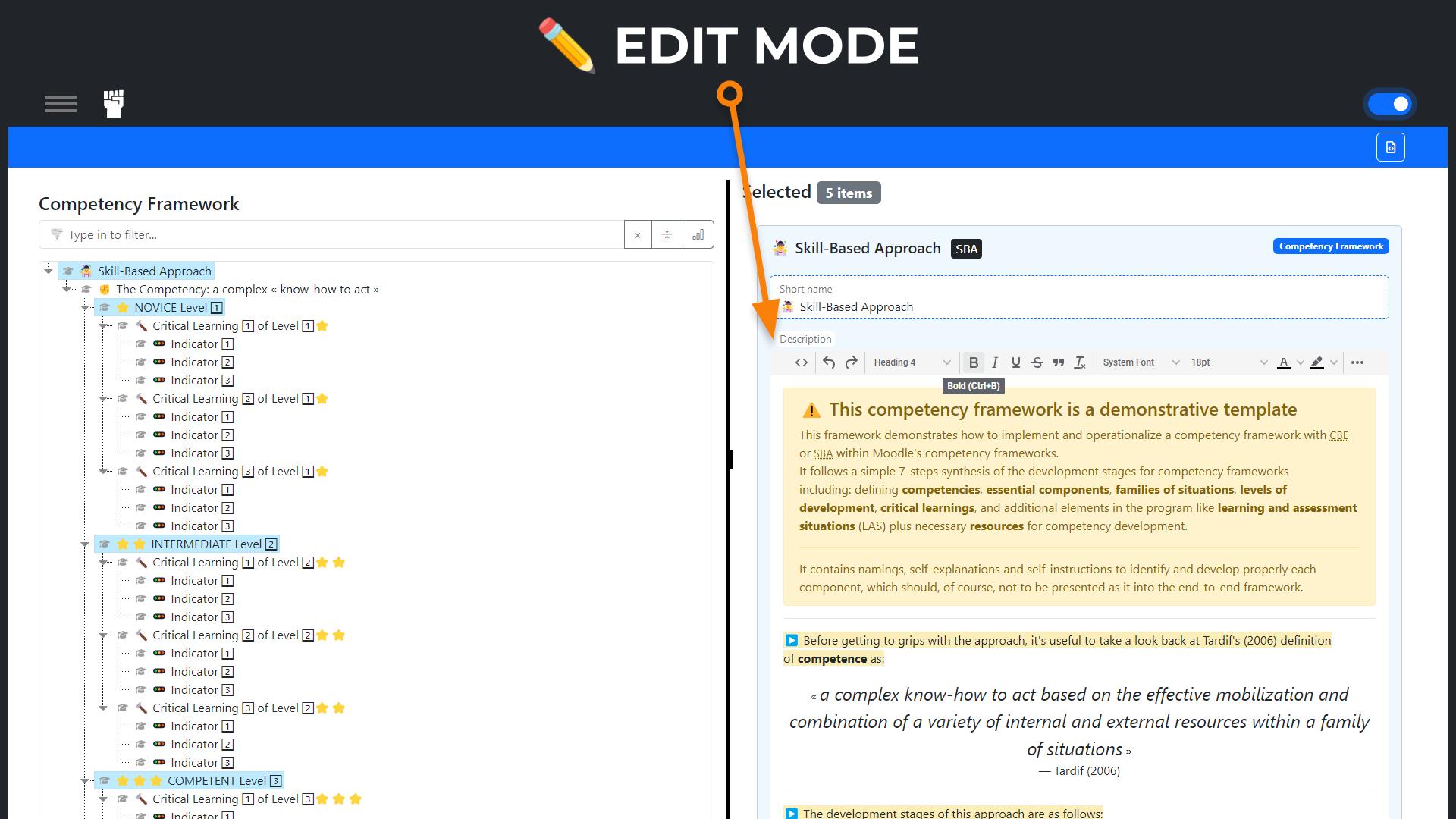
| Edit competency frameworks directly and style Descriptions with TinyMCE | |
 |
|
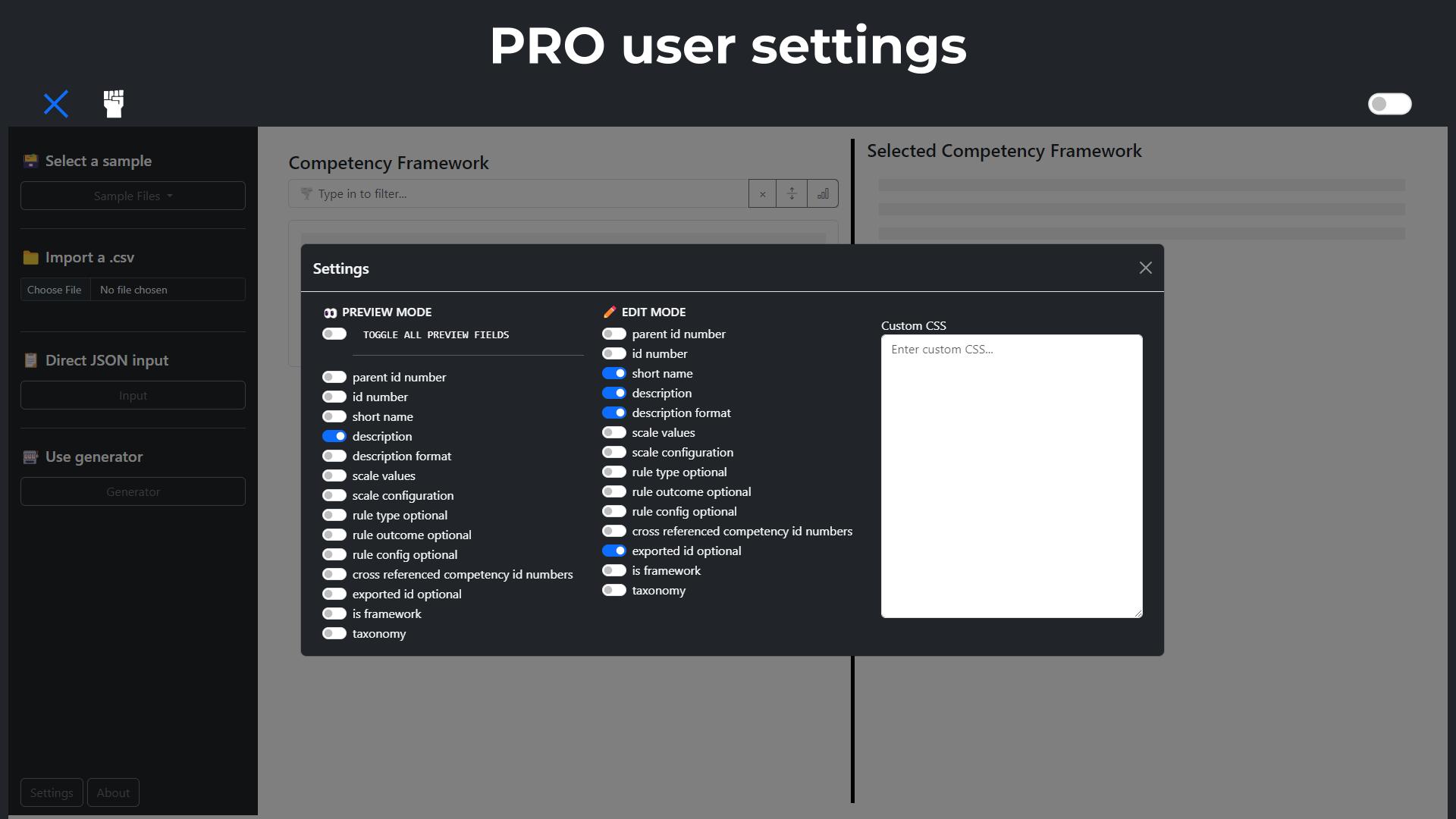
| ☝️ don't mess with this (parent id & id numbers, is framework, taxonomy)... or you may "break" your competency framework... nothing dramatic though, because none of this is saved anywhere (standalone) as long as you don't export anything, and if it's no good, moodle won't forget to remind you when you'll try to import a broken framework |
| Usable stats | |
|---|---|
 |
|
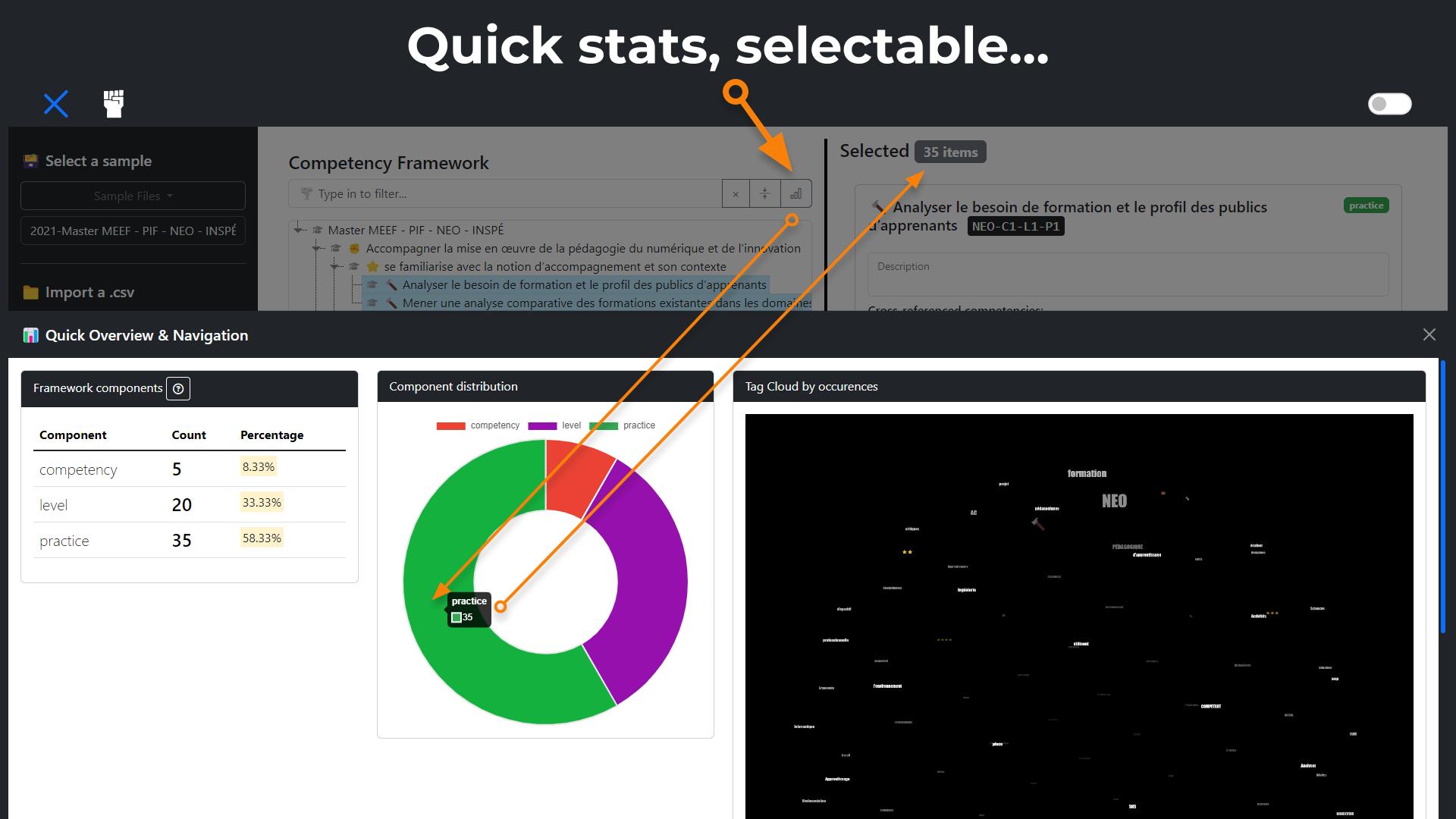
| Quick stats & word cloud about what's inside competency frameworks (click to select) |
- Import & Export: Import competency frameworks from CSV files and export them after editing.
- Tree Visualization: Visualize competency frameworks in a hierarchical tree structure using jsTree.
- Statistics: Generate and display various statistics related to the competency frameworks.
- Charts: Visualize data distribution with doughnut charts.
- Tag Cloud: Generate tag clouds based on the frequency of terms in the competency descriptions.
- JSON Input: Directly input JSON data for competency frameworks.
- Competency Framework Generator: Generate new competency frameworks using a simple interface.
- etc.
👉 Go to the main repo for the competency framework tool: GitHub - eldoomCBE/cf
- 📁 Import a .csv: you can upload your own CSV file.
- 🗃️ Select a sample: Choose a sample file from the "Sample Files" dropdown. Lists can be dynamically loaded if set up correctly inside a .json sample list.
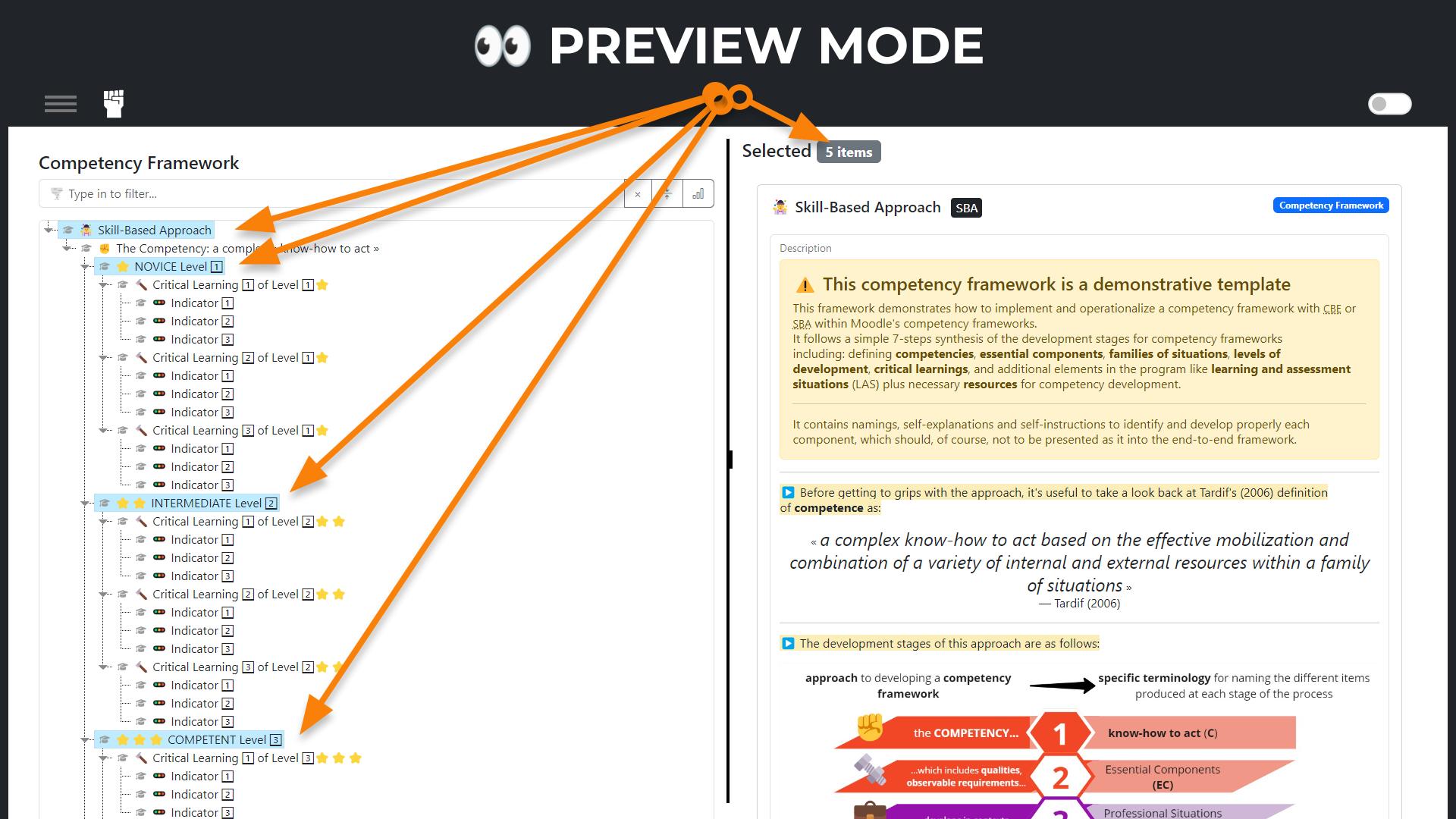
- 👀 PREVIEW & ✏️ EDIT: Use the left side to interact with the tree and the right side to view/edit details.
- 📋 Direct JSON input: Click on the "Input" button to paste your JSON data.
- 🎰 Use generator: Use the "Generator" to create a new competency framework (output is JSON Data).
- </> JSON output: Click on the "Output" button to copy your JSON data.
- 📥 Export Data: Switch to EDIT mode, open the output and click on the "EXPORT" button to download again framework as a CSV file.
We've used a subtle mix of RAD and RACHE methodologies in order to quickly ensure fulfillment or our specific requirements.
MVC
|-- index.html                      # Main HTML file
|
|-- assets/
|   |-- JS/
|   |   |-- Model/
|   |   |   |-- settings.js         # Manages app settings
|   |   |   |-- appState.js         # Manages the state of the application
|   |   |   |-- csvParser.js        # Handles CSV file parsing and processing
|   |   |   |-- treeModel.js        # Manages the tree structure and related functionalities
|   |   |-- View/
|   |   |   |-- treeView.js         # Manages the jsTree view
|   |   |   |-- statisticsView.js   # Handles statistics generation and display
|   |   |   |-- chartView.js        # Manages charts for visualizing data
|   |   |   |-- tagcloudView.js     # Handles generating tag clouds
|   |   |-- Controller/
|   |   |   |-- startPanelController.js  # Manages the start panel and mode switching
|   |   |   |-- endPanelController.js    # Manages the end panel and details view
|   |   |   |-- editController.js        # Handles the edit view and functionalities
|   |   |   |-- generator.js        # Handles competency frameworks generator input
|   |   |-- commonUtils.js           # Common utility functions used across the app
|   |-- CSS/
|   |   |-- customs.css             # Custom styling for the application
|   |-- MEDIA/
|   |   |-- favicon.ico             # Favicon
|   |   |-- banner.png              # Banner image
|   |   |-- import_csv.png          # Screenshot for Import CSV
|   |   |-- tree_view.png           # Screenshot for Tree View
|   |   |-- statistics.png          # Screenshot for Statistics
|   |   |-- tag_cloud.png           # Screenshot for Tag Cloud
|-- framework_samples/
|   |-- samples.json               # Contains sample data for testing
|   |-- Simple_Sample_ordered.csv
|   |-- Simple_Sample_unordered.csv
|-- [LIBS]                                # External libraries with versions for reference
|   |-- jquery@3.7.1/
|   |   |-- jquery-3.7.1.min.js
|   |-- bootstrap@5.3.3/
|   |   |-- bootstrap.bundle.min.js
|   |-- lodash@4.17.21/
|   |   |-- lodash.min.js
|   |-- jstree@3.3.16/
|   |   |-- jstree.min.js
|   |-- PapaParse@5.4.1/
|   |   |-- papaparse.min.js
|   |-- Chart.js@latest/
|   |   |-- chart.min.js
|   |-- d3@7.9.0/
|   |   |-- d3.min.js
|   |-- jquery.tagcanvas@2.11/
|   |   |-- jquery.tagcanvas.min.js
- Thanks to all the contributors and open-source libraries that made this little project possible.
- Thanks to all the AI that scrapped all the collective intelligence from the internet and made it available to everyone for doing things like this...