Protobuf Tools is a lightweight Visual Studio Code extension for .proto files — no separate language server, just the editor features you need, plus optional protoc validation and protolint linting.
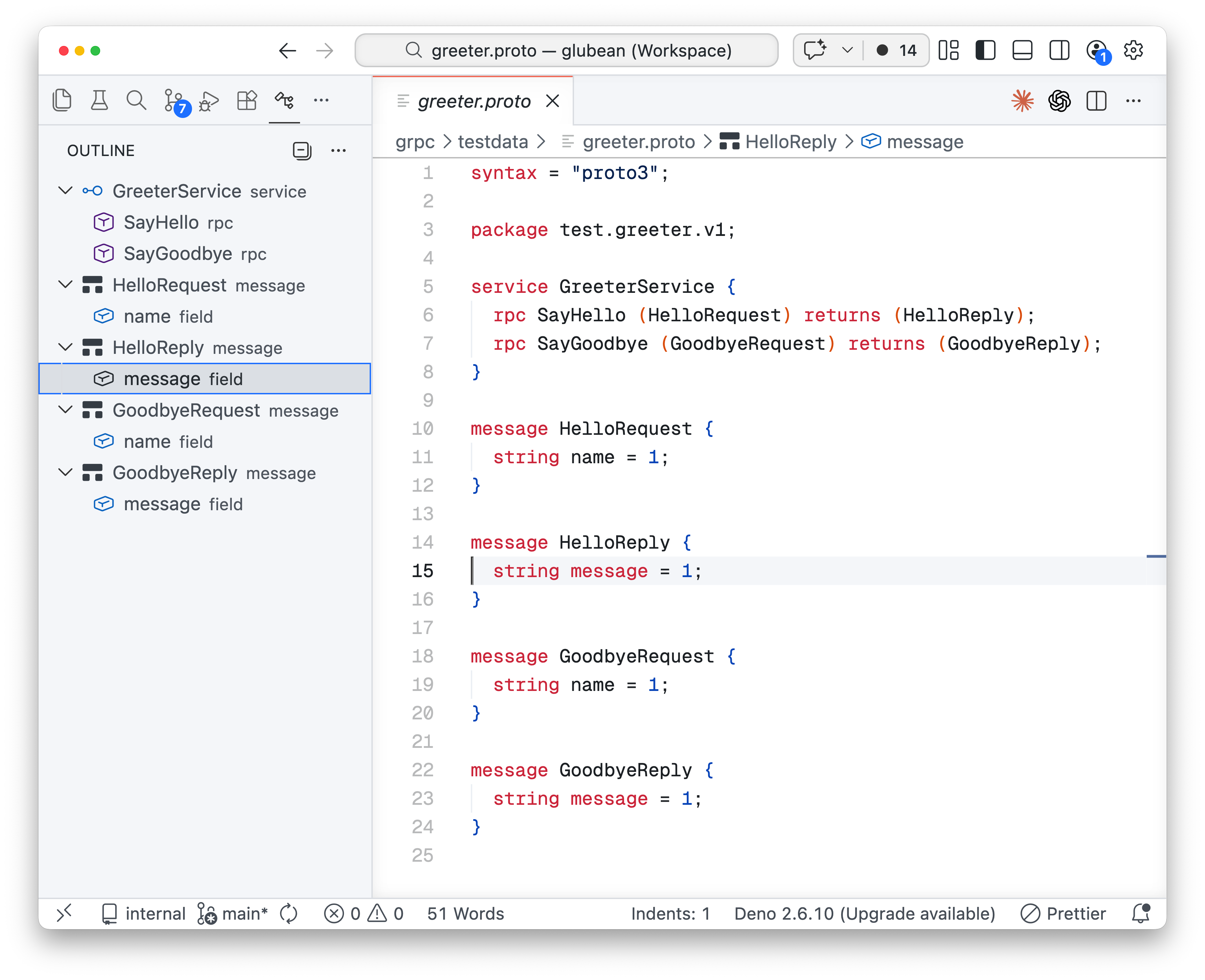
Syntax highlighting and outline for gRPC-oriented .proto files:
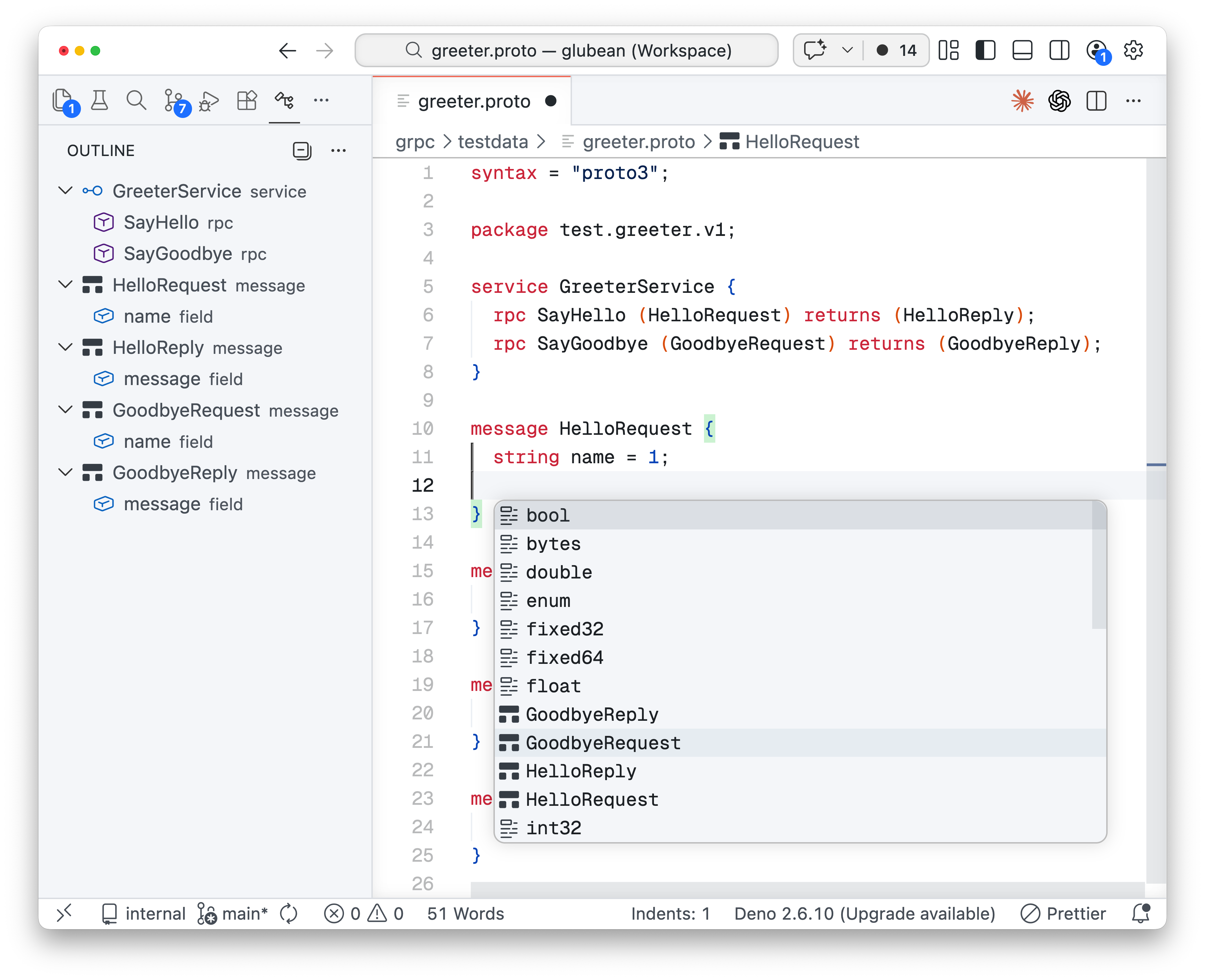
Completion for scalar types, messages, enums, and service authoring:
- Syntax highlighting for
.proto - Snippets for file headers, messages, enums, services, RPCs, and imports
- Completion for top-level keywords, message/service bodies, scalar types, common options, and local message/enum names
- Go to Definition for imports, messages, enums, and services
- Rename across the current file plus directly related imported/importing proto files
- Document Symbols / Outline for messages, enums, enum values, services, RPCs, oneofs, and fields
- Renumber Fields/Enum Values command
protocdiagnostics on save- Optional
protolintdiagnostics on save proto3: Compile This Protoproto3: Compile All Protosproto3: Lint This Protoclang-formatdocument formatting- Markdown fenced-code highlighting for
protoandprotobuf
Protobuf Tools supports two complementary feedback loops:
protocvalidation for compile errorsprotolintlinting for style and protobuf rule violations
If your team already uses protolint in CI, enable protolint.lint_on_save to surface the same rule feedback directly inside VS Code.
| Command | Description |
|---|---|
proto3: Compile This Proto |
Compile the active .proto file with configured protoc arguments. |
proto3: Compile All Protos |
Compile every .proto file under the configured compile root. |
proto3: Lint This Proto |
Run protolint against the active .proto file. |
proto3: Renumber Fields/Enum Values |
Renumber message fields from 1 or enum values from 0 in the current scope. |
The extension keeps the old protoc.* settings shape so migration is straightforward.
{
  "protoc.path": "protoc",
  "protoc.options": [
    "--proto_path=${workspaceRoot}/proto",
    "--go_out=gen/go"
  ],
  "protoc.compile_on_save": false,
  "protoc.renumber_on_save": false,
  "protoc.compile_all_path": "",
  "protoc.use_absolute_path": false,
  "protolint.path": "protolint",
  "protolint.lint_on_save": false,
  "clang-format.style": "file",
  "clang-format.executable": "clang-format"
}
Enable protolint on save with:
{
  "protolint.path": "protolint",
  "protolint.lint_on_save": true
}${workspaceRoot}${env.NAME}${config.some.setting}
- Diagnostics come from
protoc, not from a custom semantic engine. protolintintegration is optional and disabled by default.- If
protolintis not installed, the extension warns and continues without lint results. - Rename is intentionally conservative in scope: current file plus directly related proto files.
Compile Allrecursively scans the configured directory for.protofiles.- Formatting requires
clang-formatto be installed locally.
This extension does not implement:
- a full language server
- semantic references / hover / code actions
- build-system-specific
bufor Bazel integration - gRPC request execution or schema testing
npm install
npm run build
npm test
Package a VSIX with:
npm run package:vsixProtobuf Tools is maintained by Glubean and stays focused on .proto authoring inside VS Code.
If you later need workflow-oriented API or gRPC testing, Glubean will be the broader product surface. This extension is intentionally the lightweight editor entry point.
Protobuf Tools is AI-first by design.
If you want to contribute a feature or fix, we strongly prefer small pull requests that are drafted with AI assistance, then reviewed by a human who understands the result. Clear scope, clear explanation, and easy verification matter more than big rewrites.