EARLY DEVELOPMENT! Expect bugs and missing features. No version checking / updating exists yet.
Redliner allows for quickly identifying changes in text and visual documents by generating a per-pixel visual diff.

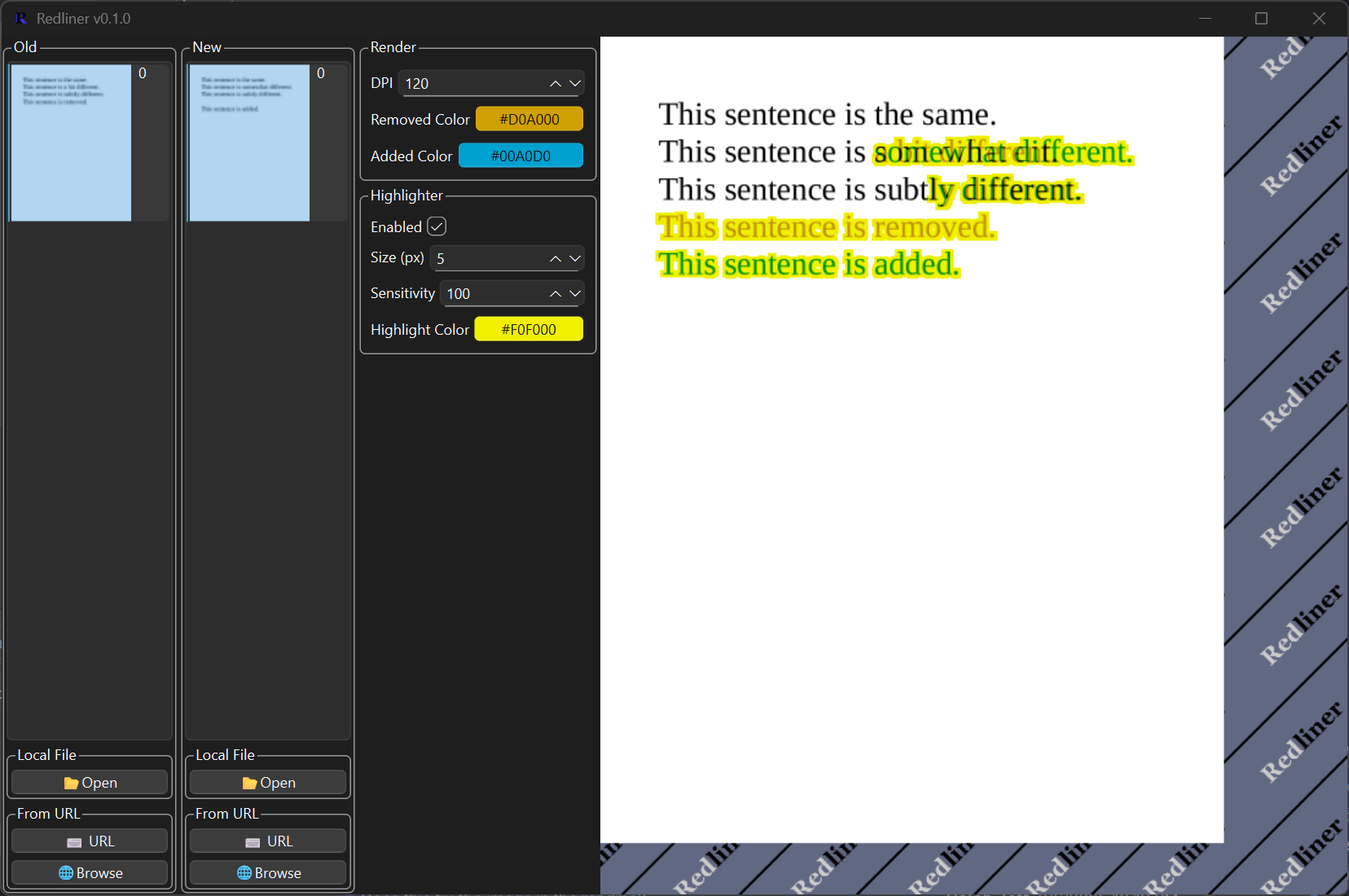
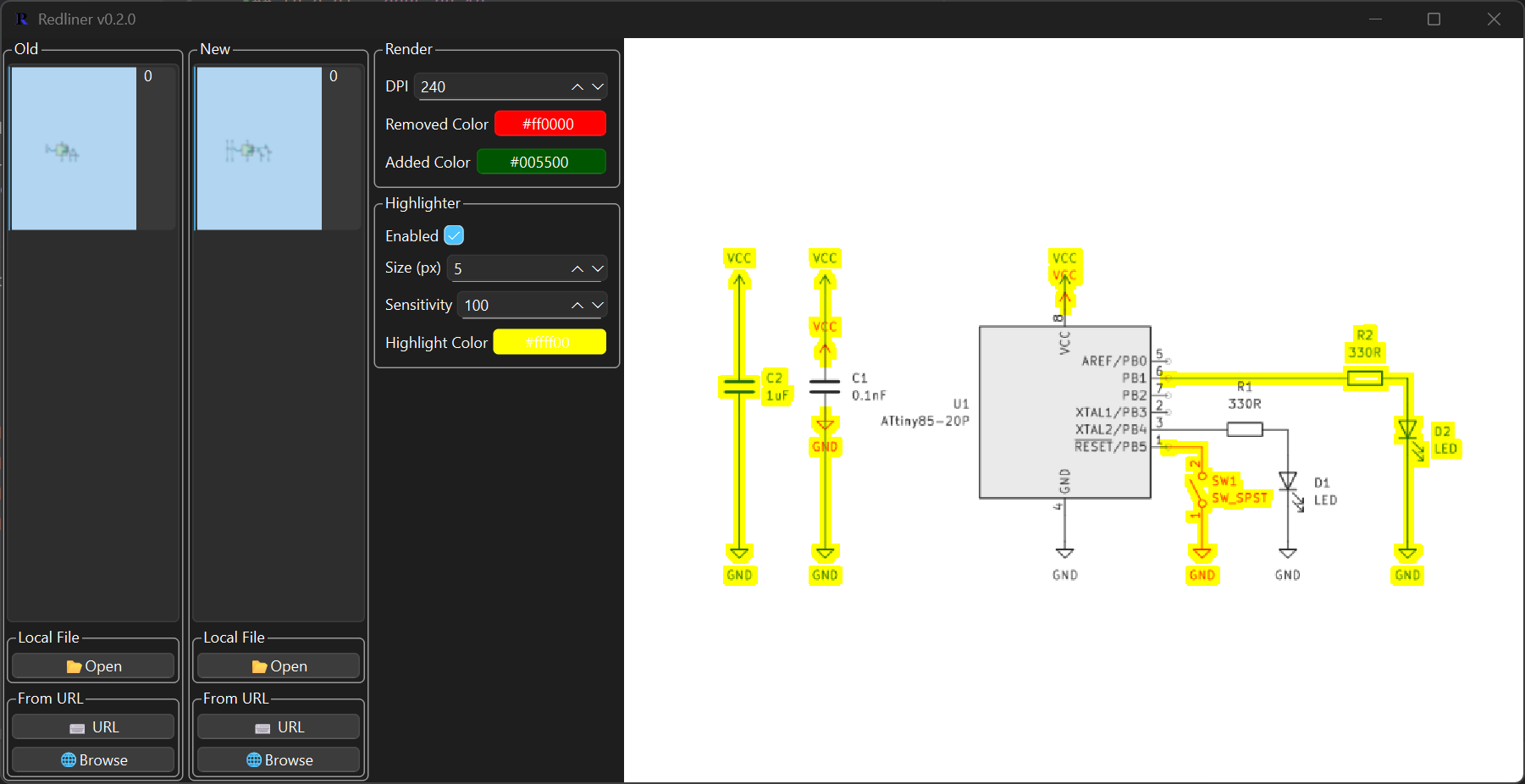
- Grab the latest windows installer or portable EXE from https://github.com/isomatter-labs/Redliner/releases
- install python 3.13
- (optional) install Inno Setup 6 for installer creation
git clone https://github.com/isomatter-labs/Redliner.gitpip install -r requirements.txtscripts/build-all-windows.bat(or just the debug / onefile versions)- EXE's and installer are in /dist/
- Upload to GitHub
- Develop installation / distribution procedure
- Switch to OpenGL
- Implement dynamic canvas
- Add update check button / built-in update installation
- Make new version notif only pop up once
- Finish initial documentation
- Implement export document composition
- Add CLI interface
- Implement annotation tools
- Implement text-aware search and PDF generation
- Set up Linux and MacOS build scripts
- Add background rasterization for faster page loads
While anything in Redliner can be modified through forking the repo, there are a few pieces that are architected to be easily extended:
- Document Fetchers
- Document Parsers
- Drawing Tools (Not implemented yet)
- Drawing Features (Not implemented yet)
These define the method by which a document is retrieved and used by Redliner. As an example, say your company uses a document control system (let's call it Agility) that requires authentication. Here's how you might implement that:
- create a new python file,
extensions/fetcher/agility_fetcher.py - import the template Fetcher class (
from redliner.extensions.fetcher import Fetcher) - Subclass it
- Implement
_pick(self)->target(str)- This method should pop up some dialog for the user to pick a file. Maybe it's an Agility search window.
- The target string follows no particular format - you just need to be able to parse it in your implemented
_fetch.
- Implement
_fetch(self, target:str) -> (name(str), local_path(str))- This method should take a target string and store the referenced document as a temporary file (see
TemporaryFileManagerlater in this doc) - In our example, maybe the target follows the form
documentnumber_versionnumber_doctype. Take that target, parse it from the document control system, store it as a temporary file. - After storing the file, return a name for the document along with the path to the temporary file.
- This method should take a target string and store the referenced document as a temporary file (see
- Implement any other functions you need, such as authentication, user settings, and so on
- In our example, maybe an auth token is initialized empty in
__init__and is filled in whendef authenticate(self):...is called. - Register any functions in your
self.actions, a dict mappingbutton_text:strtomethod:callable. Example: in your__init__, addself.actions["🔓 Authenticate"] = self.authenticate
- In our example, maybe an auth token is initialized empty in
- PersistentDict is, as the name implies, a dictionary that persists between runs.
- Subclassed features, fetchers, tools, and srcdocs have
self.pdpointing to the global PersistentDict built-in. - Define a default value by calling
self.pd.default(key:str, value)- NOTE: values must be JSON-serializable
- Fetch values via
self.pd[key:str] - Set values via
self.pd[key:str] = X - Set multiple values via
self.pd.update(data:dict) - Reset a value to default by calling
self.pd.reset(key:str)
- It's recommended, but not required, to store data using the TemporaryFileManager. This ensures proper cleanup at the end of the program.
- Subclassed features, fetchers, tools, and srcdocs have
self.tfmpointing to the global TemporaryFileManager built-in. self.tfm.load(src:str)can take either a path-like string (in which caseshutil.copyis called) or bytes (in which case they're written directly to a temporary file). A path to the temporary file is returned as a string.self.tfm.make_fp()generates a new, safe temporary file path you can use. Returns the path as a string.
self.tfm.get(path:str)is a convenience function which reads and returns the binary data of the temporary file requested.