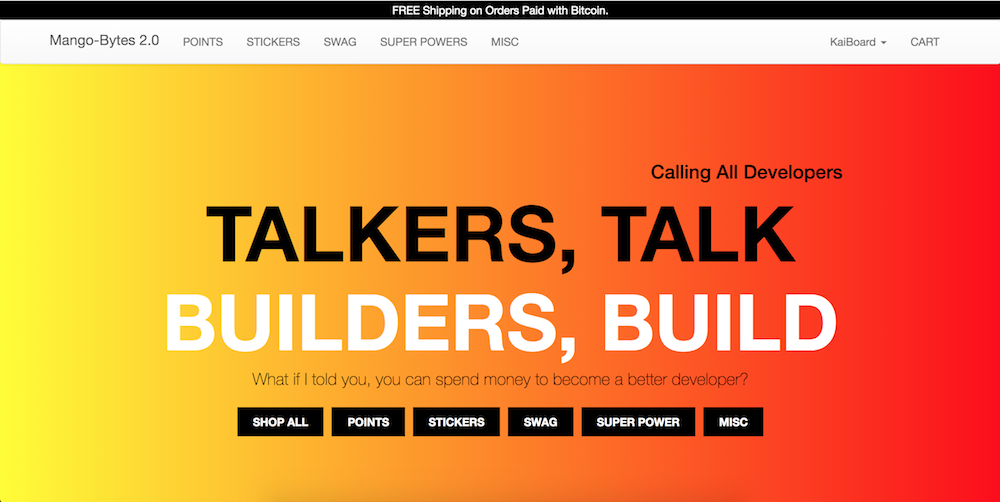
Mango-Bytes 2.0 is a make believe e-commerce store that developers can spend money and improve their skills in different programming languages, frameworks, technologies. Developers can also spend money to buy merch, swag, and super powers. This is the 2nd version of Mango-Bytes. It was my capston project at General Assembly's Coding Bootcamp, Web Development Immersive. At the time, I wanted to make the website using React. However I had to learn react, learn react-router, and learn redux. 1 week was not enough time for this project. I work on it with whatever free time I have at Boston University.
- URL of Website
- Technologies Used
- Pictures of Project
- User Stories
- Wireframes
- Development Process
- Problem Solving Strategy
- Unsolved Problem
- Takaways
- Future Tasks
- URL of Website: https://kailinc.github.io/mango-bytes-2
- URL of Backend API: https://damp-hamlet-57878.herokuapp.com
- Repository of Backend: https://github.com/kailinc/mango-bytes-api
- A user wants to add an item to the cart.
- A user wants to remove an item from the cart.
- A user wants to change the quantity from the cart.
- A user wants to log in to get information about the account.
- A user wants to change his or her password to prevent people from hacking the account.
- A user wants to log out after a shopping session.
- A user wants to pay for the items inorder to get them.
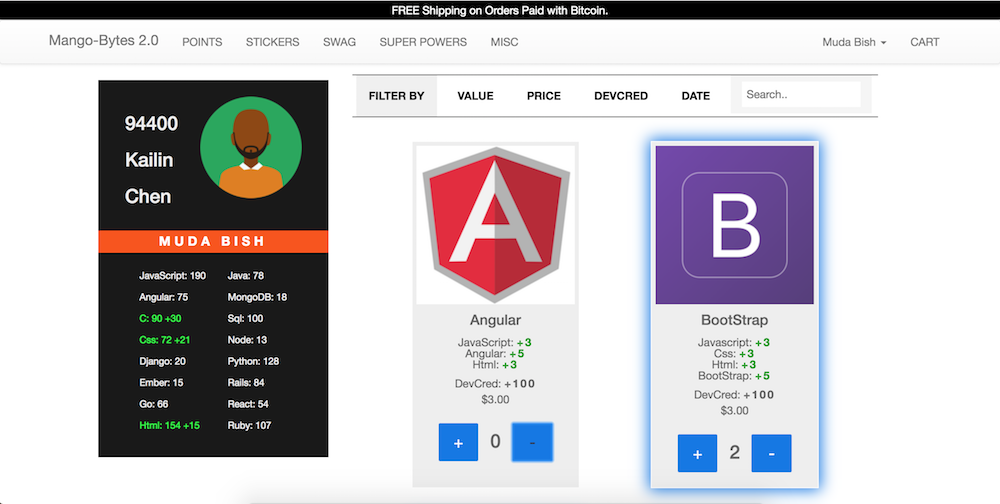
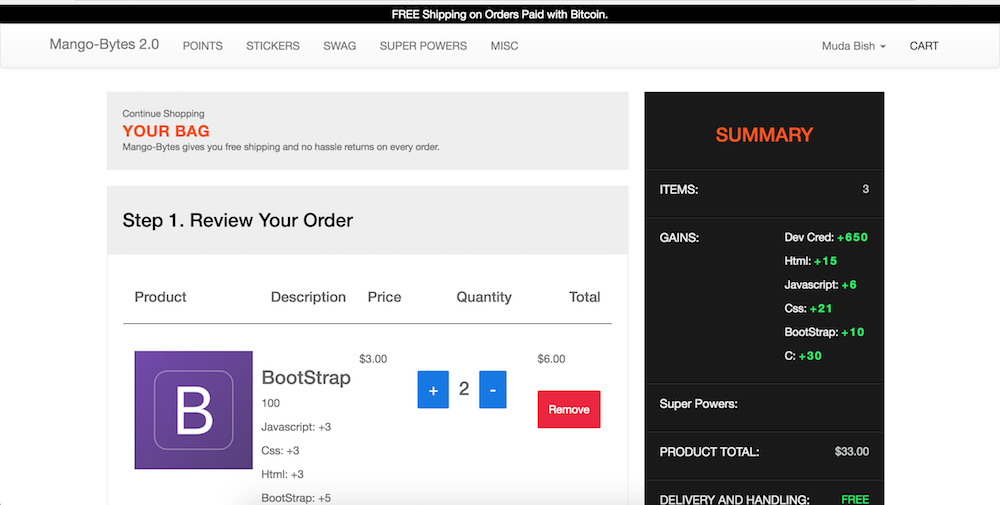
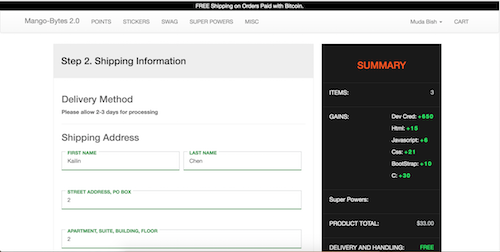
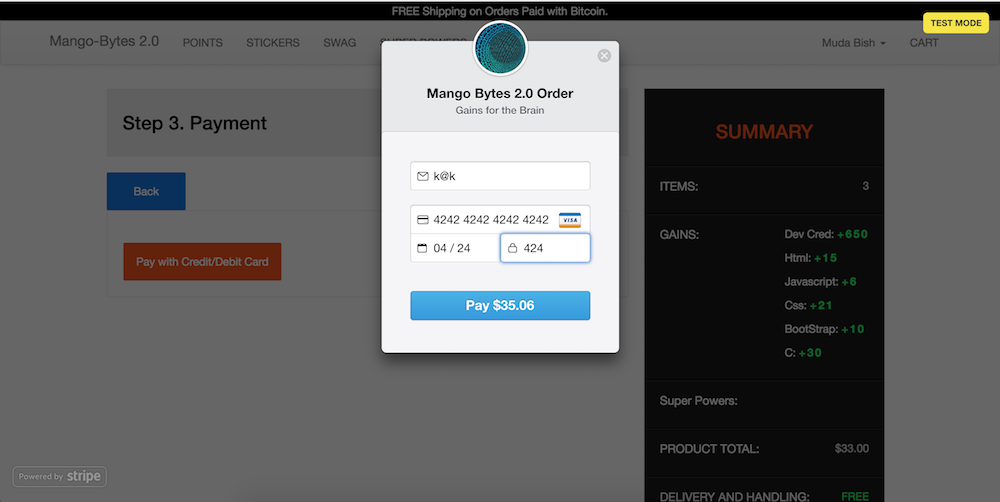
Since this was a redo of a previous project, I used previous project's wireframes and ideas. The previous project was barebones and did not have a lot of the technologies in this project. I had to modify pre-existing code and write new code. Before this project, I did not know how to use React Router, React Redux, Stripe API, and Axois. I had to learn each technology before writing code that needed it.
Since I had to balance school work and this project, I committed to at least 5 GitHub commits per weekday. On weekends I would work on my weekly assignments. To stay focused, I have a list of features for me to tackle. I would rank each feature by importance and technical difficulty. Although I planned to finish the project in a semester and went a few weeks over the timeline, I am proud of my work.
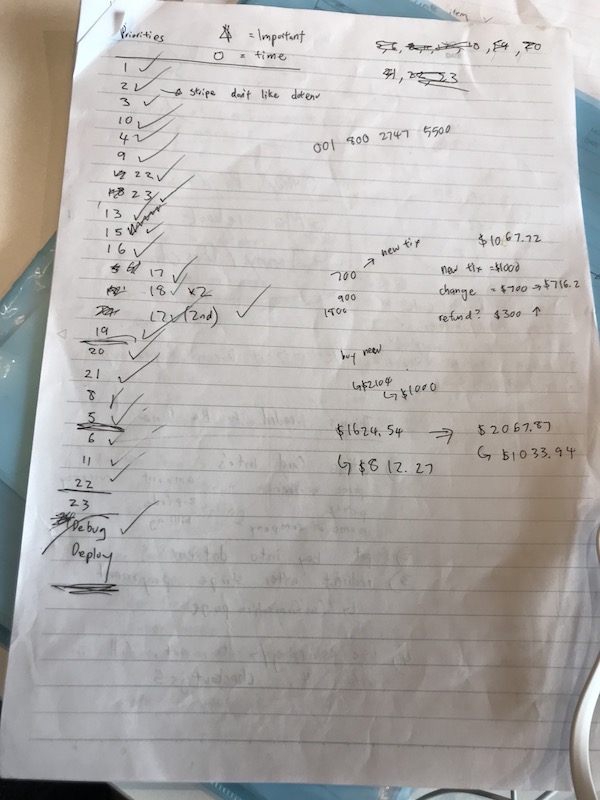
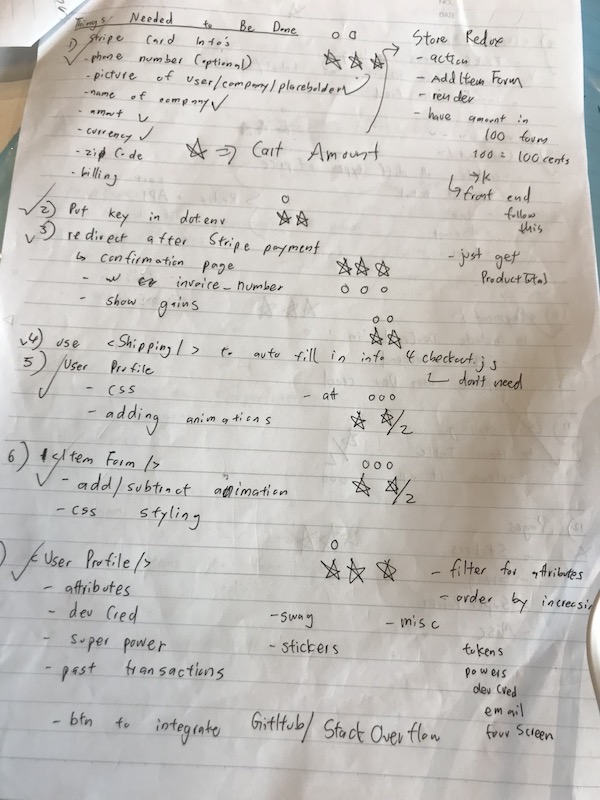
Before writing any code, I always whiteboard the problem. I write down what feature I want to implemente on the website. Then I write down the pseudo code for approaching the problem. After knowing the technical problems and having a rough solution, I would begin writing the code. If I face any issues along the way, I would use console.log, Redux store, and React states to help me debug. If that does not work out, I would Google my issue. I would usually find a post similiar on Stack Overflow, MDN web docs, GitHub, and issue queue. I would modify the solution provided to fit my needs.
- CSS code is a disaster. I want to make it more neat, organized, repeatable
- Code can be optimized.
- Data management for user information needs improvement.
-
Technial Experience
Before starting this project, I had no idea how to use Redux, React Router, Stripe API, Local Storage, and Axios. I learned the technologies along the way. In the end, I feel very comfortable using the technologies. I am most proud of being able to overcome an annoying obstacle with Stripe Checkout.js. I used React-Stripe-Elements, which is Stripe's official package to create a Card object for charging users. However, that package did not come with animations on successful and unsuccessful payment. I was too lazy to write the animation. I choose to use their other JavaScript libraries: Elements.js, Checkout.js, and demo payment forms. It was a struggle because Elements.js does not come with animations. The demo payment forms were just useless because it used xml, which clashed with React's favored JSX. My last resort is Checkout.js. The problem is React does not let me load the script for Checkout.js in the window. Fortunately, I found a clever get around on Stack Overflow. Though I did not come up with the solution, I understood how and why it works. This gave me a huge confidence boost. I can face any technical issues in the future! You can find the code for it in src/Components/Cards.js
-
New Perspective
The past few months were just about balancing school work and time to finish the project. While writing the code, I did take account of scalability and DRY code. However, it was never about improving preexisting code. It would be amazing to have consecutive hours to optimize code, simplify the code, and work with others to find a better method.
- Integrate GitHub to User's Profile to accurately reflect developer's profile
- Integrate Stack Overflow to accurately reflect developer's profile
- Integrate Coinbase Merchants API to get donations so I can buy coldbrew, sweet potate, and Chicken Breast
- Write price adjusting algorithm to favor more "experienced" coders