📢 Not Maintained anymore, use successor: ColorSmith
Snap Store: https://snapcraft.io/colorsmith
Flathub: https://flathub.org/en/apps/com.ktechpit.colorsmith
Source code: https://github.com/keshavbhatt/ColorSmith
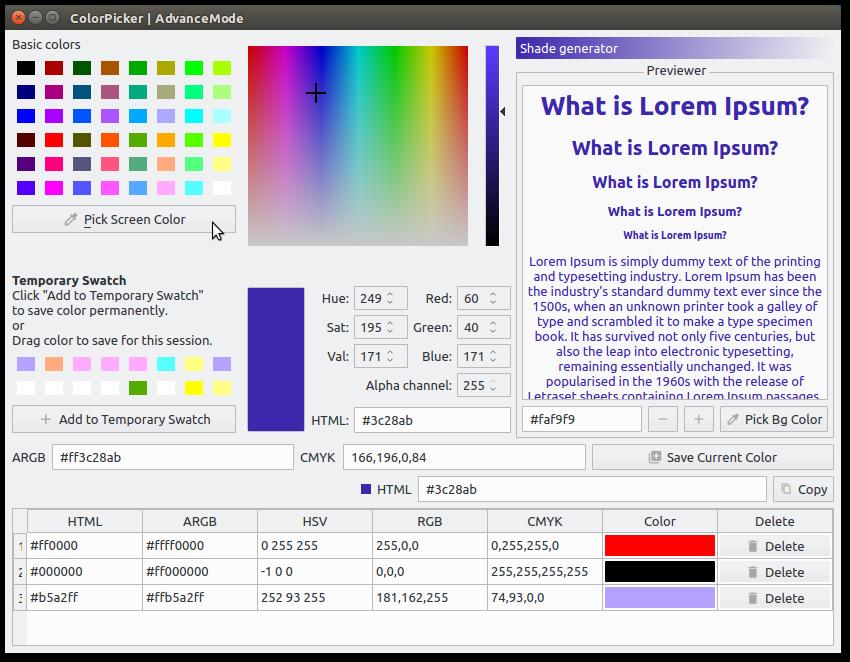
A colour picker and colour editor for web designers and digital artists, With Color Picker, identifying the colours, saving and editing is a quick and simple job.
Color Picker features include:
-
Five formats of colour codes: HTML, HexRGBA, RGB, HSB/HSV, CMYK and their variations. Conversion of HTML, HEX and RGB colour codes into the corresponding colours.
-
Colour picker for easy handling and greater precision.
-
Colour list for saving and reusing the picked colour samples for each picked colour.
-
Color preview widget
-
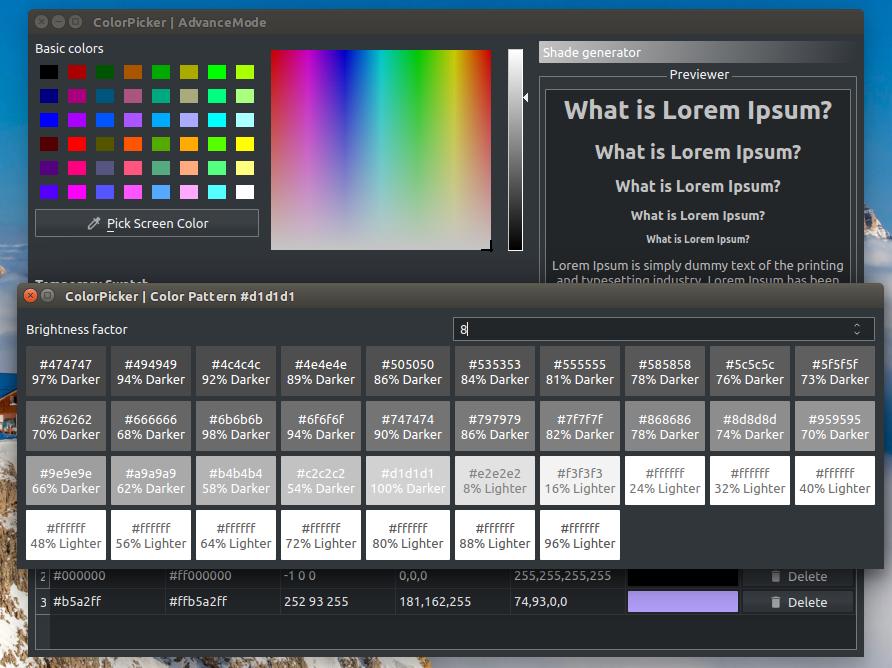
Progressive color pattern generator
-
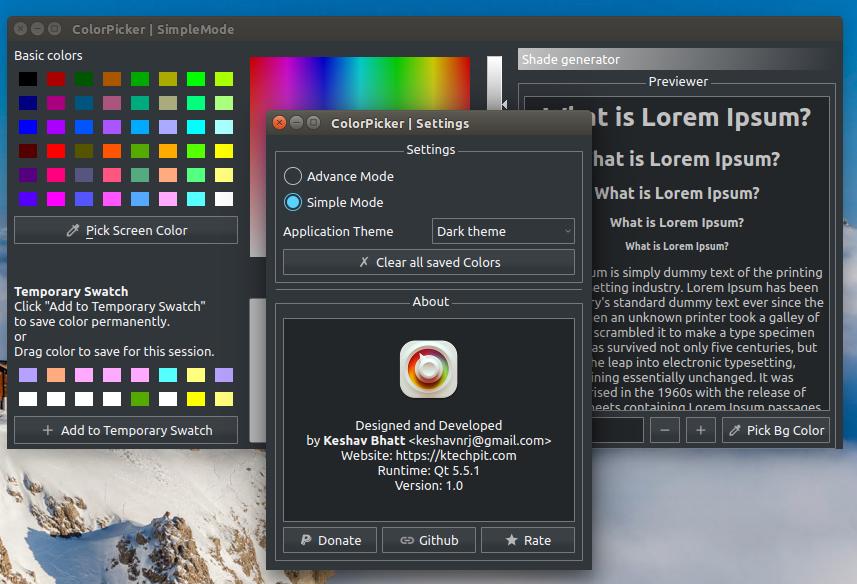
Support Switching three themes - System theme, Flat Light theme and Dark theme.
-
More features soon..
- Qt5 or above
For Linux, Windows and Mac. In all cases, you need a copy of the code:
git clone https://github.com/keshavbhatt/ColorPickerThese instructions perform an out-of-tree build, which is easier to manage.
mkdir build
cd build
qmake ../src
make
Assuming everything runs correctly, you can create an installation directory like so:
make INSTALL_ROOT=/path/to/installation installThis is useful when preparing to package ColorPicker for distribution.
If you just want to install it locally, leave out the INSTALL_ROOT parameter.
- Open the
.profile in Qt creator - Configure with one of your preferred toolkit version (Should be Qt5 or above)
- Once project is configured, Press Build or Run button to perform respective action

Stable and nightly Build on any snapd enabled Linux Distribution can be installed using:



snap install color-picker
You can install it from the AUR:
https://aur.archlinux.org/packages/colorpicker-keshavbhatt/