Skip to content

SnipeBot Tutorial

Mark edited this page Apr 7, 2022 · 5 revisions

How to make your own Snipe bot

1. Fork Snipe from my Github profile

fork

2. Go to Replit and create an account
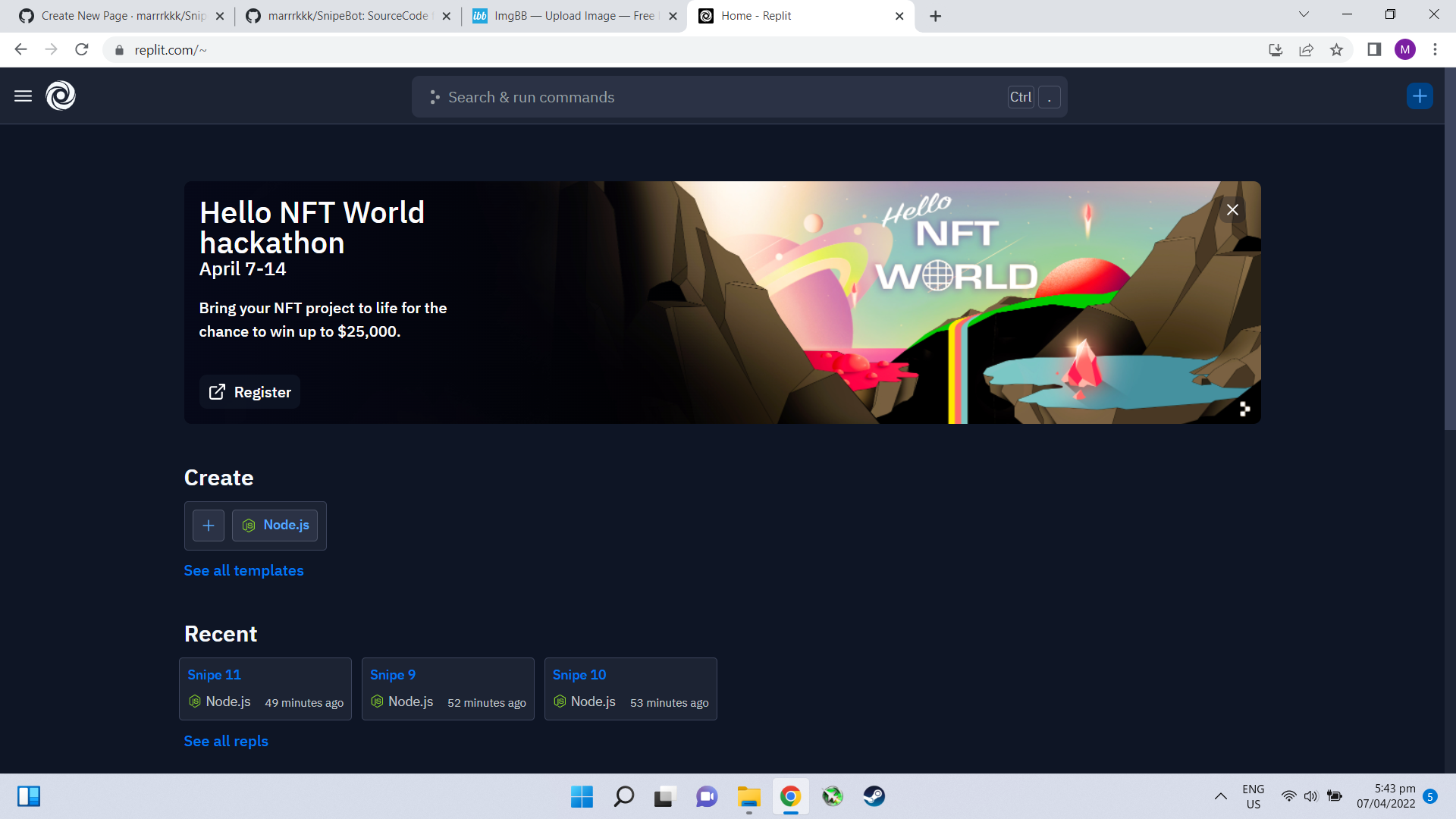
Screenshot (8)

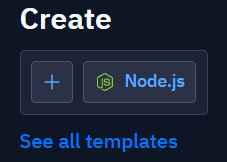
3. Create a new Repls by clicking on plus icon

Screenshot 2022-04-07 174501

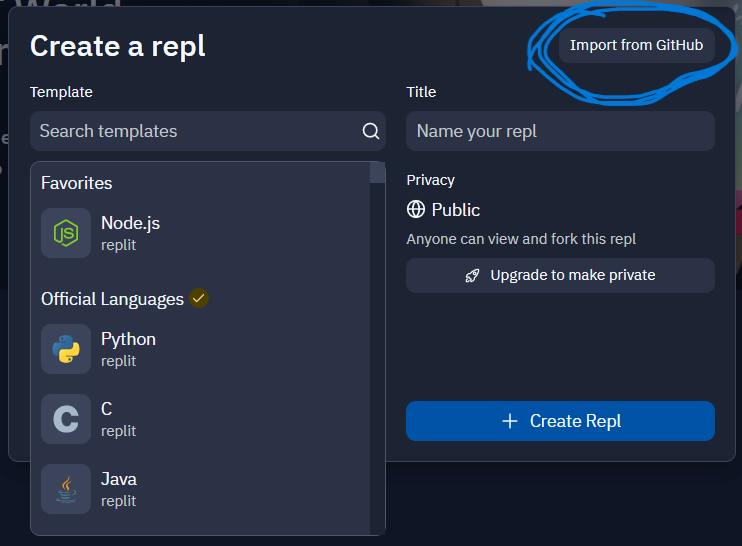
4. Select Import from Github

Screenshot 2022-04-07 174706

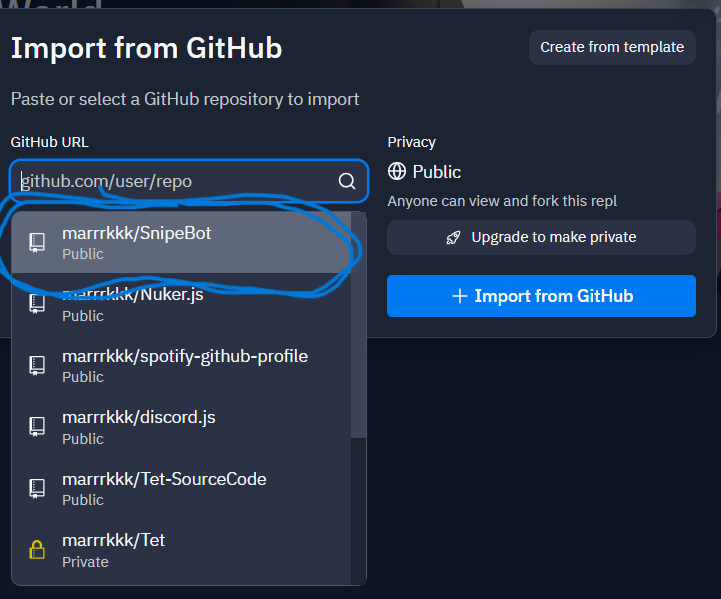
5. Then choose SnipeBot the one that you fork earlier

Screenshot (9)

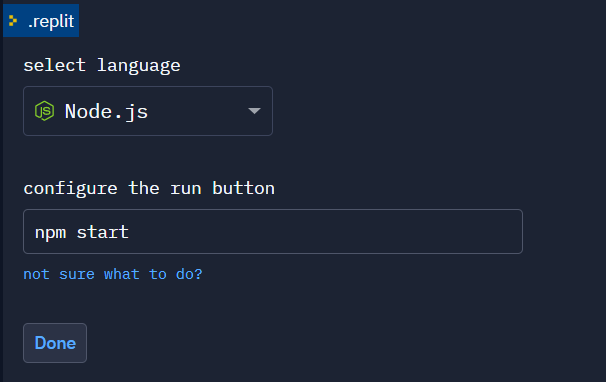
6. After that select Node.js as language and npm start at the bottom then click done

node

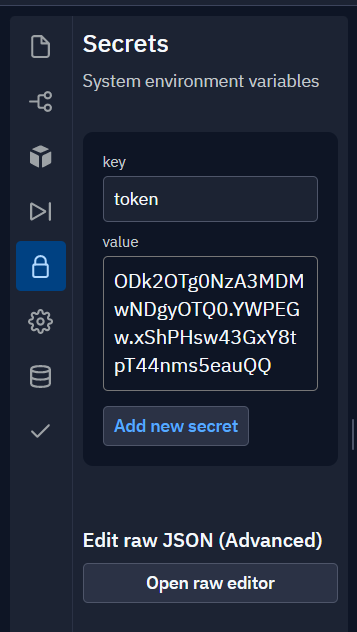
7. Add your bot token by clicking the lock icon:

key = token

value = your bot token here

Then click Add new secret

token

7. Navigate to shell and copy paste this:

npm init -y && npm i --save-dev node@16 && npm config set prefix=$(pwd)/node_modules/node && export PATH=$(pwd)/node_modules/node/bin:$PATH

then click Enter

Screenshot 2022-04-07 182406

8. After finishing the previous step go to package.json and add the following line under the "scripts":
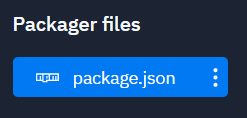
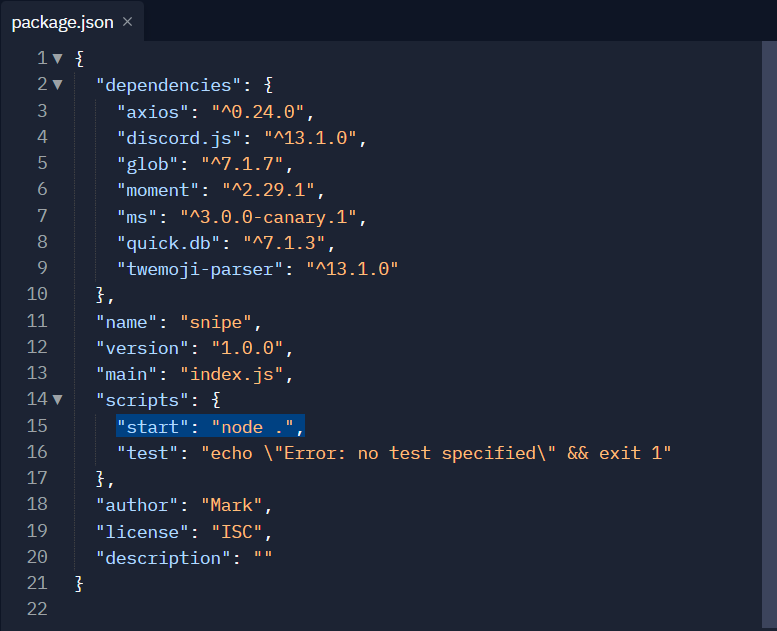
"start: node.",

Don't forget the comma at the end!

package
start

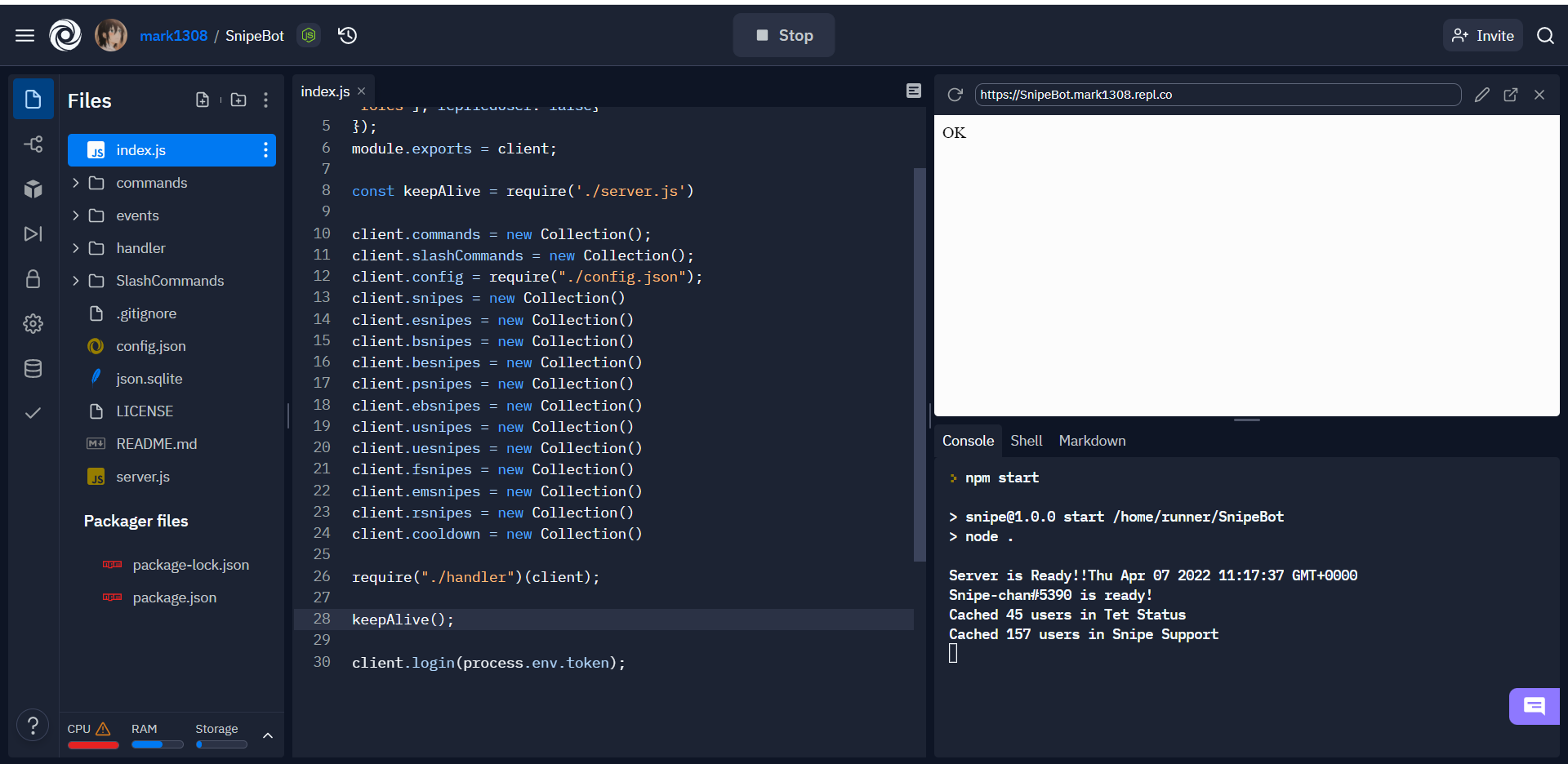
9. Then press the Run button, wait for the installation and it should work

ok

10. Of course it's not done yet we need to host our bot in order to work 24/7, to host your bot go to Uptime Robot and create an account
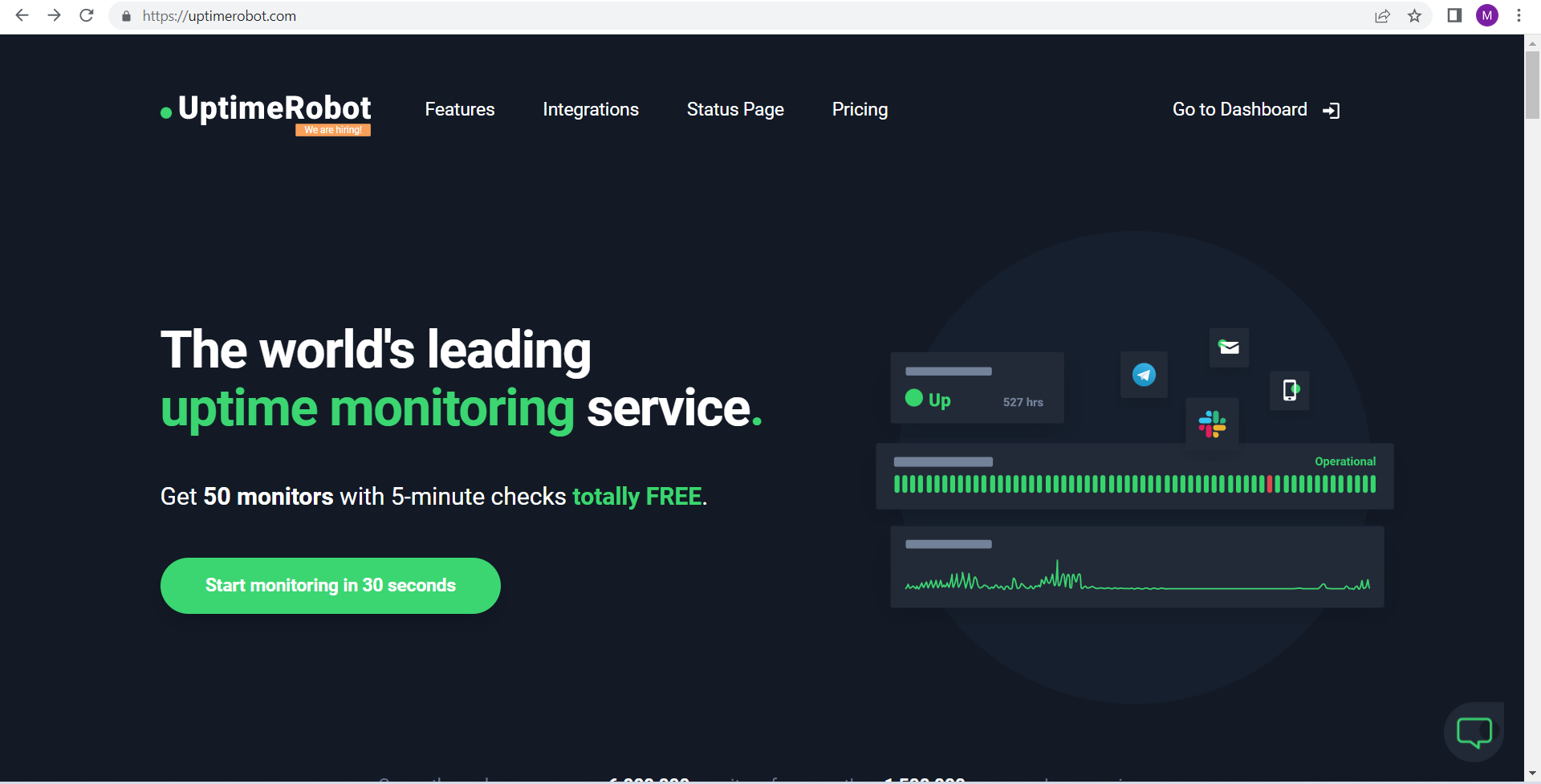

robot

11. After creating an account click on Add new monitor

add

12. Go back to Replit and copy your bot url
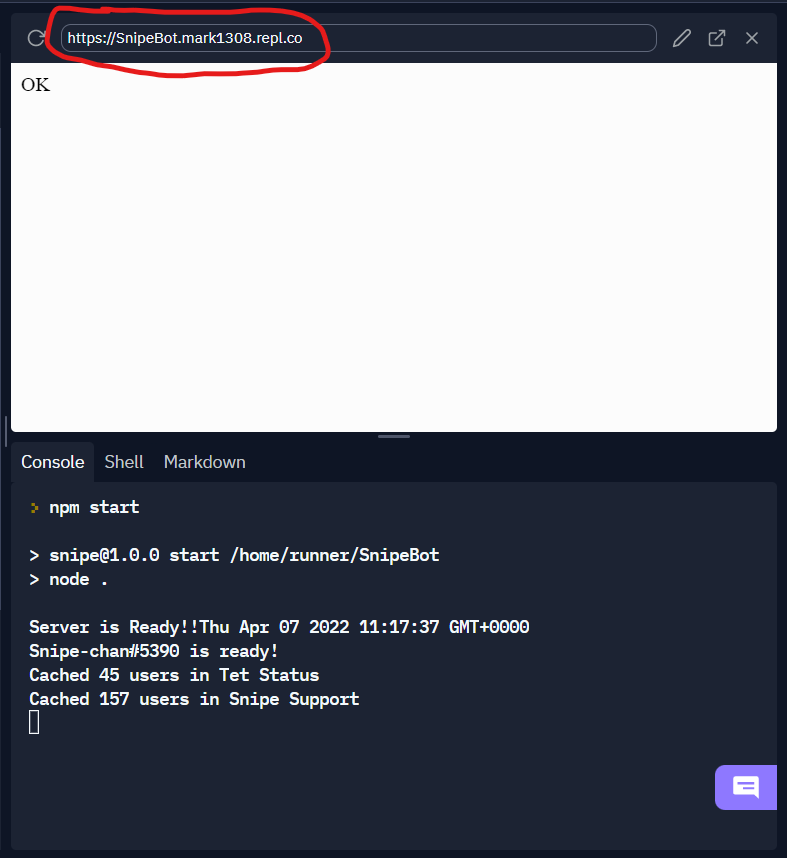
url

13. Back to Uptime Robot and fill in the requirements
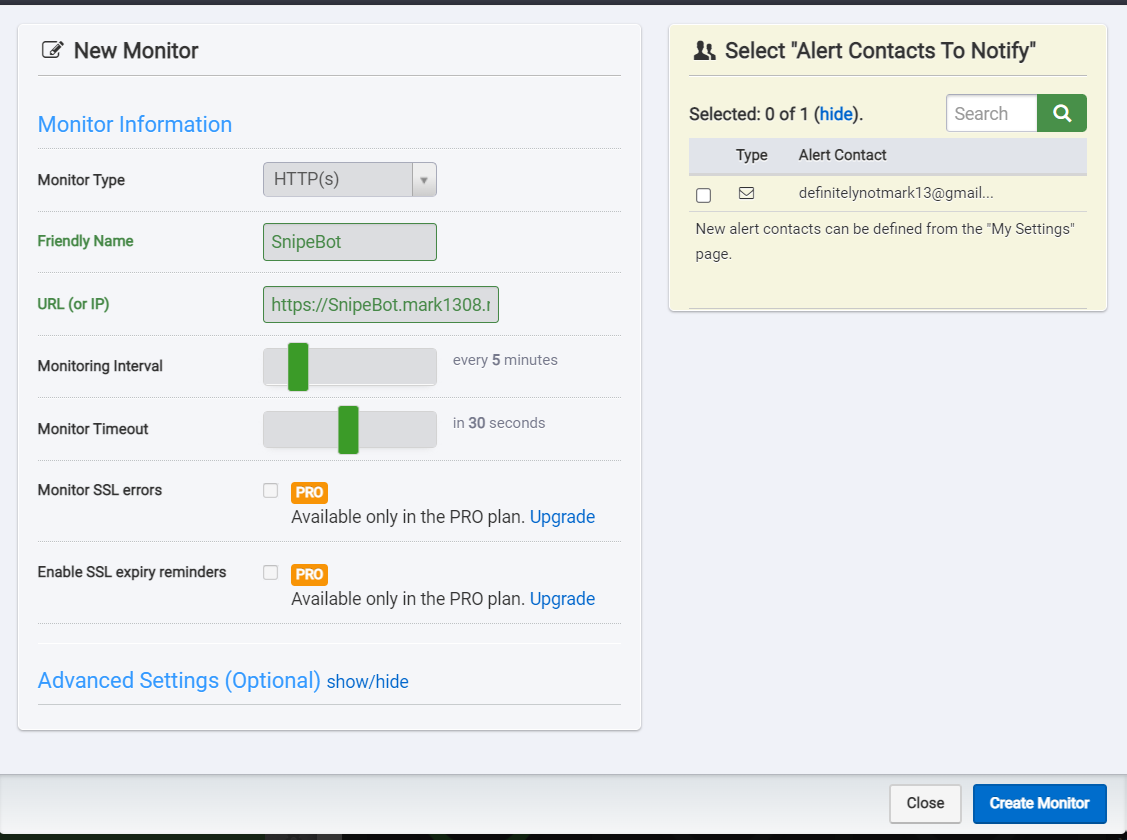
Monitor: HTTPS

Name: Your botname here

Url(or IP): Paste the url you copy from Replit

and then click Create Monitor and it's done.

fillup