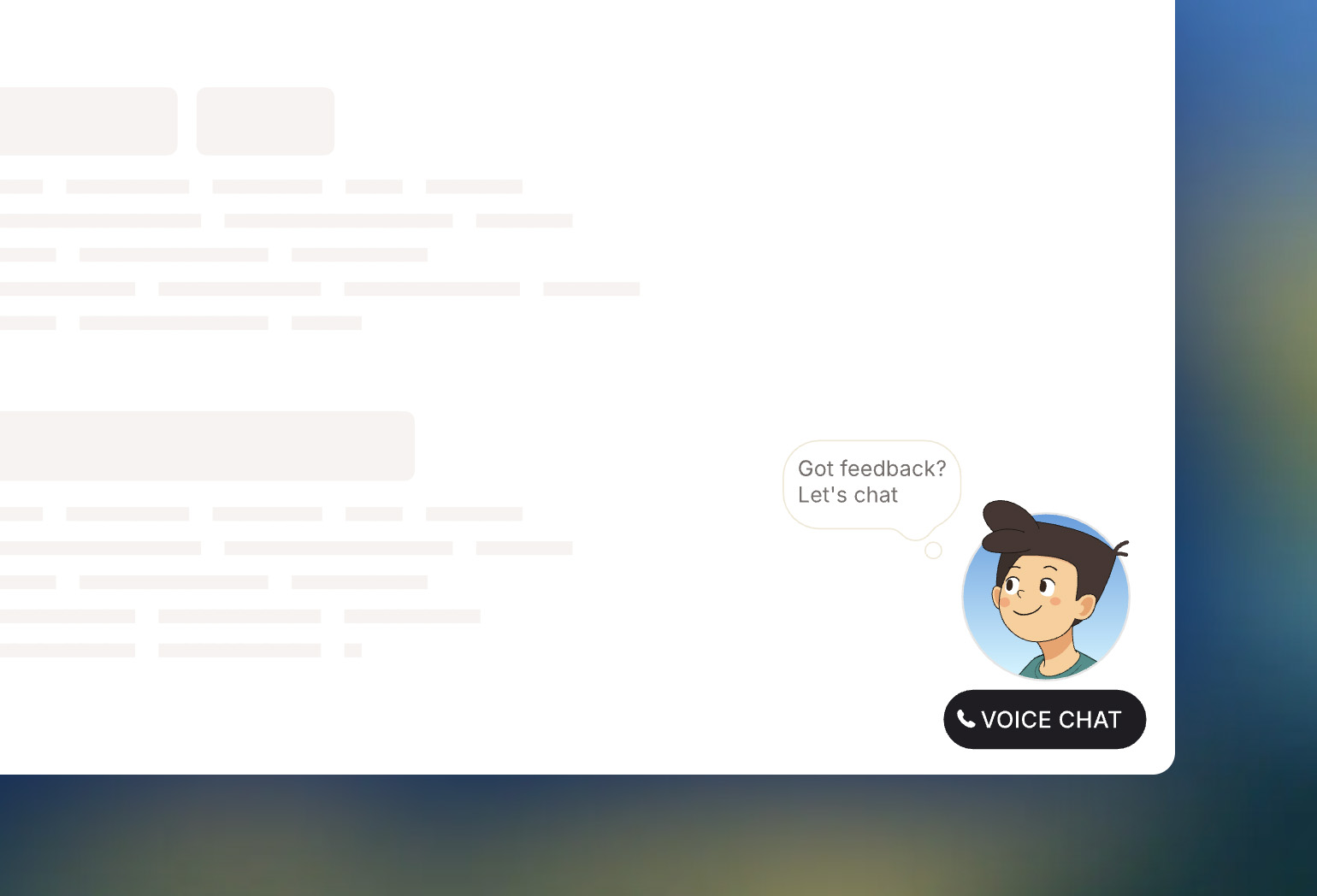
Embeddable voice chat widget powered by ElevenLabs conversational AI and Mascotbot SDK. Deploy once, embed anywhere with a single script tag.
- Deploy this repo with your ElevenLabs credentials
- Embed on any website with one script tag
- Users click the widget button to start a voice conversation
The Mascotbot SDK package is NOT included in this repository. You must add it separately after cloning:
- Obtain
mascotbot-sdk-react-X.X.X.tgzfrom your Mascotbot subscription - Copy the
.tgzfile to the project root - Run
pnpm install
This is required before building or deploying.
After cloning your deployed repo:
- Add the Mascotbot SDK package (
mascotbot-sdk-react-X.X.X.tgz) to your repo root - Add your mascot widget
.rivfile to thepublicfolder - Run
pnpm install - Commit and push to trigger a rebuild
Add this script tag to any website:
<script src="https://your-deployed-widget.vercel.app/widget-embed.js"></script>That's it! The widget appears in the bottom-right corner with click-through behavior - your page remains fully interactive.
<script
  src="https://your-widget.vercel.app/widget-embed.js"
  data-widget-width="400"
  data-widget-height="500">
</script><script
src="https://your-widget.vercel.app/widget-embed.js"
data-widget-width="350"
data-widget-height="450"
data-widget-mobile-width="280"
data-widget-mobile-height="350"
data-widget-mobile-breakpoint="768">
</script>| Attribute | Default | Description |
|---|---|---|
data-widget-url |
Auto-detected | Override the widget URL |
data-widget-width |
350 | Desktop width in pixels |
data-widget-height |
450 | Desktop height in pixels |
data-widget-mobile-width |
Same as desktop | Mobile width in pixels |
data-widget-mobile-height |
Same as desktop | Mobile height in pixels |
data-widget-mobile-breakpoint |
768 | Viewport width to switch to mobile |
Customize the mascot appearance in src/app/page.tsx:
const WIDGET_CUSTOMIZATION = {
  gender: 1,              // 1 = male, 2 = female
  outline: 10,            // 0-100 stroke thickness
  colourful: true,        // true = colorful, false = monochrome
  flip: false,            // Mirror the character
  crop: false,            // Show background circle
  bg_color: 0,            // 0-10 background color (when crop=true)
  shirt_color: 2,         // 1-6 shirt color variant
  eyes_type: 2,           // 1-2 eye style
  hair_style: 1,          // 1-3 hair style
  accessories_hue: 0,     // 0-360 accessory color hue
  accessories_saturation: 0,
  accessories_brightness: 0,
};- Node.js 18+
- Mascotbot SDK (
.tgzfile from subscription) - Mascot Widget
.rivfile - ElevenLabs API key and Agent ID
# Clone
git clone https://github.com/mascotbot/elevenlabs-widget.git
cd elevenlabs-widget

# Add SDK
cp /path/to/mascotbot-sdk-react-0.1.7.tgz ./

# Add mascot file
cp /path/to/mascot-widget.riv ./public/

# Install
pnpm install

# Configure
cp .env.example .env.local
Edit .env.local:
MASCOT_BOT_API_KEY=mascot_xxxxxxxxxxxxxx
ELEVENLABS_API_KEY=sk_xxxxxxxxxxxxxx
ELEVENLABS_AGENT_ID=agent_xxxxxxxxxxxxxx
Run:
pnpm devThe widget uses a click-through iframe pattern:
- Default state: Widget is visible but clicks pass through to your page
- Button hover: Only the voice chat button area is interactive
- Active call: Full widget becomes interactive during conversations
This means buttons, links, and other elements on your page work normally - even if they're visually "under" the widget.
Your widget .riv file needs:
Artboard: Widget
Inputs:
is_speaking- Boolean for lip syncis_connected- Boolean for connection stateis_connecting- Boolean for connecting statereveal- Trigger for initial animationhit- Trigger for call-ended animationgesture- Trigger for reactions
Events (emitted by Rive):
startCall- User clicks start buttonendCall- User clicks end button
Build fails with "frozen-lockfile" error?
- Delete
pnpm-lock.yamlandnode_modules - Re-run
pnpm installto regenerate the lockfile - Commit the new lockfile
Widget not appearing?
- Check browser console for errors
- Verify
.rivfile is in/public - Ensure artboard is set to
Widget
Clicks not working?
- Verify Rive file emits
startCall/endCallevents - Check
shouldDisableRiveListeners={false}is set
Connection failed?
- Verify API keys in
.env.local - Check ElevenLabs agent is active
- Grant microphone permissions
Built with Mascotbot SDK