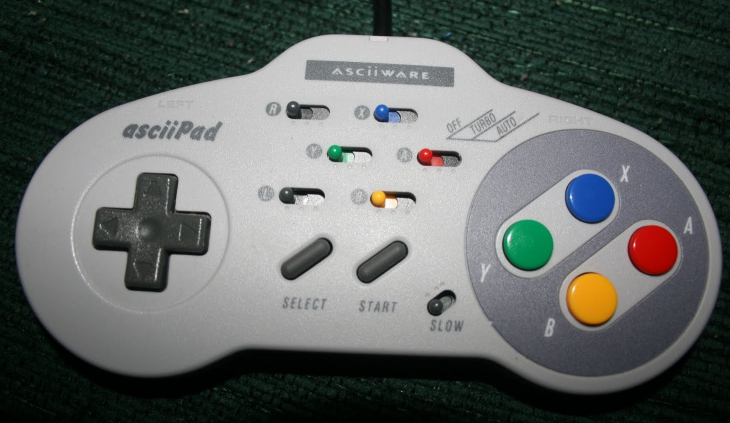
Use a game controller on Windows as a macropad, primarily to control audio functions quickly & easily, or launch applications.
I did not exhaustively investigate the universe of options, I just came across a good starting point, tweaked it to meet my needs, and found it worked pretty well.
You'll want to run this in an editor and modify the button mappings to reflect what makes the most sense in your situation.
Features:
- Mute on button press
- Increase Volume (.25db)
- Decrease Volume (.25db)
- Launch cmd.exe (subprocess.Popen("cmd.exe")
- Echo button presses to console (Up/Down/Left/Right, 0-9, e.g A/B/X/Y/L/R/Start/Select),