SiYuan Note Plugin - Right-click on file:// links to upload local folders to SiYuan and automatically generate directory tree Markdown
- 📁 One-Click Folder Upload - Simply right-click on
file://links in your documents to upload entire folders - 🌳 Auto-Generate Directory Tree - Automatically generates iconized directory tree Markdown after upload
- 🔒 Security Protection - Automatically detects and blocks uploads from SiYuan workspace to prevent data corruption
- ⚡ Batch Upload - Supports batch file uploads with automatic handling of duplicate filenames
- 📊 Progress Display - Real-time display of scanning and upload progress
- 🛡️ Multiple Limits - Directory depth limit, file size limit, path traversal attack protection
- 🌍 Multi-Language Support - Interface available in 11 languages
-
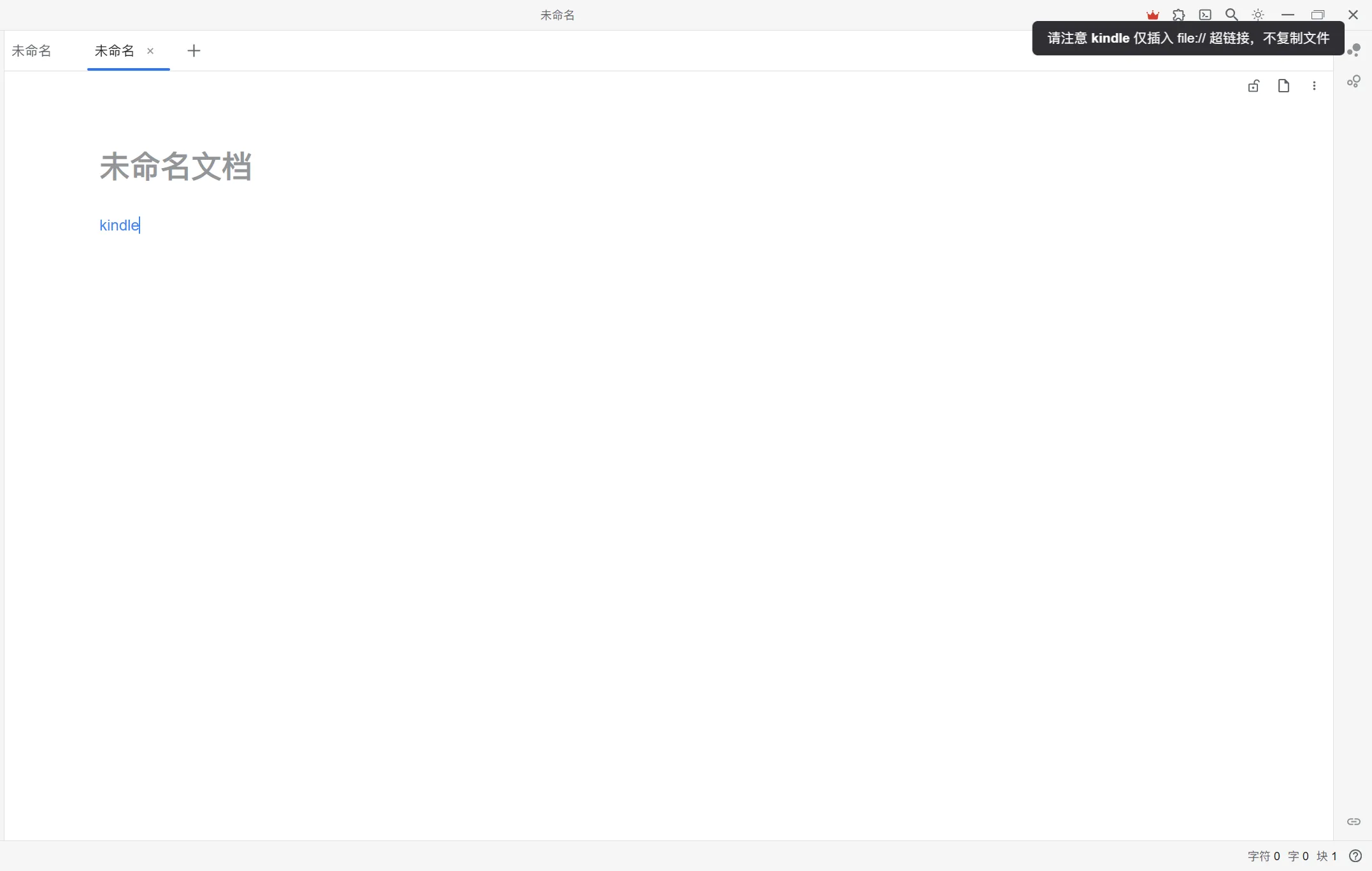
Drag a folder into SiYuan Note
-
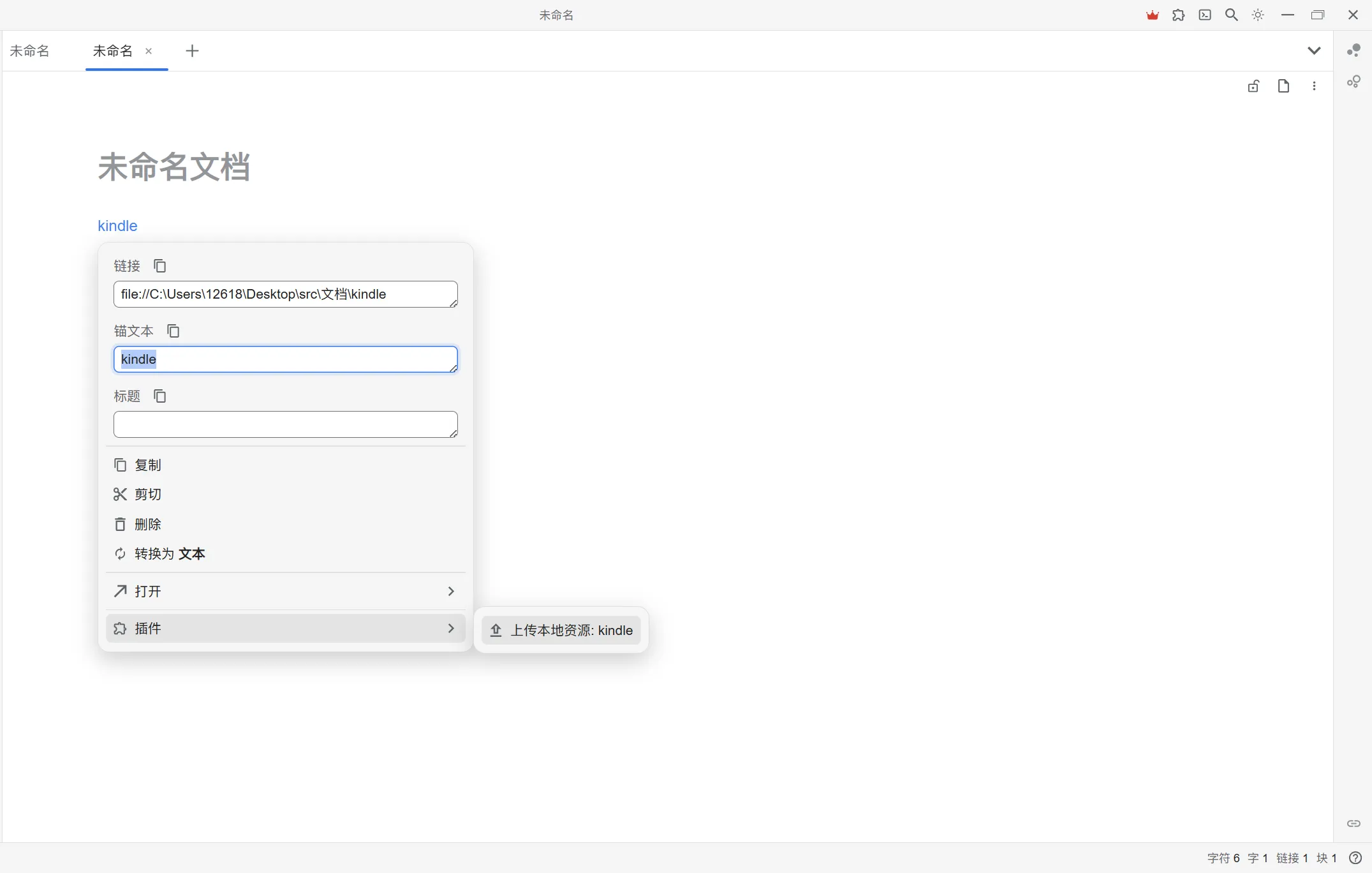
Right-click on the link
Right-click on the link and select 「Upload local resource: [folder name]」
-
Wait for upload to complete
- The plugin will first scan all files in the folder
- Then batch upload files to SiYuan assets directory
- Finally insert directory tree Markdown below the current block
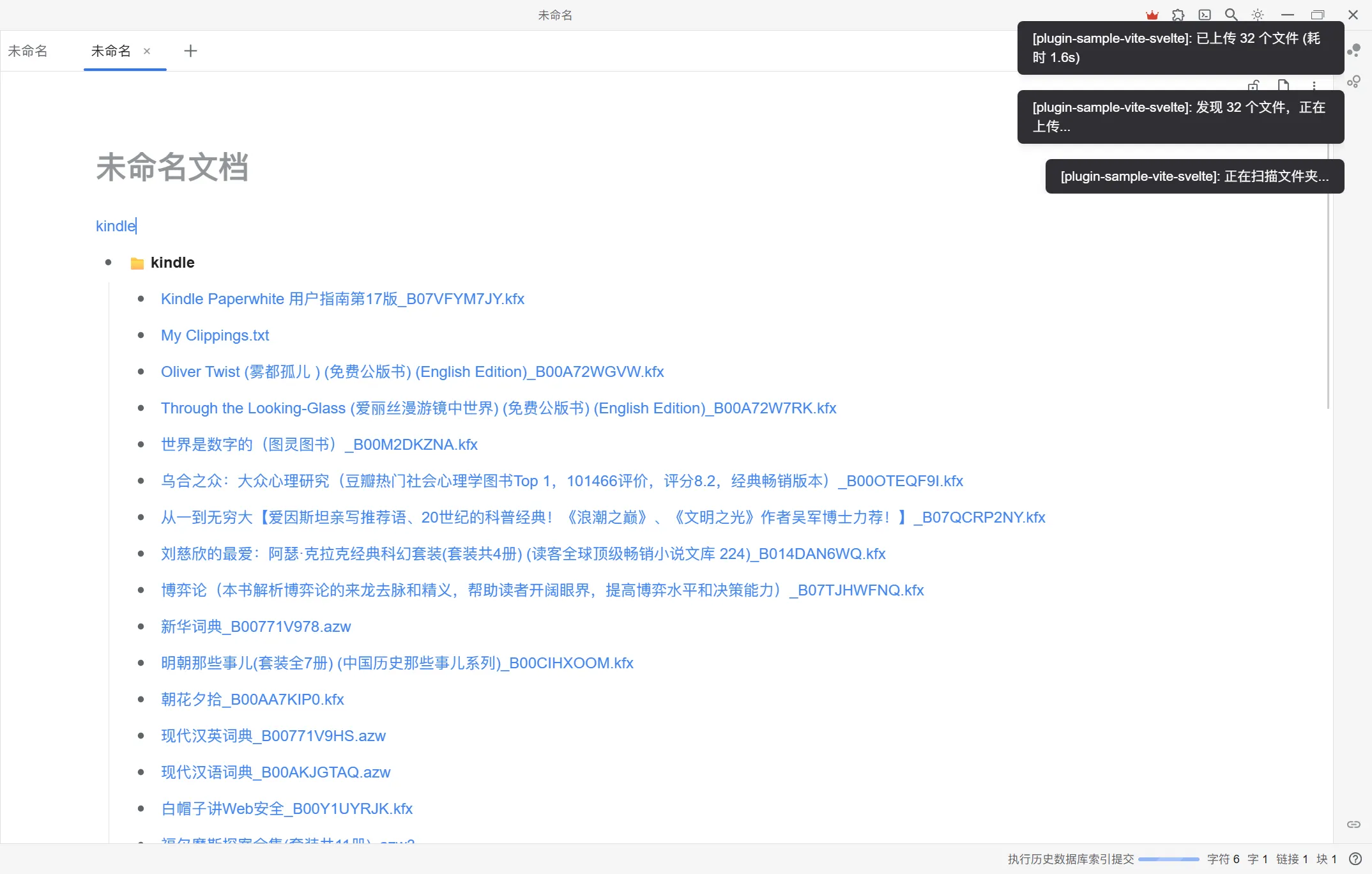


- 📁 **MyFolder**
  - 📁 **images**
    - 📄 [photo.jpg](/assets/photo.jpg)
  - 📁 **documents**
    - 📄 [report.pdf](/assets/report.pdf)
- 📄 [readme.txt](/assets/readme.txt)The plugin automatically blocks uploads from the following paths:
- ❌ SiYuan workspace directory and its subdirectories
- ❌ Ancestor directories of SiYuan workspace (prevents uploading parent directories)
- ❌ Paths containing
..(path traversal attack protection)
Automatically skips the following common system directories:
node_modules.git.vscode.idea
| Limit | Value | Description |
|---|---|---|
| Max Directory Depth | 9 levels | Prevents excessively deep directory structures |
| Max File Size | 100MB | Files exceeding limit will be skipped |
| Symbolic Links | Auto Skip | Does not follow symbolic links |
- 🇺🇸 English (en_US)
- 🇨🇳 简体中文 (zh_CN)
- 🇩🇪 Deutsch (de_DE)
- 🇪🇸 Español (es_ES)
- 🇫🇷 Français (fr_FR)
- 🇮🇱 עברית (he_IL)
- 🇮🇹 Italiano (it_IT)
- 🇯🇵 日本語 (ja_JP)
- 🇵🇱 Polski (pl_PL)
- 🇷🇺 Русский (ru_RU)
- 🇹🇼 繁體中文 (zh_CHT)
| Backend | Status |
|---|---|
| Windows | ✅ |
| Linux | ✅ |
| macOS | ✅ |
| Docker | ❌ |
| Mobile | ❌ (Requires Node.js fs module) |
| Frontend | Status |
|---|---|
| Desktop | ✅ |
| Browser | ❌ (Cannot access local file system) |
Minimum supported version: v3.2.1
- Open SiYuan Note
- Go to 「Settings」 → 「Bazaar」 → 「Plugins」
- Search for 「Local Folder Uploader」
- Click install and enable
- Download the latest
package.zip - Extract to SiYuan workspace's
data/plugins/siyuan-folder-upload/directory - Restart SiYuan Note
- Enable the plugin in Bazaar
# Install dependencies
pnpm install

# Create symbolic link (development mode)
pnpm run make-link

# Watch for file changes and compile in real-time
pnpm run dev

# Build production version
pnpm run build

# Package for release
pnpm run make-installMIT License
Issues and Pull Requests are welcome!
- Author: nsfoxer
- Repository: https://github.com/nsfoxer/siyuan-folder-tree