

Automatic tracking and segmentation of blood vessels in CT and MR images using deep learning and geometric tracking.



News: SeqSeg now outputs a full SimVascular project in the
simvascular/subdirectory — open it directly in SimVascular with automatic pathlines and contours for every segmented branch.
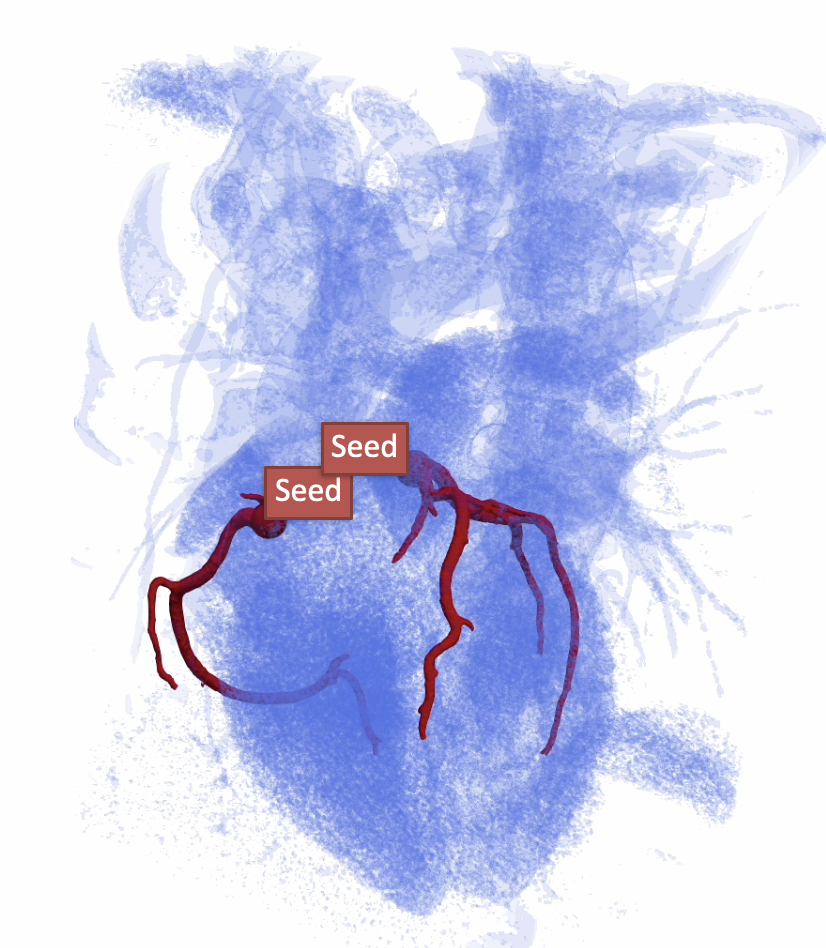
SeqSeg segments vessels sequentially, taking steps along vessel centerlines and detecting bifurcations to grow complete vascular trees from just 1–2 seed points. By combining local deep-learning predictions (nnU-Net) with geometric tracking, it stays robust across vessel scales — from small coronaries to large aortas.
- 🌱 Minimal supervision — only 1–2 seed points to initialize
- 🌿 Robust bifurcation detection — automatically follows every branch
- 🩻 Multi-modal — works with CT and MR 3D medical images
- 📏 Scalable — vessels from ~1mm coronaries to ~30mm aortas
- ✅ Clinically validated — coronary, aortic, cerebral, and pulmonary anatomies (pre-trained weights for aorta CT/MR and coronary CT)
- ⚡ Fast — ~2–10 min per case, Dice > 0.9 on validation, runs on CPU or GPU
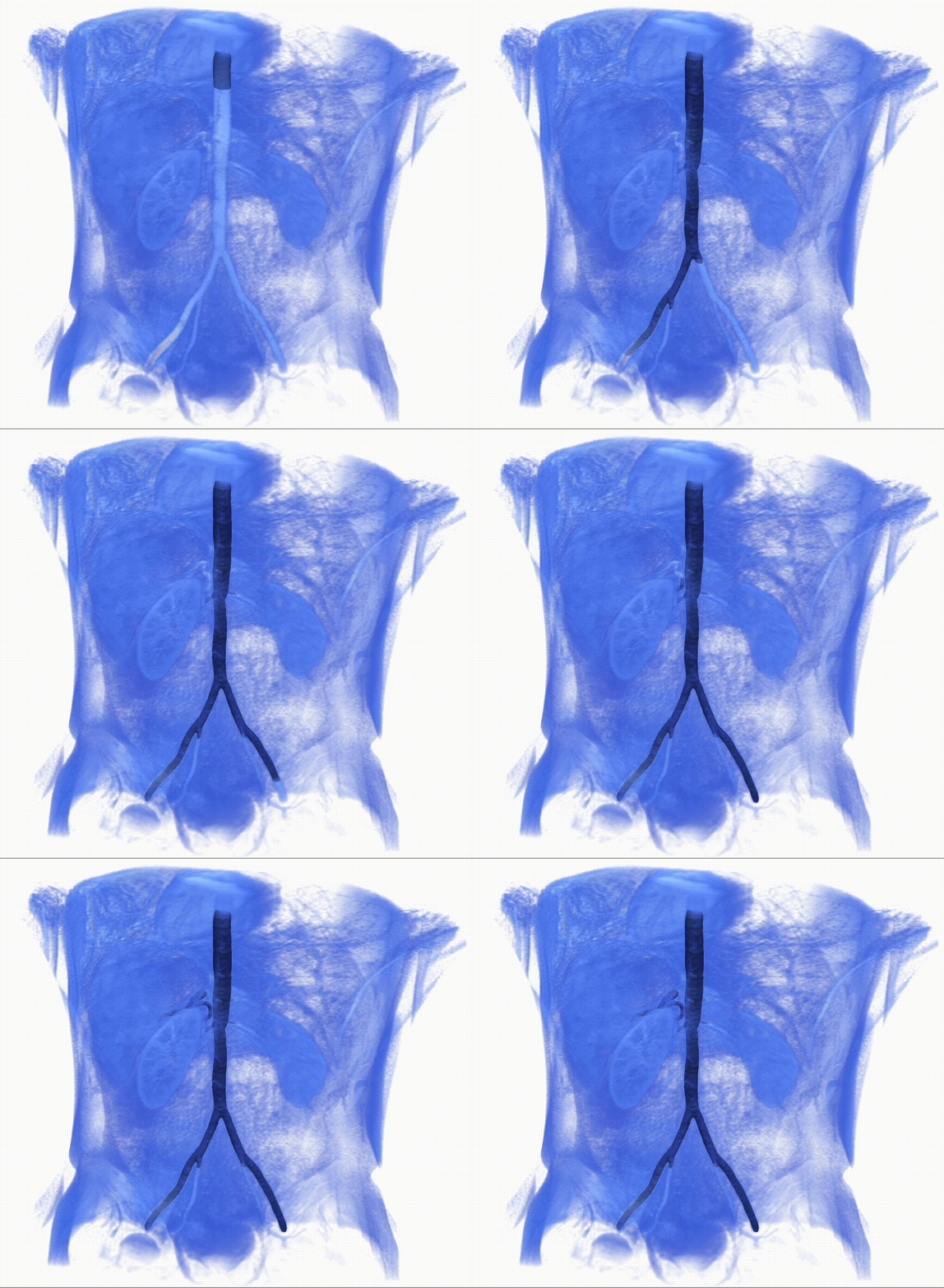
Real-time demonstration: automatic segmentation of an abdominal aorta in a 3D MR scan.
SeqSeg 2.0 refactors the package around a clearer CLI and a stable Python API. Existing batch workflows still work; legacy invocations without a subcommand (e.g. seqseg -data_dir ...) are rewritten to seqseg run batch automatically.
| Feature | Description |
|---|---|
seqseg run batch |
Classic dataset batch tracing (preferred entry point) |
seqseg run single |
One volume + seeds: stages under <outdir>/_seqseg_single_staging/, then runs like batch |
seqseg run plus batch |
Global nnU-Net sweep, then SeqSeg (replaces monolithic seqseg_plus script flow) |
seqseg init dataset |
Scaffold images/, centerlines/, truths/, and template seeds.json |
seqseg doctor |
Check imports (SimpleITK, vtk, nnunetv2, scipy) and optional nnU-Net trainer folder |
seqseg config dump / fingerprint |
Inspect or diff packaged YAML configs |
seqseg post global-centerline |
Post-process segmentations into global centerlines |
seqseg simvascular init |
Create or refresh SimVascular project layout under a case directory |
seqseg --version |
Print installed package version |
Embed tracing in other Python code without writing SeqSeg output files:
seqseg.api.run_tracing— pass asitk.Image, seed definitions, and an nnU-Net trainer folder; get aTracingResultwith global probability segmentation atresult.assembly.assemblyTracingOptions(disk_io=False)— skip VTK/MHA debug trees on disk (nnU-Net weights still load frommodel_folder)BranchSeed,branch_seed_at_point,seeds_to_potential_branches— simple seed formats instead of hand-built step dictsTracingContext/trace_centerline_from_context— lower-level control with the same in-memory image support- Lazy re-exports from
import seqseg(seeseqseg/__init__.py)
Quick example (seeds and config known):
from seqseg.api import TracingOptions, branch_seed_at_point, run_tracing

result = run_tracing(
    my_sitk_image,
    [branch_seed_at_point([x, y, z], radius)],
    "/path/to/nnUNetTrainer__nnUNetPlans__3d_fullres",
    config="global",
    options=TracingOptions(disk_io=False),
)
prob_seg = result.assembly.assembly  # sitk.Image; threshold for binary masks
See High-level API (seqseg.api) for full detail.
- Pipeline modules:
seqseg.pipeline.classic,plus,post,single_trace - Typed config helpers:
AlgorithmConfig,NnUNetModelSpecinseqseg.config_models - Tracing core accepts
sitk.Imageor file paths for the reference volume and optional prior segmentation
- CLI: Prefer
seqseg run batch(or keep legacy flags — they still work). - Plus workflow: Use
seqseg run plus batchinstead ofpython -m seqseg.seqseg_pluswith the same nnU-Net path flags. - Library: Use
run_tracingorTracingContextrather than callingtrace_centerlinewith only file paths. - Version:
pip install -U seqsegand check withseqseg --version(expects 2.0.0).
# Install
pip install seqseg

# Download pre-trained weights (see Installation docs for links)
# Run segmentation
seqseg -data_dir your_data/ -nnunet_results_path path/to/weights/ -config_name aorta_tutorial
📖 New here? Follow the step-by-step tutorial with example data and detailed instructions.
| Guide | Description |
|---|---|
| Installation | Setup, dependencies, and pre-trained model weights |
| Usage | Data preparation, CLI arguments, and output files |
| Configuration | YAML configs and key tracking parameters |
| Algorithm Overview | Methodology, workflow, and training strategy |
| Performance & Benchmarks | Accuracy, timing, and qualitative comparisons |
| Research & Development | Extending SeqSeg, custom models, and tool integrations |
When using SeqSeg, please cite the following paper:
@Article{SveinssonCepero2024,
author={Sveinsson Cepero, Numi
and Shadden, Shawn C.},
title={SeqSeg: Learning Local Segments for Automatic Vascular Model Construction},
journal={Annals of Biomedical Engineering},
year={2024},
month={Sep},
day={18},
issn={1573-9686},
doi={10.1007/s10439-024-03611-z},
url={https://doi.org/10.1007/s10439-024-03611-z},
}