Releases: resurrectdev1/Grove
Release list
v0.7.4

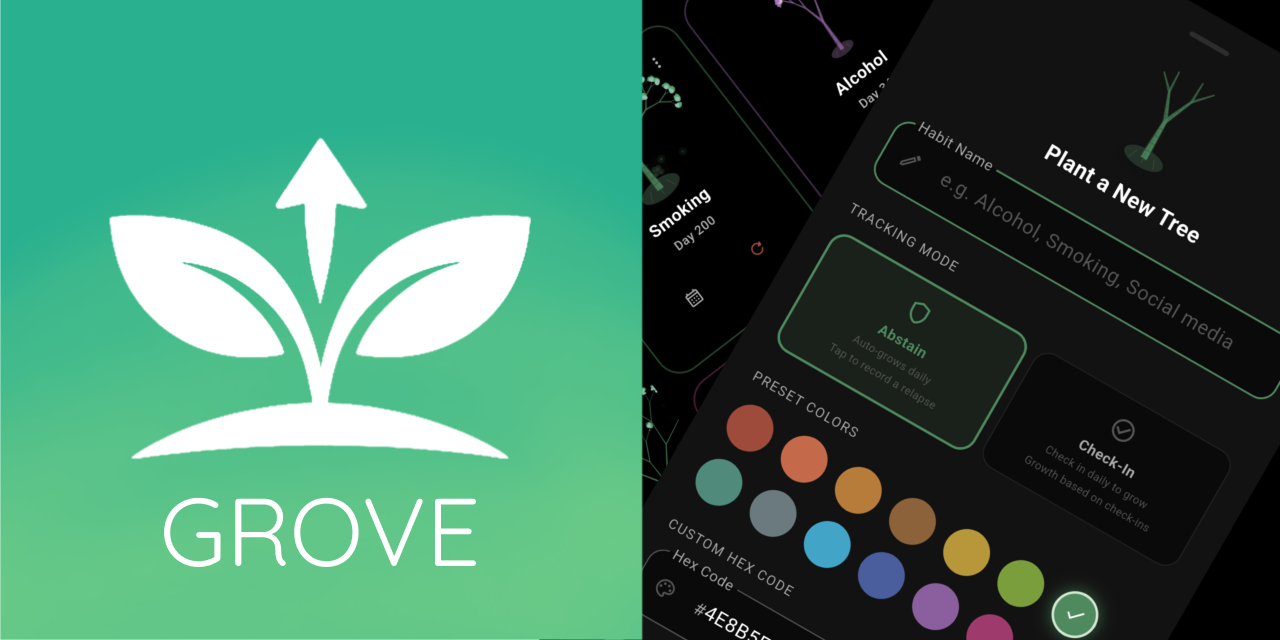
🌲 Grove v0.7.4 - Polish & QOL (Quality of life)!
What's new?
-
Option to change habit color via three dot menu or within the detailed habit view by clicking on the colored dot at the top right of the screen
-
Add findahelpline.com link in information tab
-
Notes for Check-In Mode, so you can jot down how a check-in or excused day went
-
Option to let excused days count or not twoards your streak in the three dot menu (check-in mode only)
-
Made colored dot in top right of detailed habit view bigger
-
Default color when making new habit to green instead of brown
-
More room for trees in grid view
-
Grid view not having tree stage next to current day
-
Calendar widget not showing excused days for check-in mode habits
-
Check-in mode widget trees showing 1 when checked in and 0 when not instead of days of habit tree
Install
- Download the latest
app-release.apk. - Open the APK file on your Android device and follow the installation prompts.
Note: Android may ask you to allow installations from unknown sources. If you are prompted, enable permission for your browser or file manager, then continue with the installation.
Android only.
v0.7.2
🌲 Grove v0.7.2 - Massive rehual/revamp & many bug fixes + features!!!
What's new?
-
Full localization of the interactive monthly calendar, including locale-aware weekday headers
-
Notes for Check-In Mode, so you can jot down how a check-in or excused day went -
Excused days now appear in the Check-In history list, marked with a frost icon
-
New ⋮ three-dot menu in habit cards for all views allowing you to rename and delete habits
-
New preset colors: Indigo, Olive, Slate, Terracota, Dusty rose, Amber brown
-
Check-In Mode trees now show their growth stage (Seed, Sprout, Sapling, etc.) alongside the day count, matching Abstinence Mode, instead of a redundant day-streak label
-
Rearranged preset colors in rainbow order
-
Fixed a bug where excusing a day that already had a check-in could leave the day in a broken combined state
-
Fixed check-in buttons not working on excused days in the habit detail view and home screen
-
Fixed 1x1 check-in widget breaking when using it on a allready excused day
-
Fixed l10n typo from |10n to l10n
-
Fixed Daily check-in reminder not prompting notification permissons upon first toggle
-
Added Calendar view button to list view (layout archetecture)
Install
- Download the latest
app-release.apk. - Open the APK file on your Android device and follow the installation prompts.
Note: Android may ask you to allow installations from unknown sources. If you are prompted, enable permission for your browser or file manager, then continue with the installation.
Android only.
v0.7.0
🌲 Grove v0.7.0 - Many bug fixes & updated wording!
What's new?
-
Moved the freeze streak toggle to be placed below the interactive monthly calendar.
-
Updated terminology to be more inclusive, shifting from words like "clean" to "abstain" in multiple places.
-
Fixed several bugs affecting Check-in mode. Excused days are now correctly factored into your streak, and the redundant/duplicate pill underneath the streak, peak, and check-in pills in the detailed habit view. has been removed
-
Fixed an issue where the check-in time defaulted to 12:00.
-
Added the ability to customize check-in times (matching Abstinence mode).
-
Improved the UX/UI flow for the interactive monthly calendar within Check-in mode.
-
Upgrade flutter dependency's
Install
- Download the latest
app-release.apk. - Open the APK file on your Android device and follow the installation prompts.
Note: Android may ask you to allow installations from unknown sources. If you are prompted, enable permission for your browser or file manager, then continue with the installation.
Android only.
v0.6.8
🌲 Grove v0.6.8 - Better trees & More love to check-in mode!
What's new?
-
Polished all translations further to be more accurate
-
New streak freeze toggle for check-in mode allowing you to freeze a habits streak
-
New excused days for check-in mode allowing you to keep your streak alive on rest days, vacation etc
-
Fixed check-in mode interactive monthly calendar typo from "clean" to "missed"
-
NEW tree growth animations
-
NEW revamped designs for day 0 seed and day 1 sprout
-
Made app_icon in info tab larger
-
Code cleanup (e.g. curly_braces_in_flow_control_structures & empty catches)
Install
- Download the latest
app-release.apk. - Open the APK file on your Android device and follow the installation prompts.
Note: Android may ask you to allow installations from unknown sources. If you are prompted, enable permission for your browser or file manager, then continue with the installation.
Android only.
v0.6.6
🌲 Grove v0.6.6 - More Customization, Notifications, and a new Widget!
What's new?
-
New 1x1 check-in widget with help from @ADAIBLOG
-
New custom hex color theme picker in settings hub
-
New daily check-in reminder notification
-
More localization support e.g. German, Hindi, Italian, Japanese, Korean, Portuguese, Urdu & Vietnamese
-
Language setting toggle has its own devider instead of being with "Privacy & Notifications"
-
Localization view updated to be scrollable
-
Fixed french "swipeForEarlierMonths": pixel overflow bug
-
Upgraded flutter dependencys
-
Under the hood bug fixes
Install
- Download the latest
app-release.apk. - Open the APK file on your Android device and follow the installation prompts.
Note: Android may ask you to allow installations from unknown sources. If you are prompted, enable permission for your browser or file manager, then continue with the installation.
Android only.
Contributors

Assets 5
v0.6.4
🌲 Grove v0.6.4 - New check-in mode & App localization!
What's new?
-
New Check-In Mode, created with help from @ADAIBLOG
-
Home screen widget support for Check-In Mode
-
Localization support for Chinese (Simplified), Chinese (Traditional), Spanish, French, and Arabic
-
Notification text made more clear and consistent to match tree growth milestone
-
Fixed a bug that stopped notifications from firing rapidly upon being restored correctly
Performance optimisations and a range of smaller bug fixes
Install
- Download the latest
app-release.apk. - Open the APK file on your Android device and follow the installation prompts.
Note: Android may ask you to allow installations from unknown sources. If you are prompted, enable permission for your browser or file manager, then continue with the installation.
Android only.
Contributors
Assets 5
v0.6.2
🌲 Grove v0.6.2 - Notifications revamp & Renaming + Reorganizing features
What's new?
-
Change hard-coded version in info tab to match current version automatically via "package_info_plus"
-
Revamp notifications to show tree milestones instead of daily set reminder to open the app
-
Upgraded flutter dependencies
-
Fix Grove backup.json displaying (1) after .json by adding specific time to backup
-
Allow renaming habits in Habit Detail screen
-
Allow rearranging trees in Settings hub
-
Remove vestigial swipe to delete habit feature
Install
- Download the latest
app-release.apk. - Open the APK file on your Android device and follow the installation prompts.
Note: Android may ask you to allow installations from unknown sources. If you are prompted, enable permission for your browser or file manager, then continue with the installation.
Android only.
v0.6.0
🌲 Grove v0.6.0 - Fractal tree overhaul & more QOL features
What's new?
-
Biometric auth asking for auth twice upon first toggle bug fixed
-
New fractal tree id system
-
Improved fractal tree particles, animations and branches
-
More fractal tree variety and differences
-
Information section displays app icon
-
Changed app text to be more consistent
-
Improved onboarding for clarity
-
Backup now makes a local .json file to wherever you desire
-
Calendar widget fixed
Install
- Download the latest
app-release.apk. - Open the APK file on your Android device and follow the installation prompts.
Note: Android may ask you to allow installations from unknown sources. If you are prompted, enable permission for your browser or file manager, then continue with the installation.
Android only.
v0.5.8
🌲 Grove v0.5.8 - Architecture overhaul & Bug fixes
What's new?
-
Timezone plugin instead of redundant manual logic for notifications
-
Snackbar in case of accidental habit deletion
-
Performance optimization
-
Better cache and editing logic
-
Plenty of bug fixes and QOL features
-
Tree in habit sheet not cropped out on bigger trees
-
Improved widget logic and integration
Install
- Download the latest
app-release.apk. - Open the APK file on your Android device and follow the installation prompts.
Note: Android may ask you to allow installations from unknown sources. If you are prompted, enable permission for your browser or file manager, then continue with the installation.
Android only.