


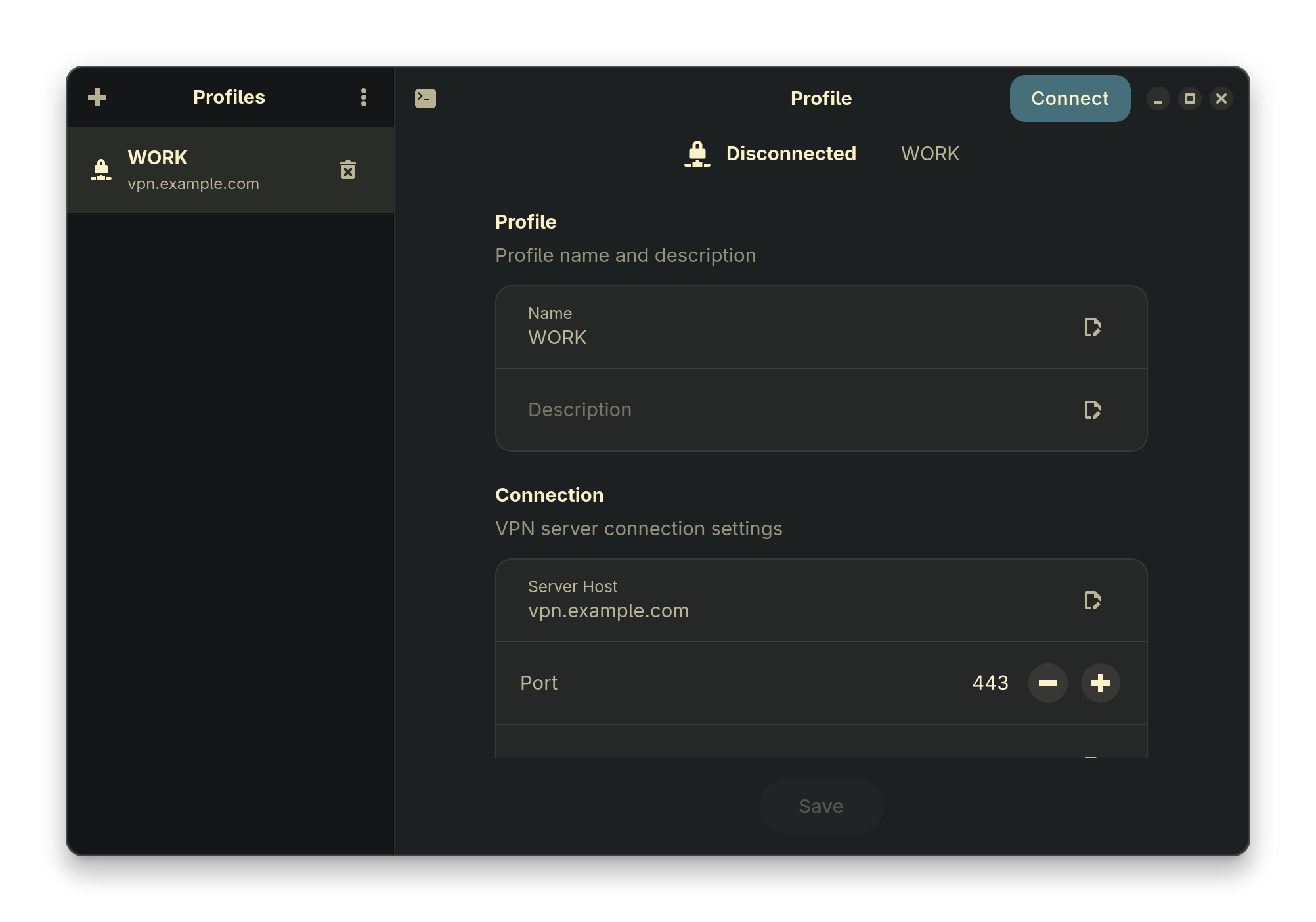
A modern GTK4/libadwaita GUI client for Fortinet SSL VPN on Linux, wrapping the openfortivpn CLI tool.
- Multiple VPN Profiles - Create, edit, and manage multiple VPN connection profiles
- Multiple Authentication Methods: Username/Password, OTP, Client Certificate, SAML/SSO
- System Tray Integration - Minimize to tray, quick connect/disconnect
- Desktop Notifications - Connection status notifications
- Secure Credential Storage - Passwords stored in system keyring (libsecret)
- Auto-Connect - Optionally connect to last used profile on startup
- Configurable Routing - DNS, routes, and split tunneling options
Add shini4i/nixpkgs as a flake input or install directly:
# Enable binary cache for faster installs
cachix use shini4i

# Install
nix profile install github:shini4i/nixpkgs#openfortivpn-gui
A NixOS module is also available for declarative configuration.
Download the .rpm package from GitHub Releases:
sudo dnf install ./openfortivpn-gui-*.rpmAfter installation, enable passwordless VPN operations:
sudo usermod -aG openfortivpn-gui $USER
# Log out and back in, then:
sudo systemctl enable --now openfortivpn-gui-helperNote: Debian/Ubuntu packages are not available yet due to libadwaita version requirements (needs 1.7+). Packages will be provided once compatible versions reach Debian/Ubuntu repositories.
# Enter development shell with all dependencies
nix develop

# Build and run
task build
task run- Launch
openfortivpn-gui - Click "+" to create a VPN profile
- Configure server, authentication method, and routing options
- Select a profile and click "Connect"
Set OPENFORTIVPN_GUI_DEBUG=1 for debug logging.
GPL-3.0 - see LICENSE for details.
- openfortivpn - The underlying VPN client
- gotk4 - Go bindings for GTK4