A Modern, Efficient & Feature-Rich Management Dashboard for Marzban
Overview • Features • Installation • Screenshots • Credits


Marz-X is an independent, professional-grade management dashboard designed to interact with Marzban via its official public API.
It provides an elegant and intuitive web interface for managing users, subscriptions, traffic monitoring, and VPN server configuration — all without modifying the Marzban core.
Marz-X simplifies deployment by automating Docker, Nginx, SSL certificates, and Marzban setup in minutes.
⚠️ Marz-X does not modify or relicense Marzban. Marzban remains a separate project licensed under AGPL-3.0.
- One-Click Auto Installation — Deploy Dashboard, Docker, SSL certificates, and Marzban VPN node with a single command
- Fully Dockerized Architecture — Secure, isolated containerized environment with easy updates and maintenance
- Automated Server Optimization — Real-time monitoring and resource tuning for peak VPN performance on connected Marzban servers
- Advanced User Management — Create, edit, suspend, and reset user traffic with precise control over expiry dates
- Subscription Management — Manage customizable plans, data limits, and branded subscription links
- Multi-Server Support — Control multiple Marzban nodes from a single, unified interface
- Usage Analysis & Bandwidth Monitoring — View comprehensive historical server bandwidth data with upload/download traffic insights
- Real-Time Dashboard — Live system status and performance metrics at a glance
- Native Marzban Integration — Seamless real-time synchronization of users, traffic, and system status via official API
- Visual Xray Configuration — Manage Xray Core via intuitive GUI—configure Inbounds, Outbounds, and Routing rules without JSON editing
- Interactive Swagger API Documentation — Explore and test all API endpoints with comprehensive OpenAPI/Swagger UI interface
- Backup & Restore — Ensure data safety with automatic backup and easy recovery functionality
| Requirement | Details |
|---|---|
| Operating System | Ubuntu 22.04+ (Recommended) |
| Access Level | Root/sudo privileges |
| Network | Valid domain name pointed to your server IP |
| Resources | Minimum 1GB RAM, 1GB free disk space |
bash -c "$(curl -fsSL https://raw.githubusercontent.com/wmm-x/marz-x/main/install.sh)"The installer will automatically:
- ✅ Install and configure Docker
- ✅ Set up Nginx reverse proxy
- ✅ Provision SSL certificates via Let's Encrypt
- ✅ Deploy Marzban with complete dashboard
- ✅ Initialize database and configurations
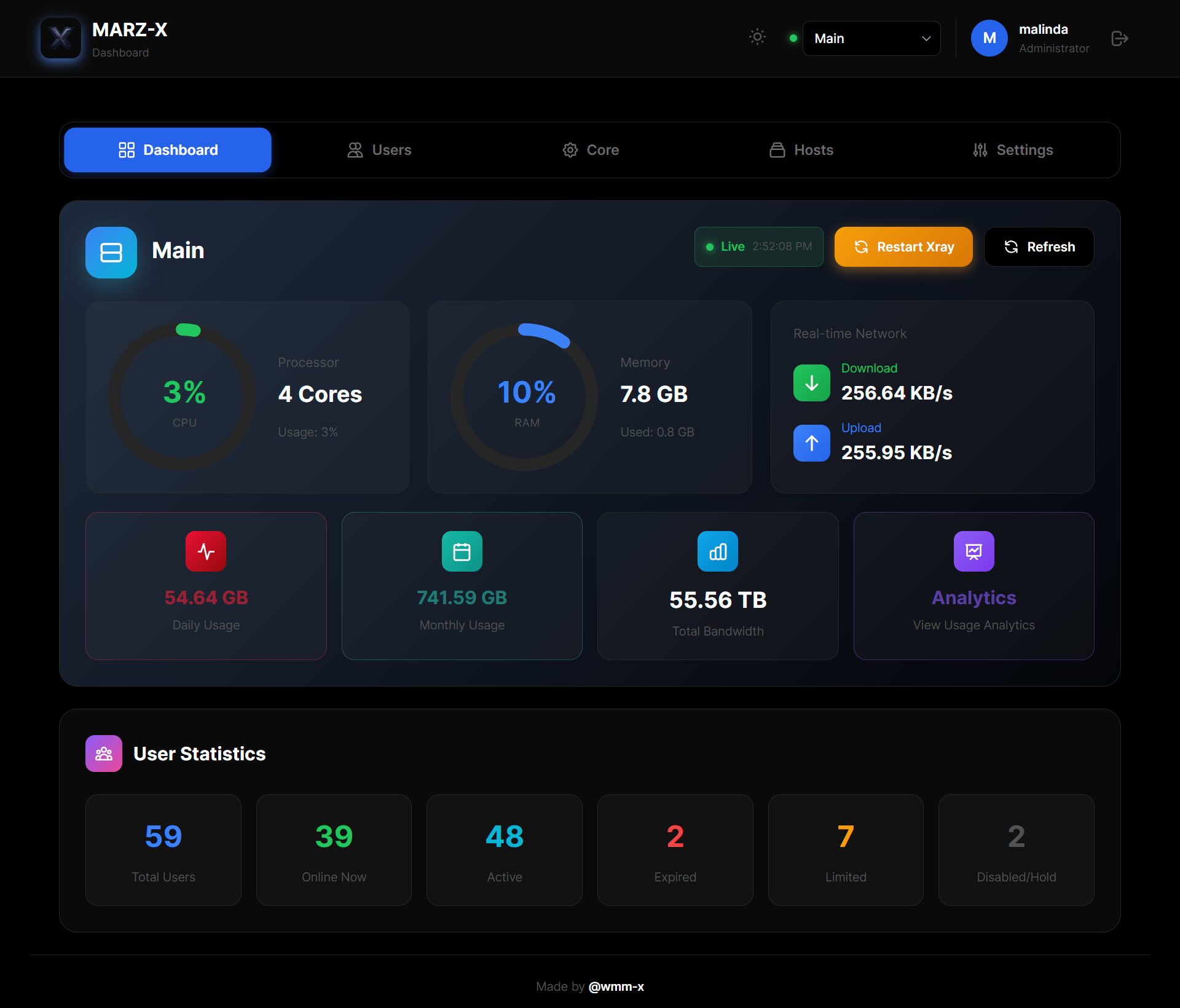
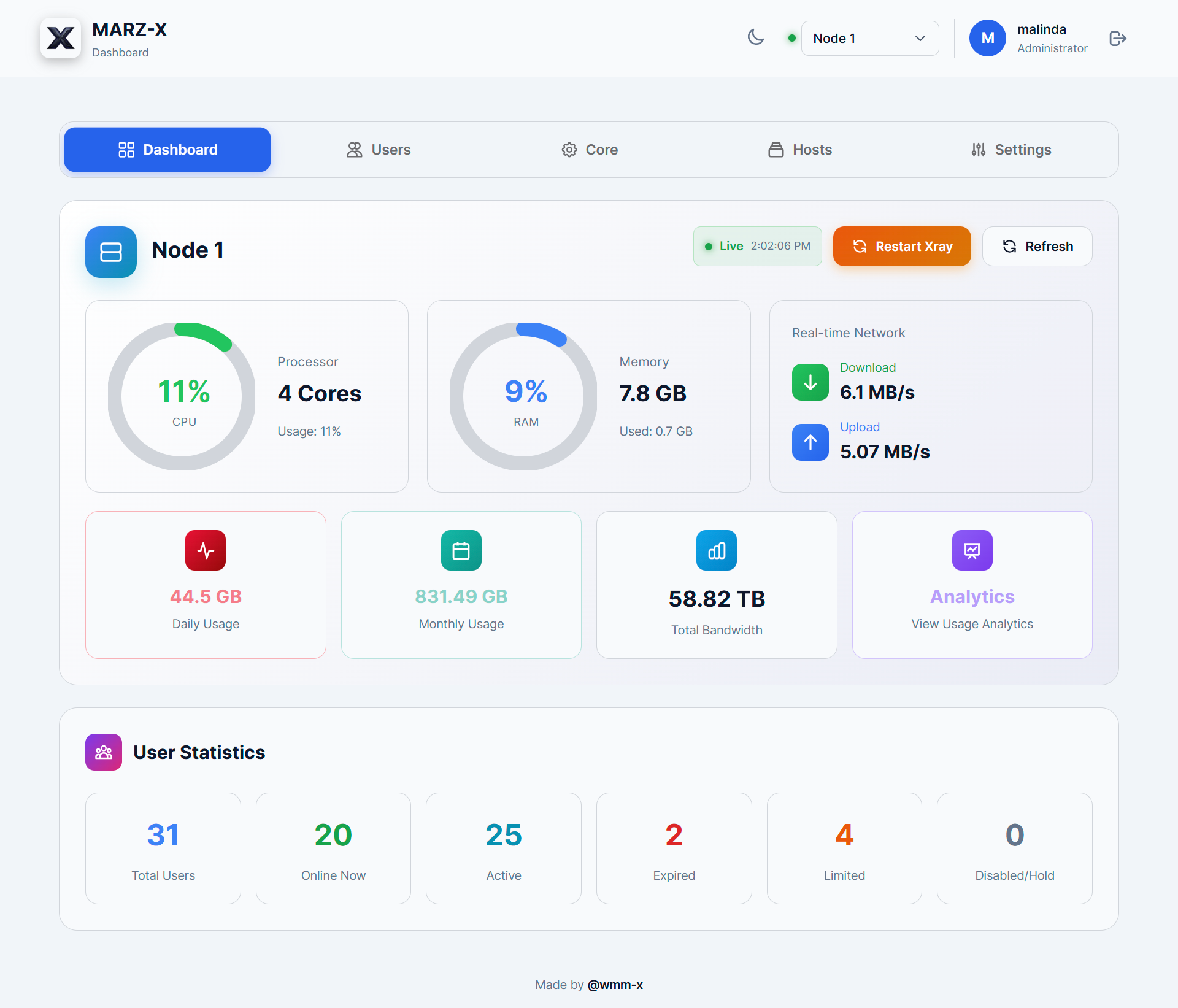
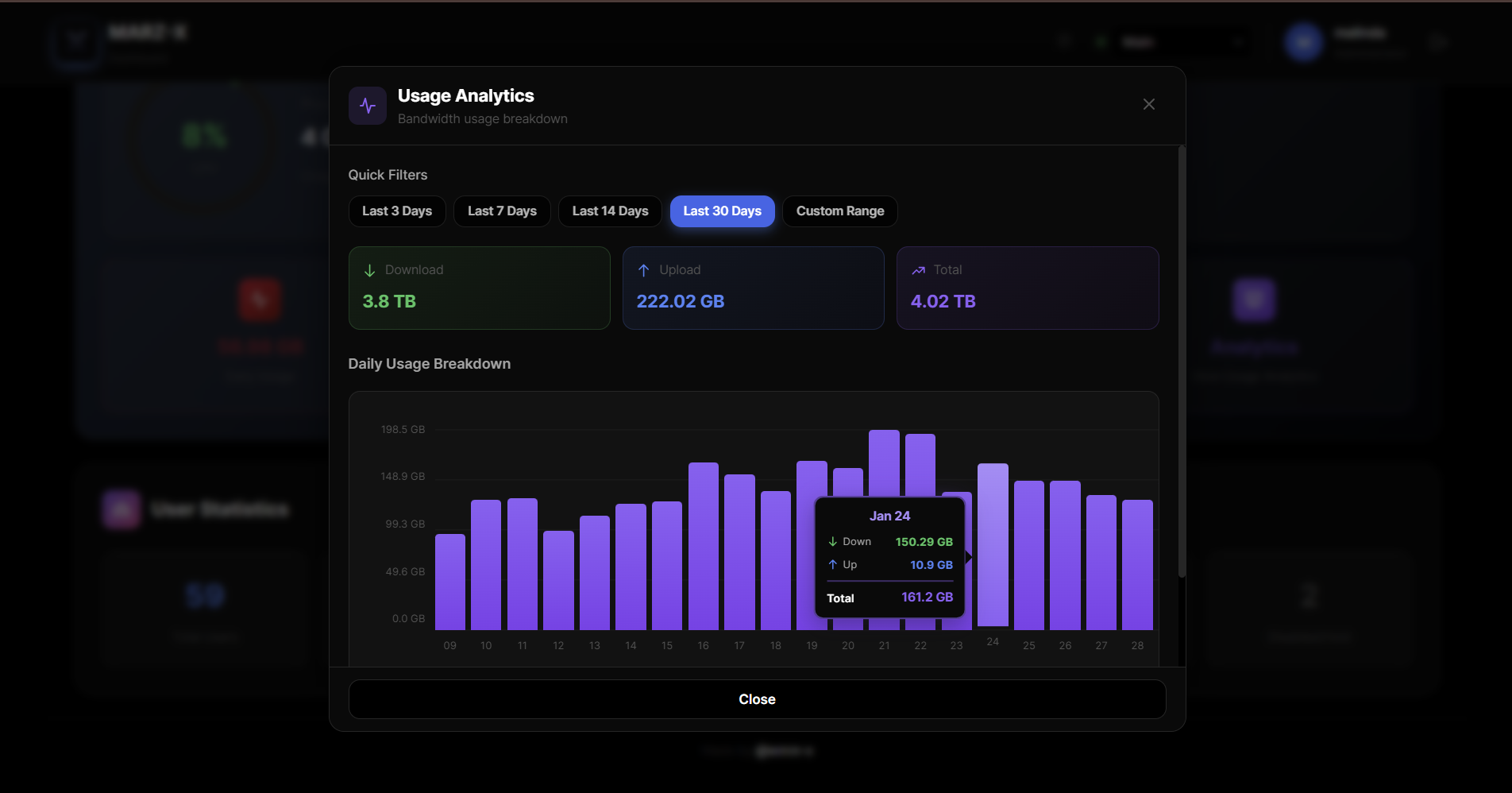
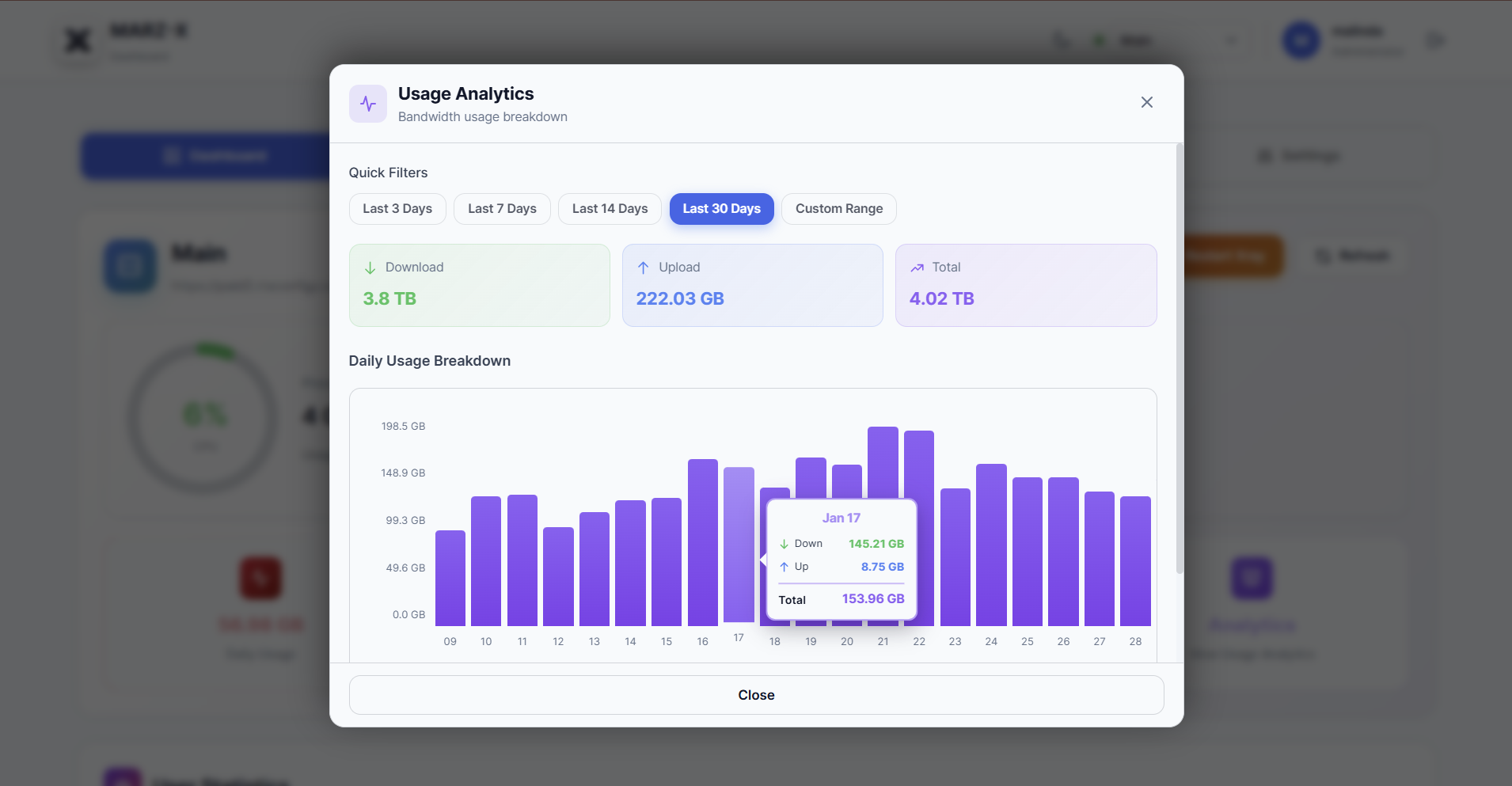
- Backend: Node.js + Express
- Database: Prisma ORM with SQLite
- Frontend: React with modern responsive UI
- API Documentation: Swagger/OpenAPI UI
- Containerization: Docker & Docker Compose
- Web Server: Nginx with SSL/TLS
- VPN Core: Xray Protocol
Marz-X is an advanced, feature-rich customization built upon the official Marzban project.
Special Recognition:
- 🙌 Gozargah Team — For creating and maintaining Marzban, the powerful core engine powering this dashboard
- 💝 Community contributors and testers worldwide
Disclaimer: Marz-X is a community-driven project and is not officially affiliated with or endorsed by the Marzban core development team.
This project is licensed under the MIT License. See LICENSE file for complete details.