2. How To Run OpenCourse
Now that all dependencies have been installed, you must open a new terminal window, change your directory to the main project directory of your local machine's copy, should be called '9' and run the command npm run build to build the project.
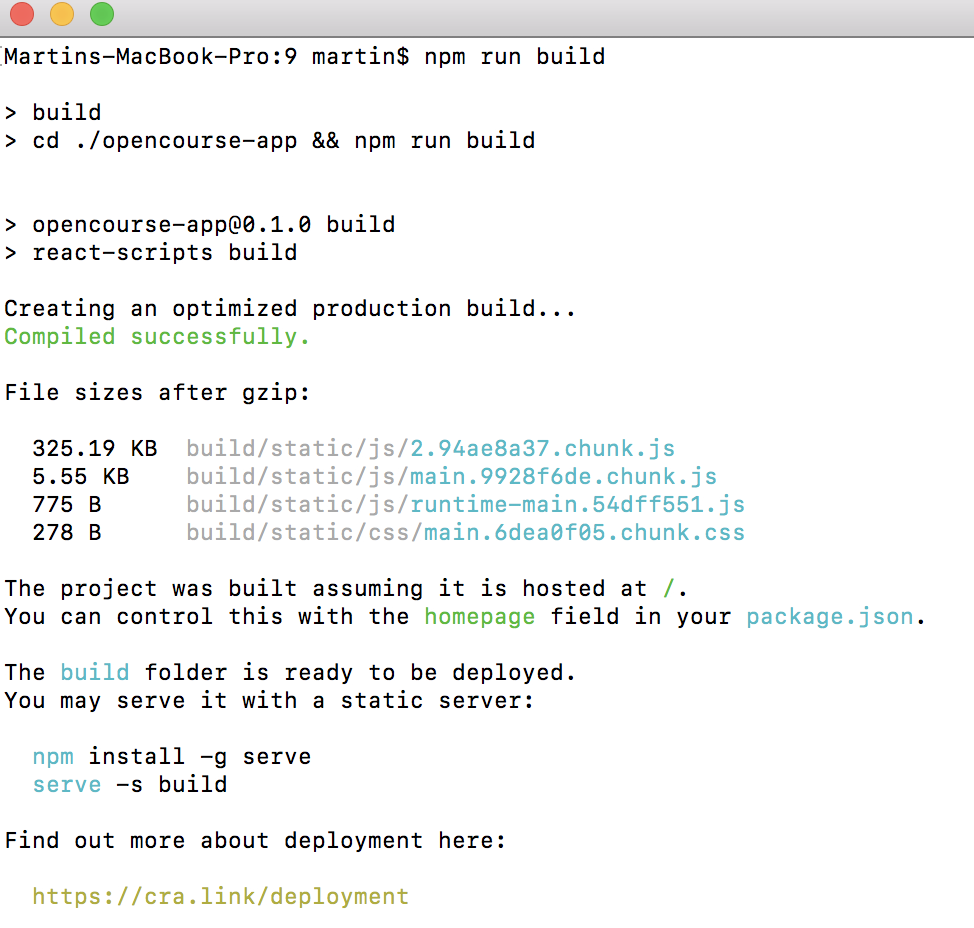
After a successful build, you must now run npm test which will run all the test cases, for both frontend and backend.
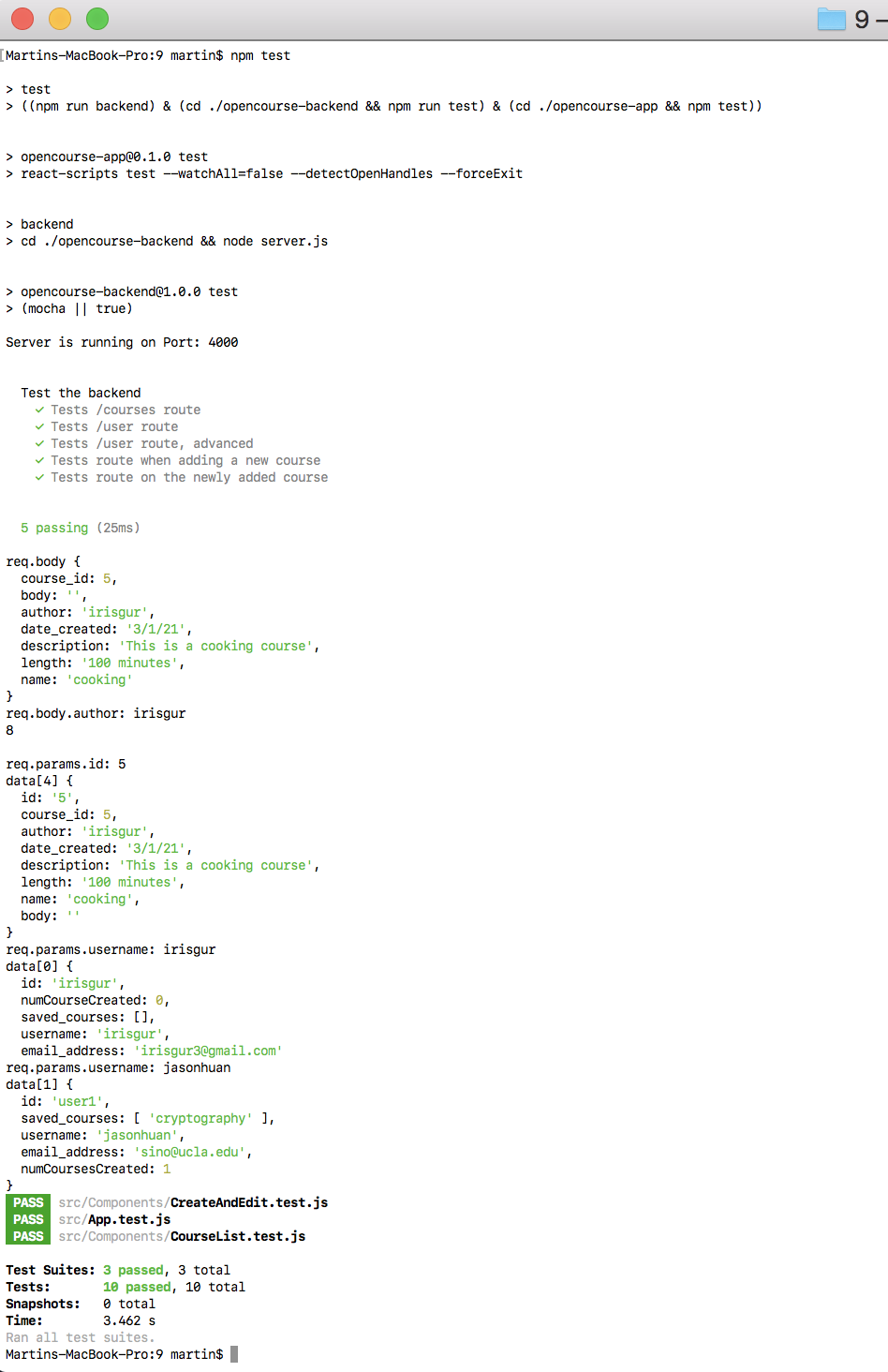
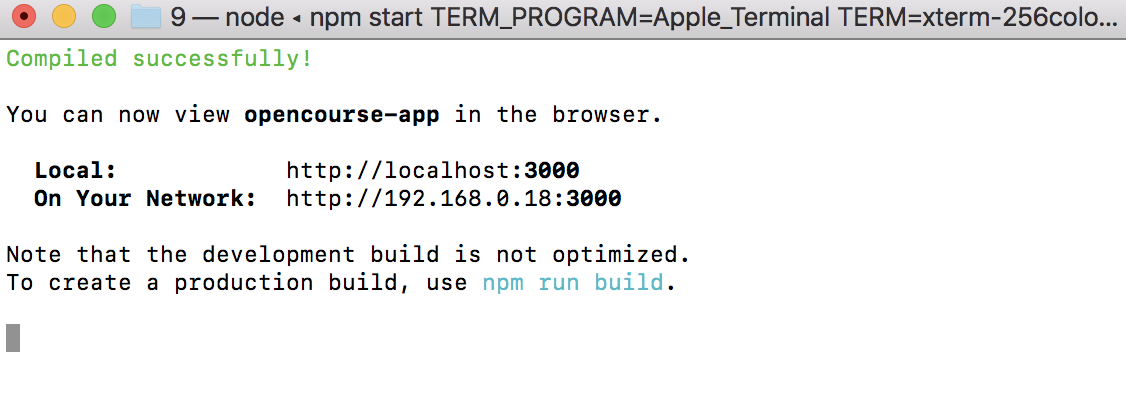
Once the test cases all pass as well, you can proceed to run the application within the same directory using npm start. Upon entering this command, your web browser should open a window at localhost:3000.
Make sure that PORT 4000 is not in use before and in between the commands above. If an error shows up saying that port is in use, run the following command, and then re-run the steps above: kill $(lsof -t -i:4000)
You may now begin using the app. Click here to continue or once again select the desired page on the right.